How to Download Instagram Reels in HD: Step-by-Step Guide
Save any public Instagram Reel to your phone in HD in under a minute. Five simple steps with screenshots, plus fixes for common problems.
Read guideUniversal Video Downloader saves Reels, Stories, TikToks, tweets and clips from 3786+ websites straight to your device. Paste a link, pick a quality, done.

Works with the platforms you use every day
Fast, simple and built for every platform. Save the videos you love and watch them anywhere, anytime — even offline.
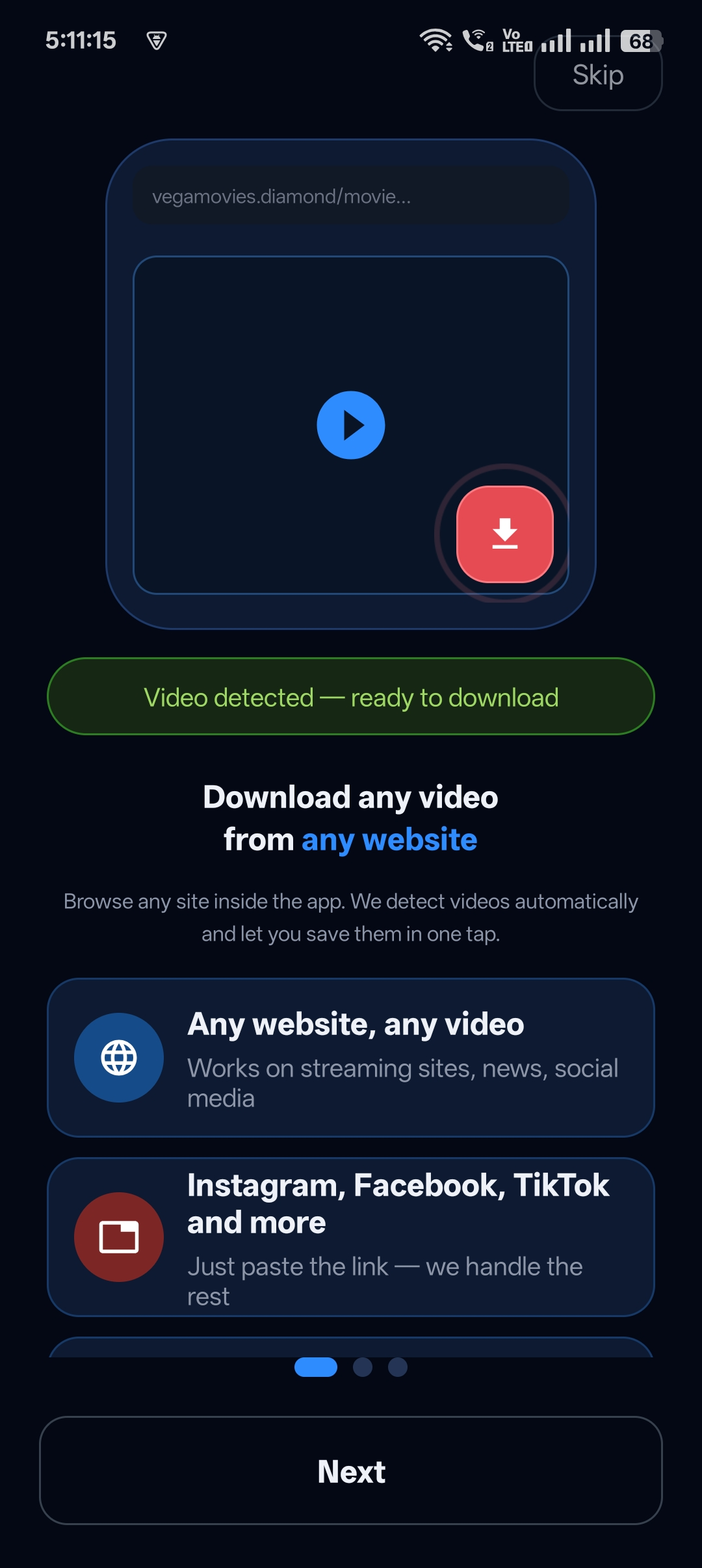
Instagram, Facebook, TikTok, X (Twitter), Pinterest, Reddit, Vimeo and hundreds more — one app for all of them.
Pick the resolution you want, from data-saving SD up to the best quality the source offers.
Optimised download engine that fetches videos quickly, even on slower mobile connections.
Save just the sound from a Reel, TikTok or music video as an audio file.
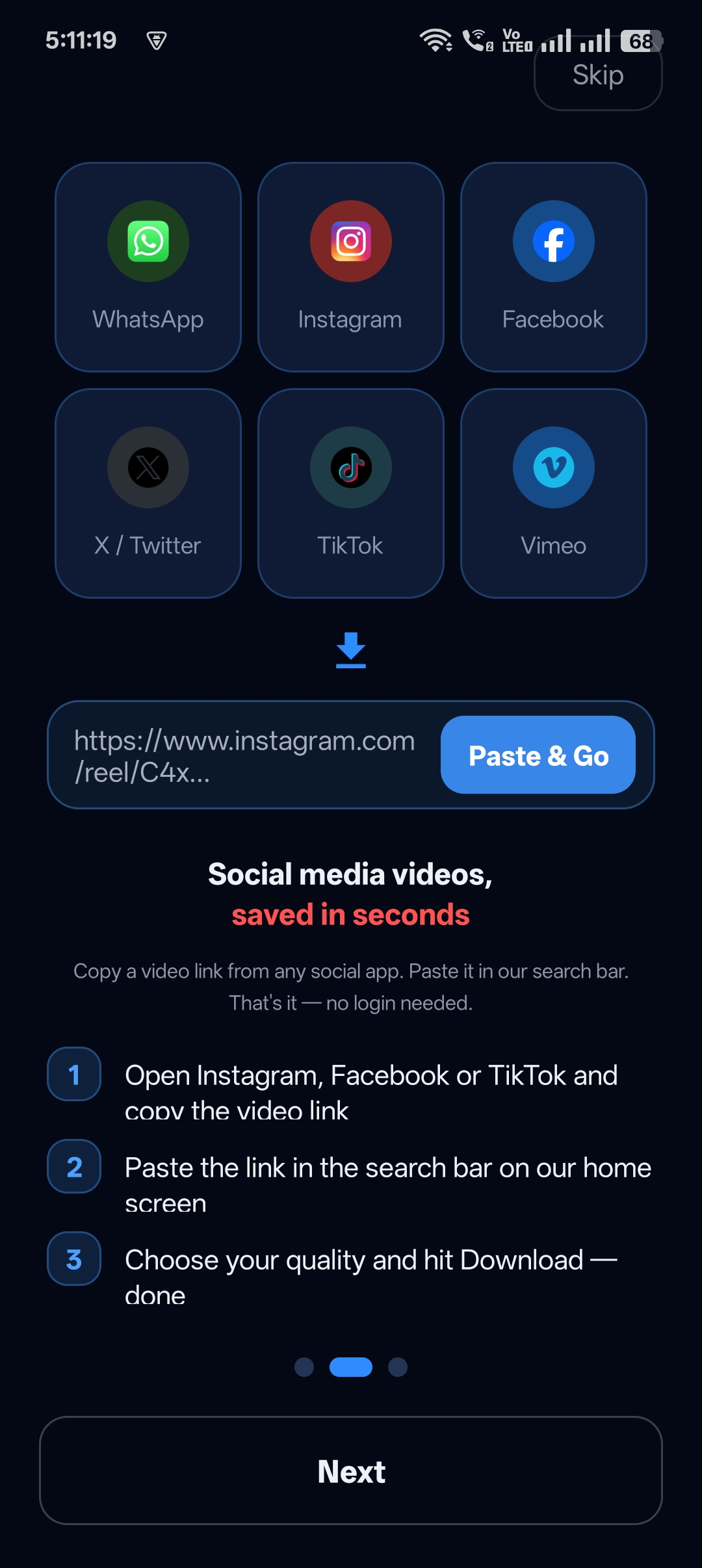
Copy a link from any app, open Universal Video Downloader and it is ready to download.
Queue several videos at once and let them download in the background.
Every download is organised in one place, so you can play, share or delete in a tap.
No login to your social accounts needed. Your links and downloads stay on your device.
No complicated settings. If you can copy a link, you can download a video.
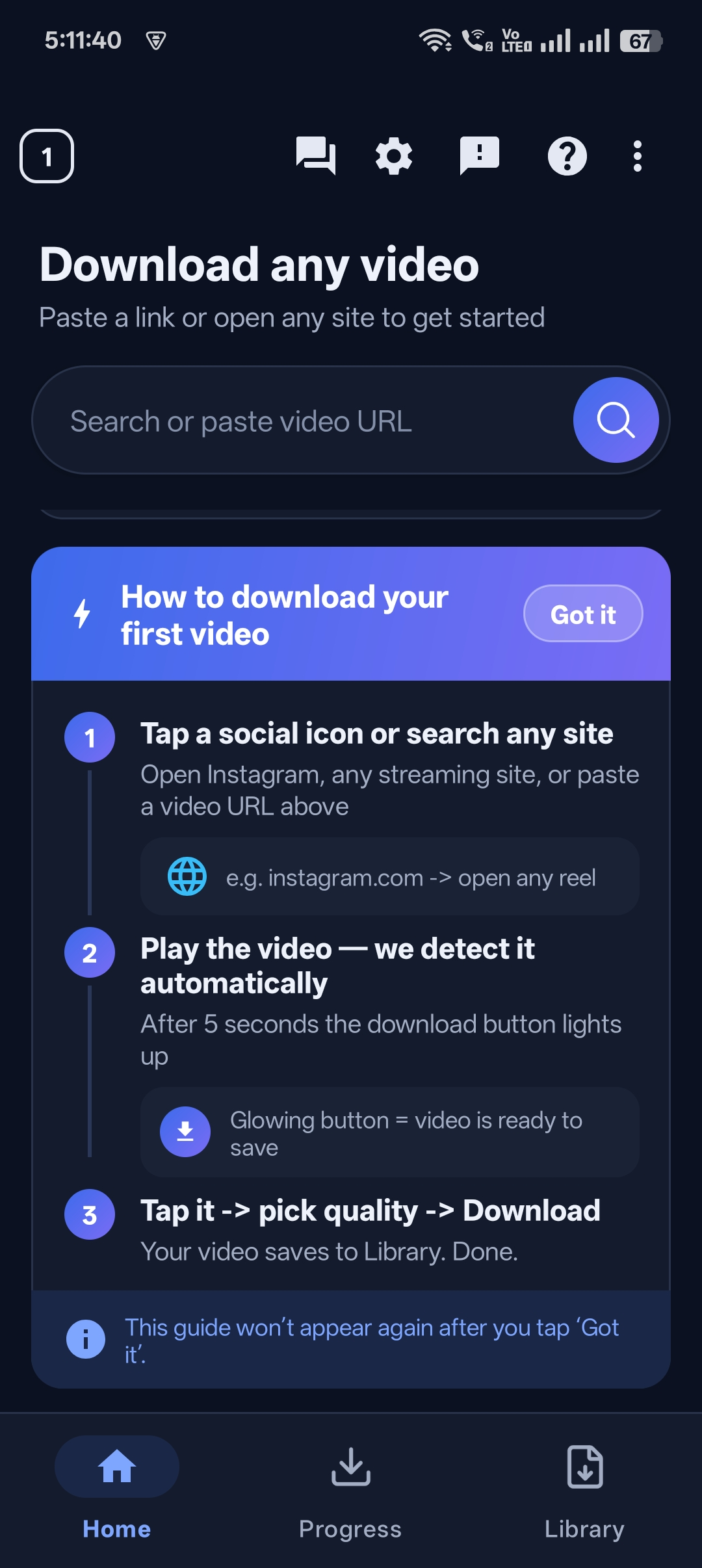
Open Instagram, Facebook, TikTok, X or any supported site and tap Share → Copy link.
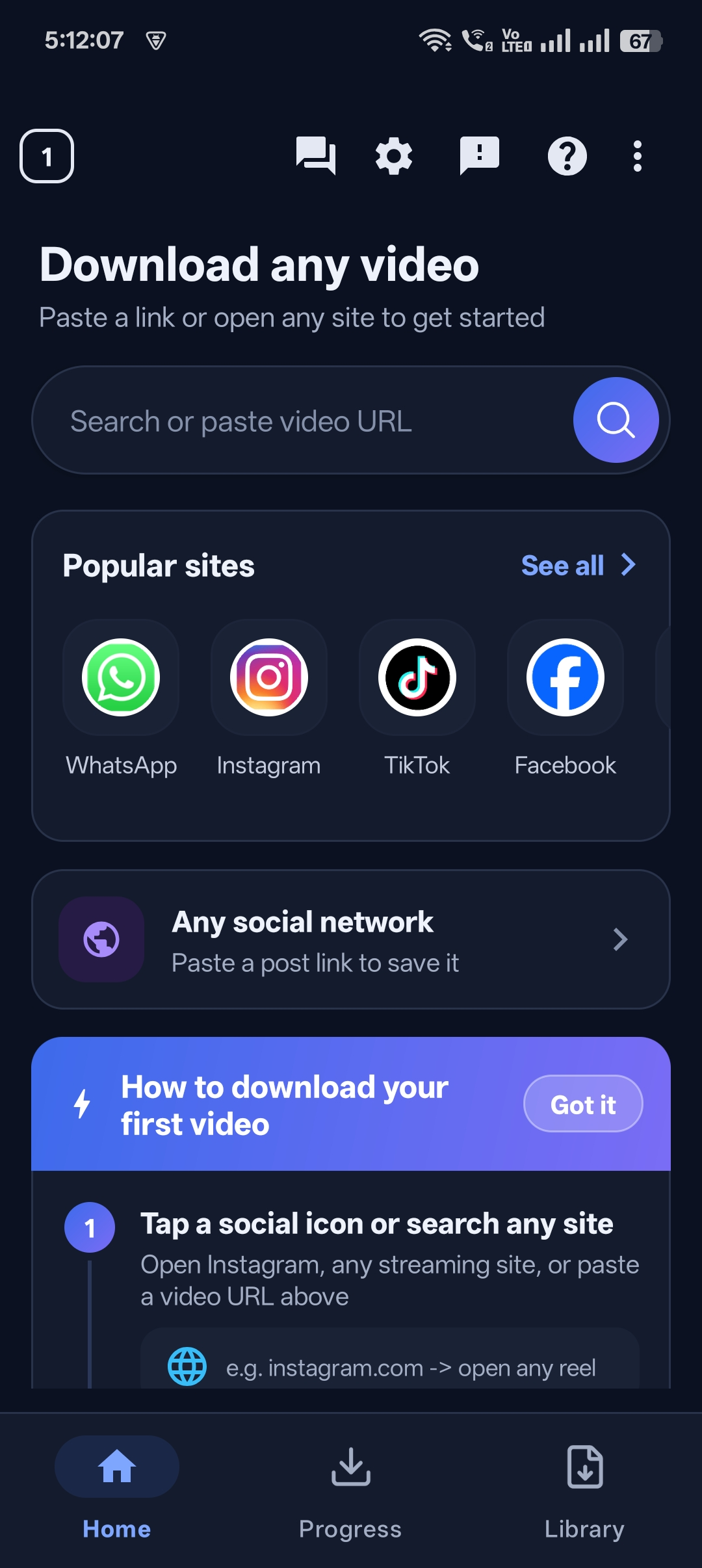
Open Universal Video Downloader. The link is detected automatically — or paste it yourself.
Pick HD, SD or audio only, tap Download and the video is saved to your device.
Designed to stay out of your way — paste, choose, download.
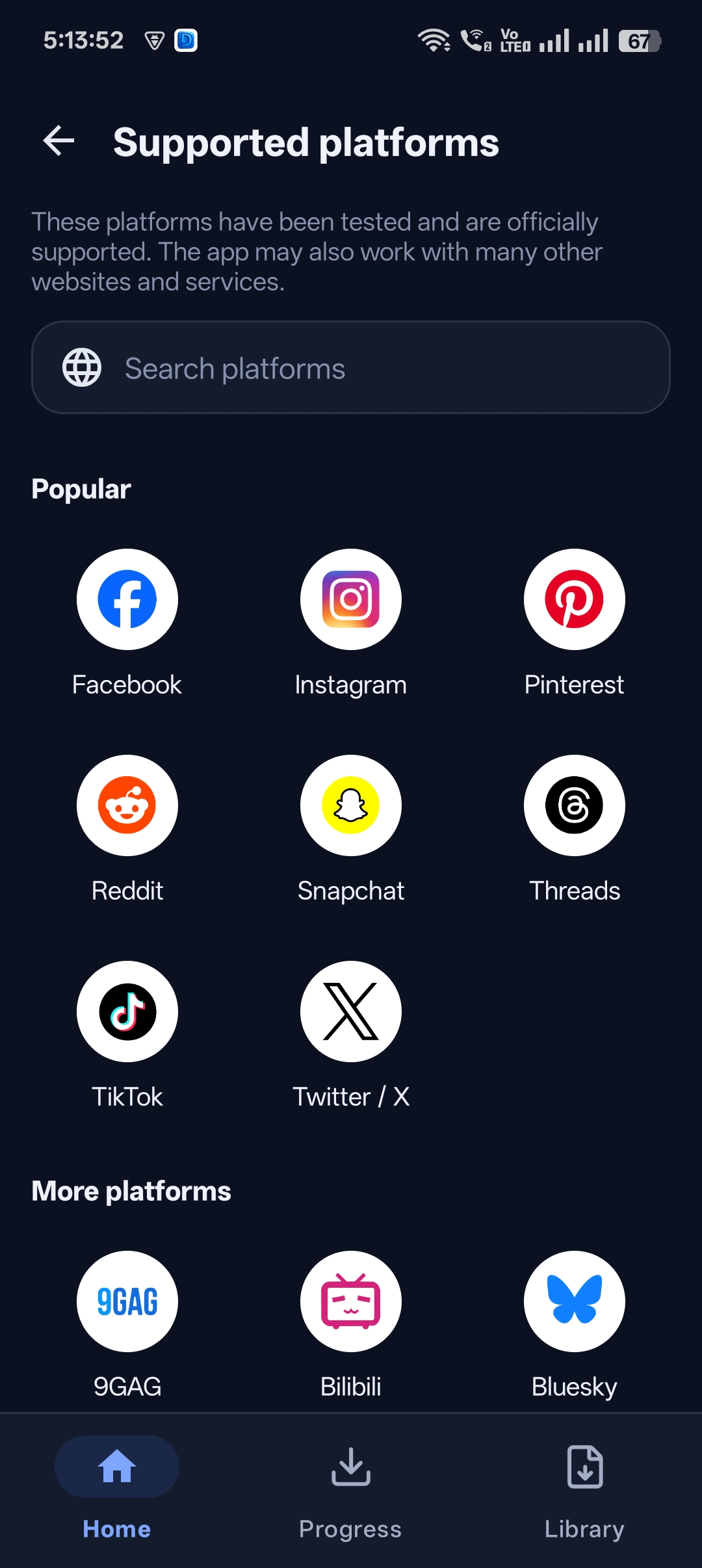
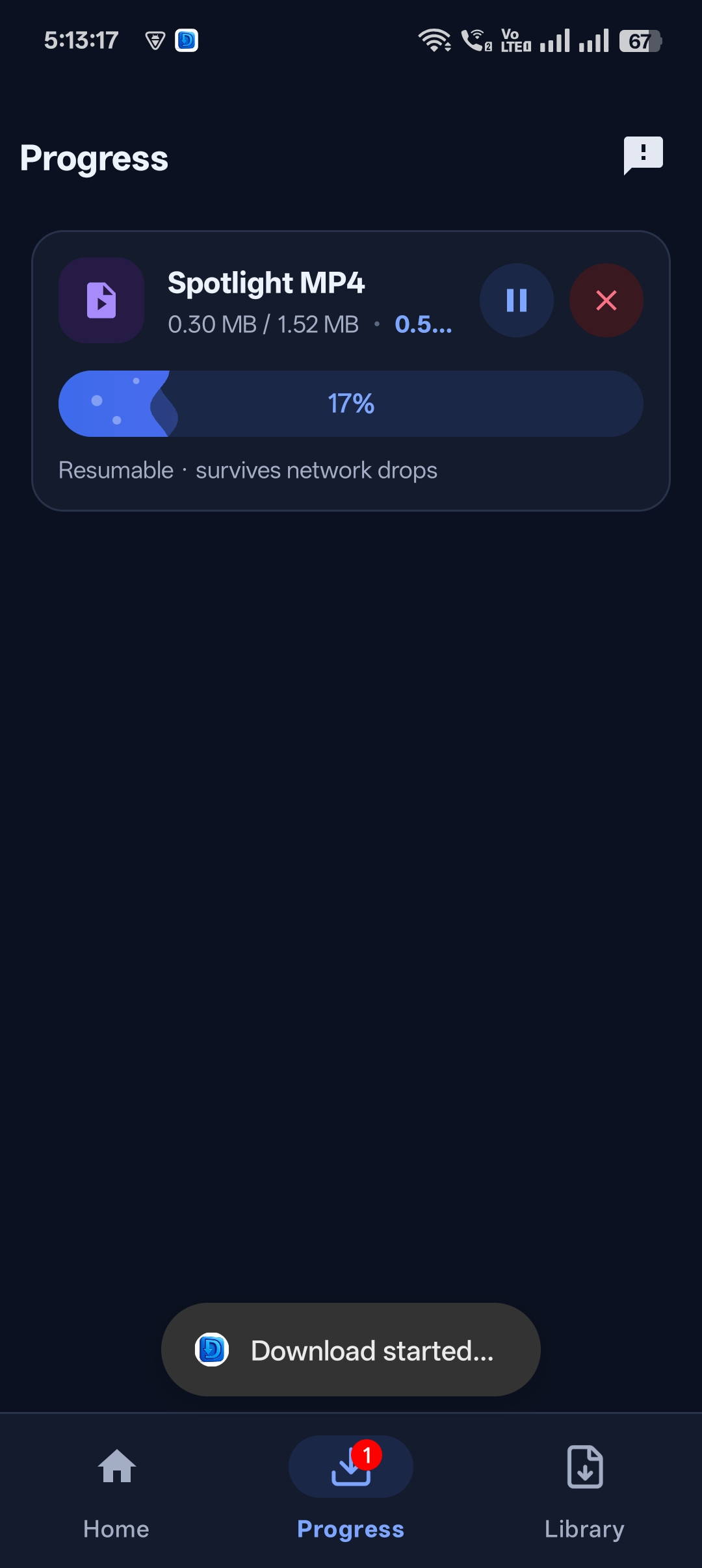
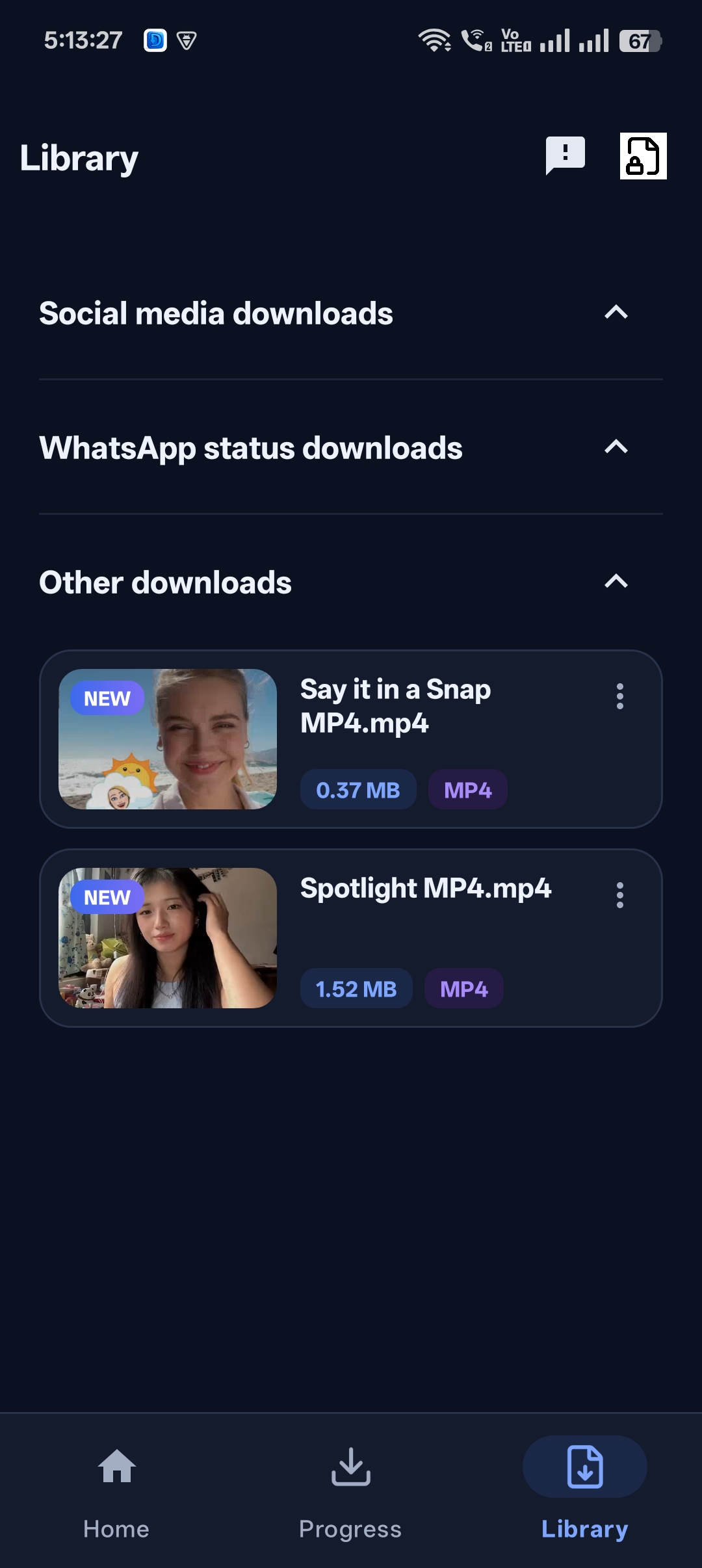
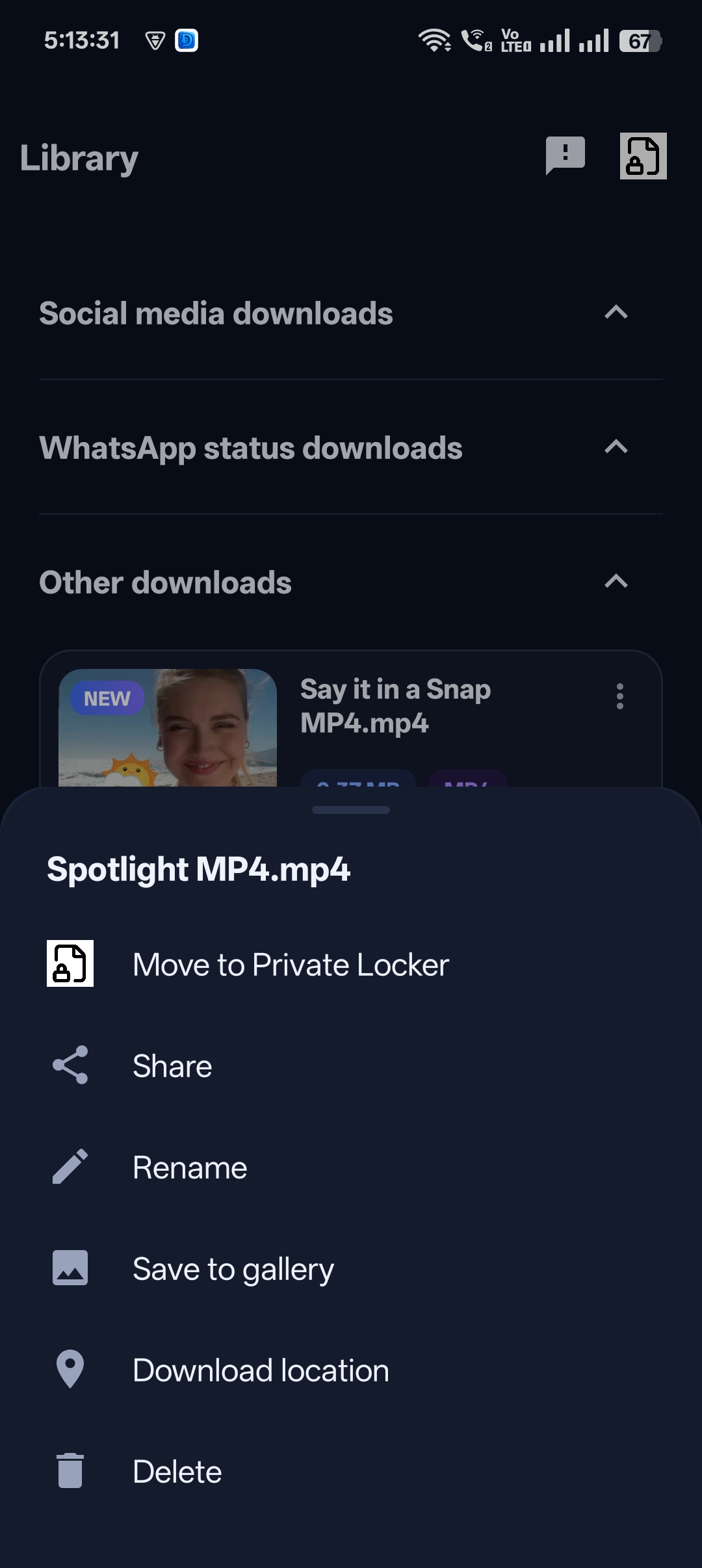
Download from all the major social networks and video platforms — and hundreds of smaller sites too.
Easy tutorials with screenshots for every platform.
Save any public Instagram Reel to your phone in HD in under a minute. Five simple steps with screenshots, plus fixes for common problems.
Read guideDownload Facebook Reels, Watch videos and Page videos in HD. Covers every Facebook link format, quality tips and troubleshooting.
Read guideSave TikTok videos in HD or grab just the sound as MP3. A quick five-step tutorial, plus link formats and fixes for common errors.
Read guideA complete tour of the all-in-one downloader: paste-link, built-in browser, resumable downloads, library, sharing and the Private Locker.
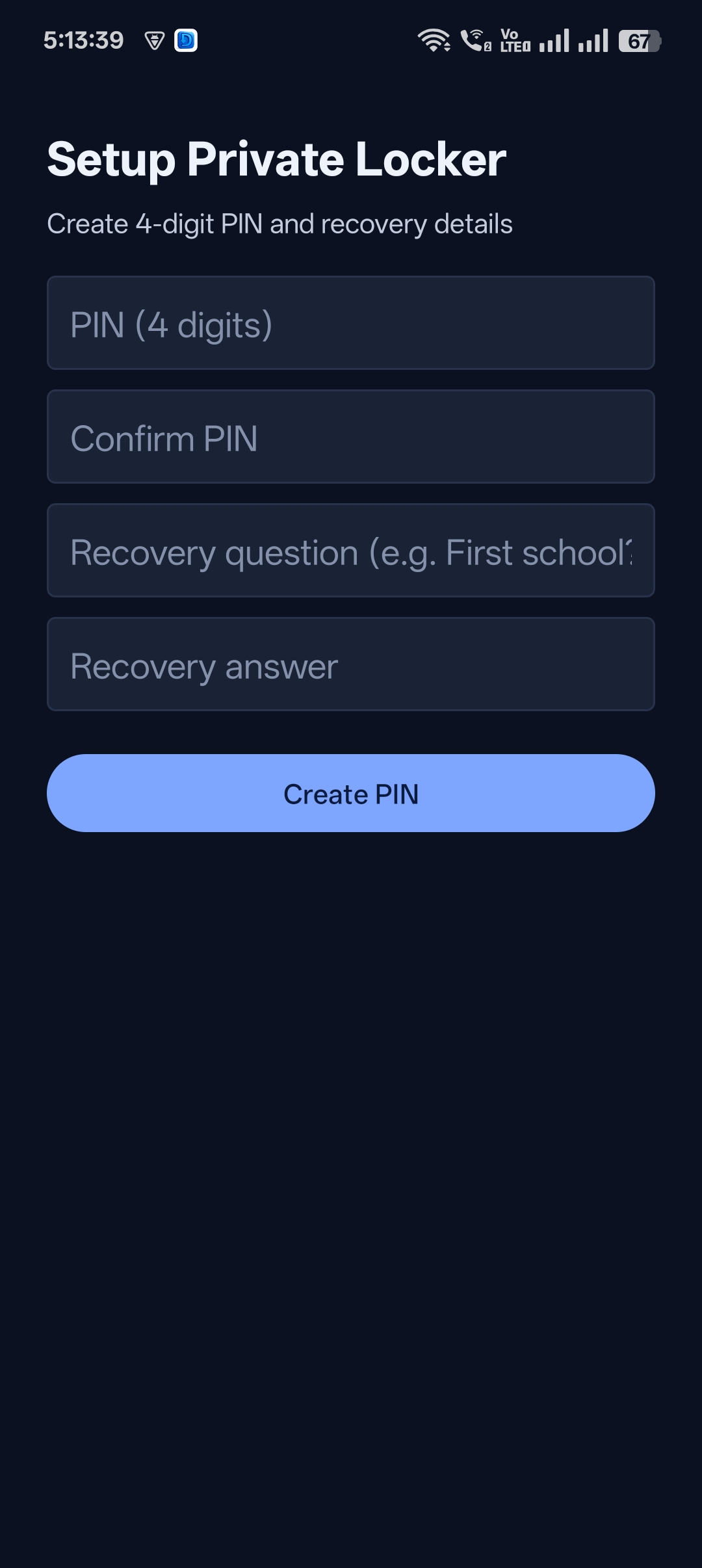
Read guideDownload videos and keep them in a PIN-protected private folder that stays out of your gallery and other apps.
Read guideOpen any website inside the app, play a video and download it with one tap — no copy-link needed.
Read guideUniversal Video Downloader is an app that saves videos from Instagram, Facebook, TikTok, X (Twitter) and 3786+ other websites to your device. Copy a video link, paste it into the app, choose a quality and tap download.
More than 3786 websites, including Instagram (Reels, posts, Stories), Facebook (Reels, Watch and Page videos), TikTok, X (Twitter), Pinterest, Reddit, Vimeo, LinkedIn, Dailymotion, Twitch clips and SoundCloud. New sites are added regularly.
Yes. You can download the app and start saving videos for free.
No. Universal Video Downloader only works with publicly available content. Videos from private accounts, closed groups or paid content cannot be downloaded.
Videos are saved to the app’s built-in library and to your device storage (your phone’s Gallery or Photos), so you can watch them offline any time.
Downloading videos for personal, offline viewing is generally fine, but re-uploading or using someone else’s content commercially can break copyright law and platform rules. Only download content you own or have permission to use, and always credit creators.
Email us at help@universalvideodownloader.com or tap the Support button at the bottom-right of any page. We usually reply within 1–2 business days.
Get Universal Video Downloader and save videos from Instagram, Facebook, TikTok, X and 3786+ websites in HD.
Our team is happy to help with downloads, bugs or feature requests. We usually reply within 1–2 business days.
Email support