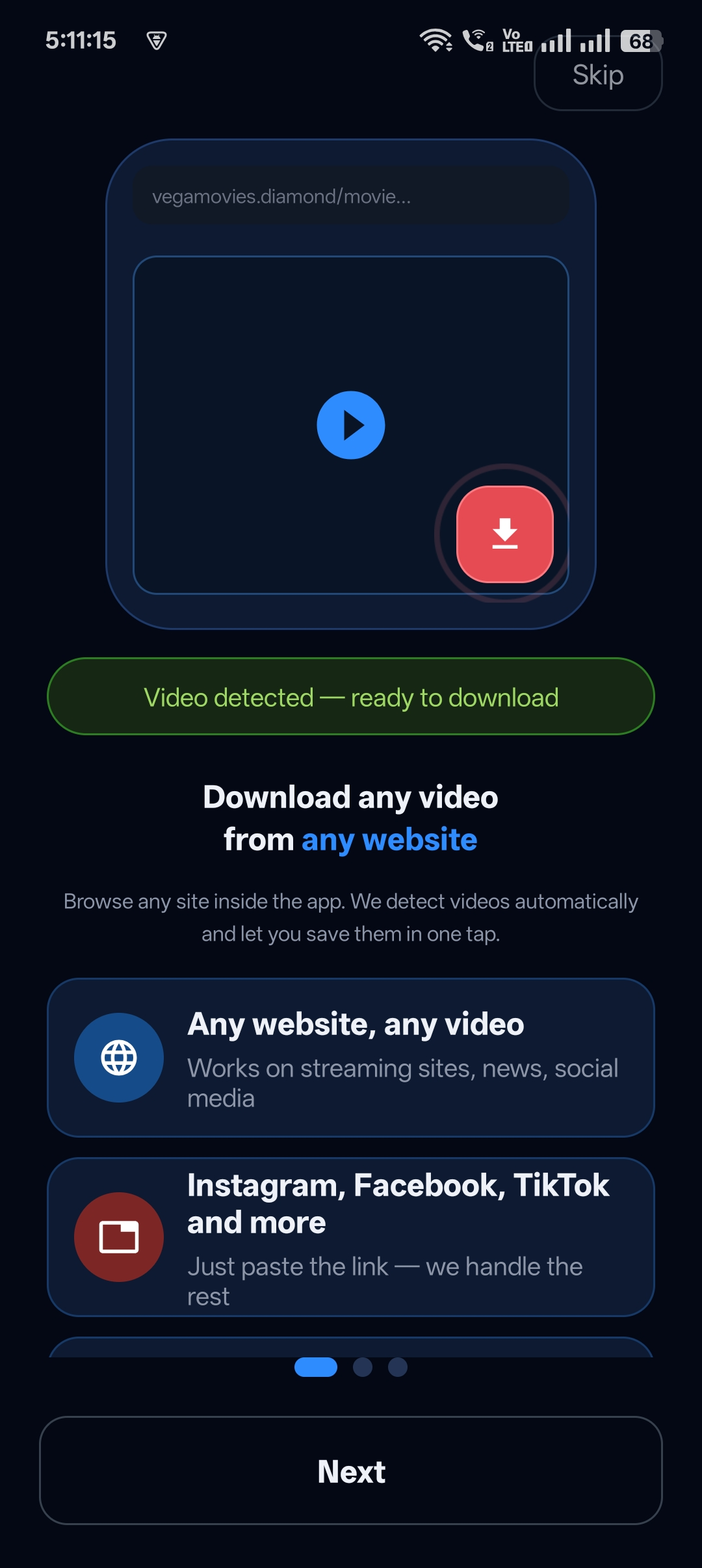
Not every video you download is something you want showing up in your gallery when you hand your phone to a friend. Most downloaders dump everything straight into the camera roll.
Universal Video Downloader is a video downloader with a private folder built in. It’s called the Private Locker: a PIN-protected space inside the app where downloads stay hidden from your gallery and other apps.
Quick answer: Download a video → tap Move to Locker → create a 4-digit PIN and recovery question → the video is now in your private folder and hidden from the gallery.
Why use a private folder for downloads?
- Privacy — keep personal or surprise videos away from people who borrow your phone.
- Clean gallery — keep your camera roll for your own photos.
- No extra app — no need for a separate vault or gallery-lock app.
- PIN protection — only you can open the folder.
How the Private Locker works
Videos you move to the Private Locker are kept inside the app and are not visible to your gallery or other apps. The Locker opens only with your 4-digit PIN. If you forget the PIN, you can recover access with the security question you set up.
How to move a video to the private folder: step by step
Step 1: Download a video
Paste a video link or use the built-in browser to download. When it’s finished you’ll see Download Complete!

Step 2: Tap Move to Locker
On the completion screen, tap Move to Locker. The app explains that the video will be hidden from your gallery and other apps.
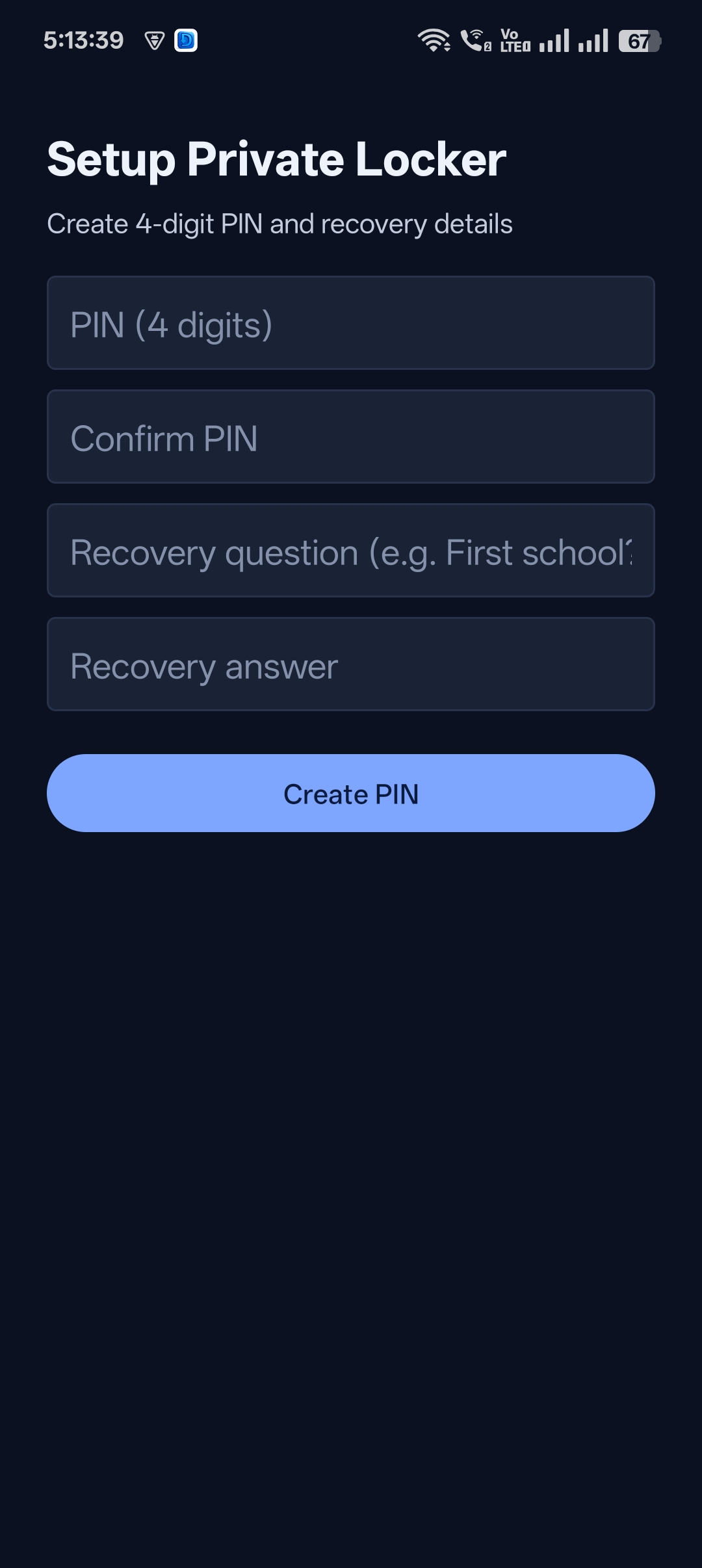
Step 3: Create your PIN
The first time, set up the Private Locker: enter a 4-digit PIN, confirm it, then add a recovery question and answer. Tap Create PIN.
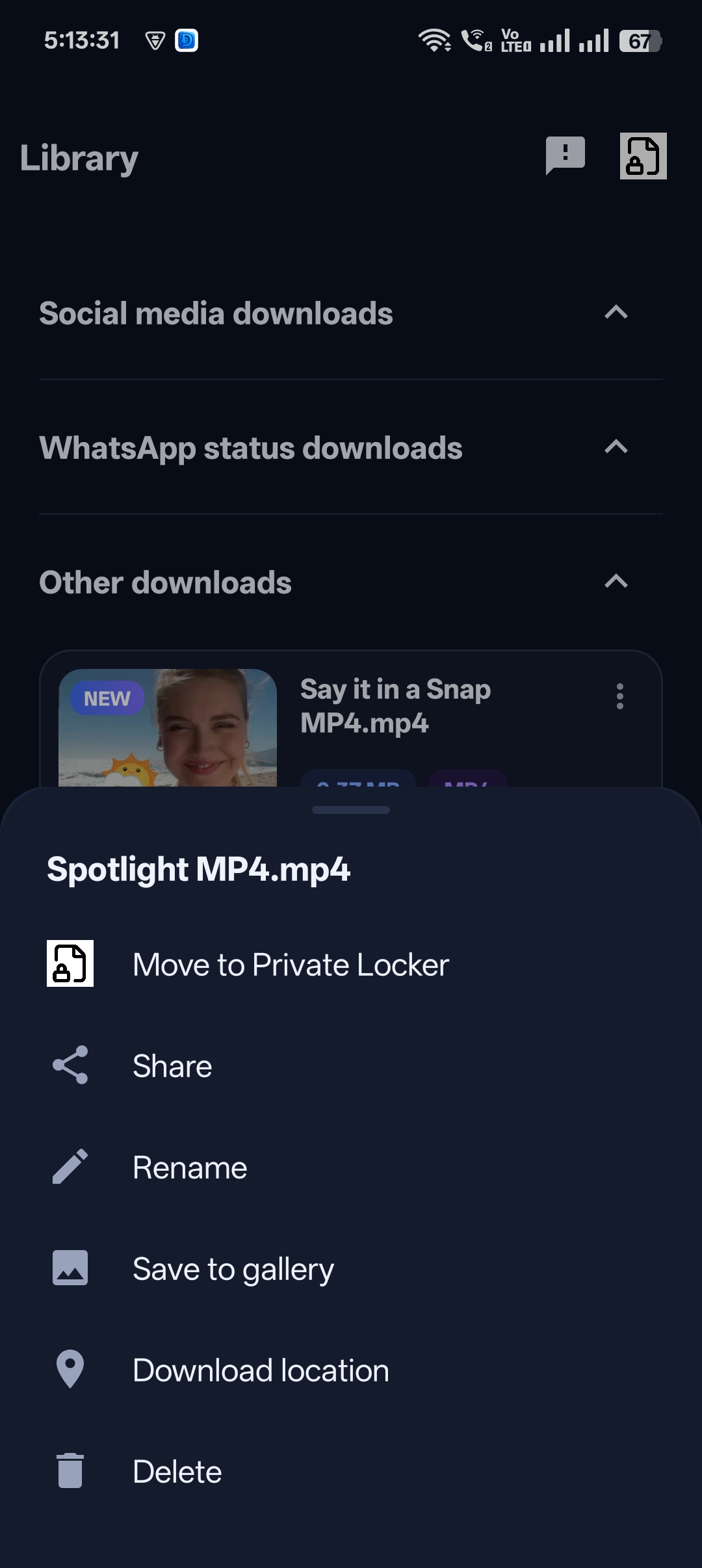
Step 4: Move older downloads too
Already downloaded videos? Open the Library, tap the three dots next to a video and choose Move to Private Locker.
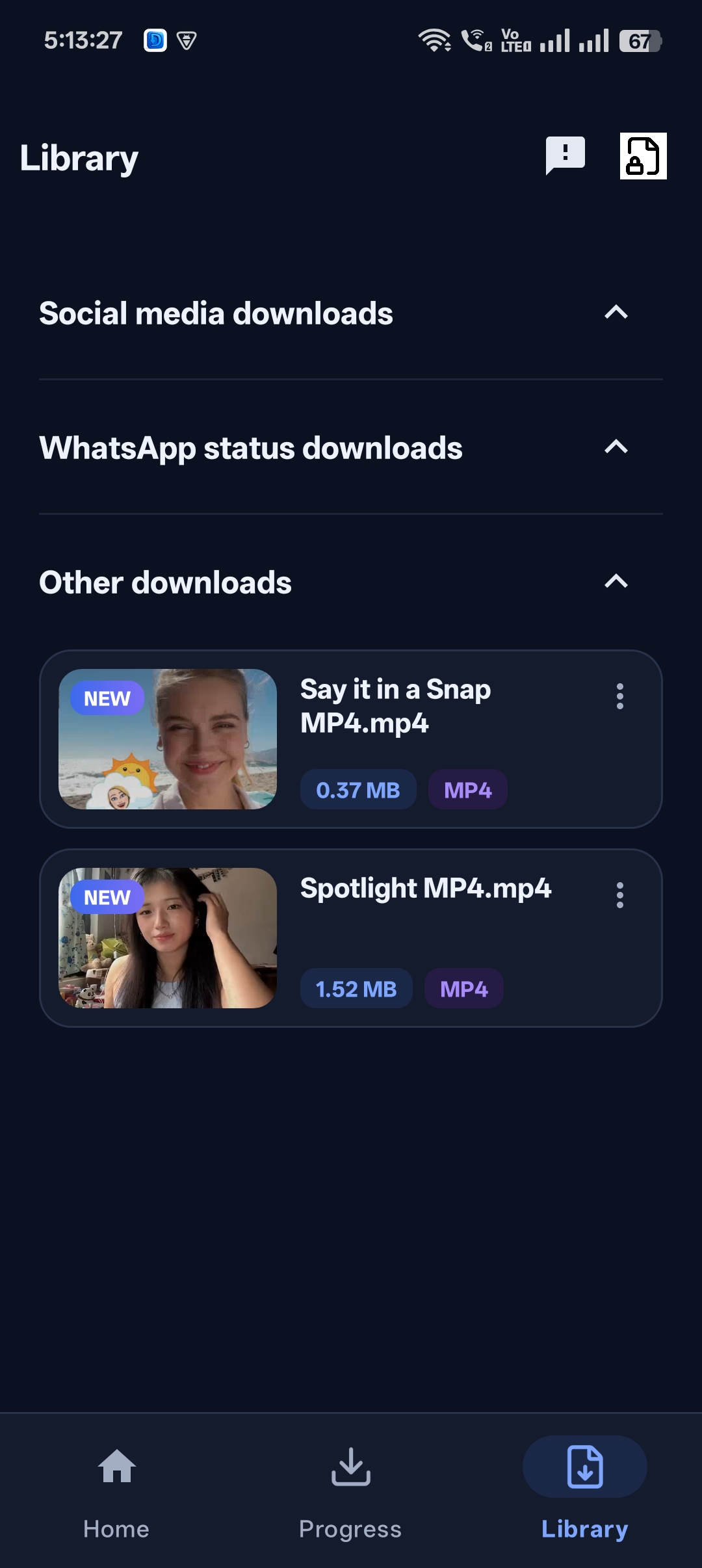
Step 5: Open your private folder any time
Your hidden videos stay in the Locker. Open it with your PIN whenever you want to watch them.

Get Universal Video Downloader
Download videos from 3786+ websites in HD and keep private ones in a PIN-locked folder. Free on Google Play.
Get it on Google PlayPrivate folder vs gallery vs vault apps
| Option | Hidden from gallery | PIN protected | Extra app needed |
|---|---|---|---|
| Normal download | No | No | No |
| Separate vault app | Yes | Yes | Yes |
| Universal Video Downloader Private Locker | Yes | Yes | No |
Tips for keeping videos private
- Choose a PIN that isn’t your birthday or 1234.
- Pick a recovery answer only you know.
- Move videos to the Locker before saving them anywhere else.
Want more ways to hide media? Read how to hide downloaded videos on your phone.
Download responsibly
Universal Video Downloader works only with publicly available videos. Downloading for personal, offline viewing is generally fine, but re-uploading other people’s videos, removing credit or using them commercially without permission can break copyright law and platform rules.
Respect creators: only download content you own or have permission to use. This is general information, not legal advice.
Frequently asked questions
Do hidden videos appear in Google Photos or the gallery?
No. Videos in the Private Locker are kept inside the app and hidden from your gallery and other apps.
What happens if I forget my PIN?
Use the recovery question and answer you set when creating the PIN to regain access.
Can I move a video back out of the private folder?
Yes. Open the Locker and move the video back to your Library or save it to the gallery.
Is the private folder free?
Yes, the Private Locker is part of the app.
Conclusion
If you want a video downloader with a private folder, you don’t need two apps. Universal Video Downloader downloads the video and hides it behind a PIN in one tap.
See also: video downloader app with PIN lock.
Related guides
Universal Video Downloader TeamWe build tools that make saving and enjoying online videos simple. Questions? Email help@universalvideodownloader.com.