TikTok has its own “Save video” option, but it isn’t available on every video, it adds an overlay, and saved files are often compressed. If you want a clean HD copy of a TikTok you love — or just the trending sound — there’s a faster way.
Here’s how to download TikTok videos in HD with Universal Video Downloader in five easy steps, plus how to save TikTok audio as MP3.
Quick answer: Open the TikTok → tap Share → Copy link → paste it into Universal Video Downloader → choose MP4 (HD) or MP3 → tap Download.
Why download TikTok videos?
- Watch offline without endless scrolling or using mobile data.
- Back up your own TikToks in full quality before deleting or archiving them.
- Save tutorials and recipes that you want to follow step by step.
- Grab trending sounds as MP3 for ringtones or personal playlists.
- Share with friends on apps where TikTok links don’t preview well.
TikTok’s “Save video” vs Universal Video Downloader
| TikTok “Save video” | Universal Video Downloader | |
|---|---|---|
| Quality choice | No | Yes — HD, SD or audio |
| Save as MP3 | No | Yes |
| Download library | No | Yes — all downloads in one place |
| Works with other sites | TikTok only | 3786+ websites |
How to download TikTok videos: step by step
Step 1: Open the TikTok video
Open TikTok and find the video you want — on your For You page, a profile, or through search. It must be from a public account.
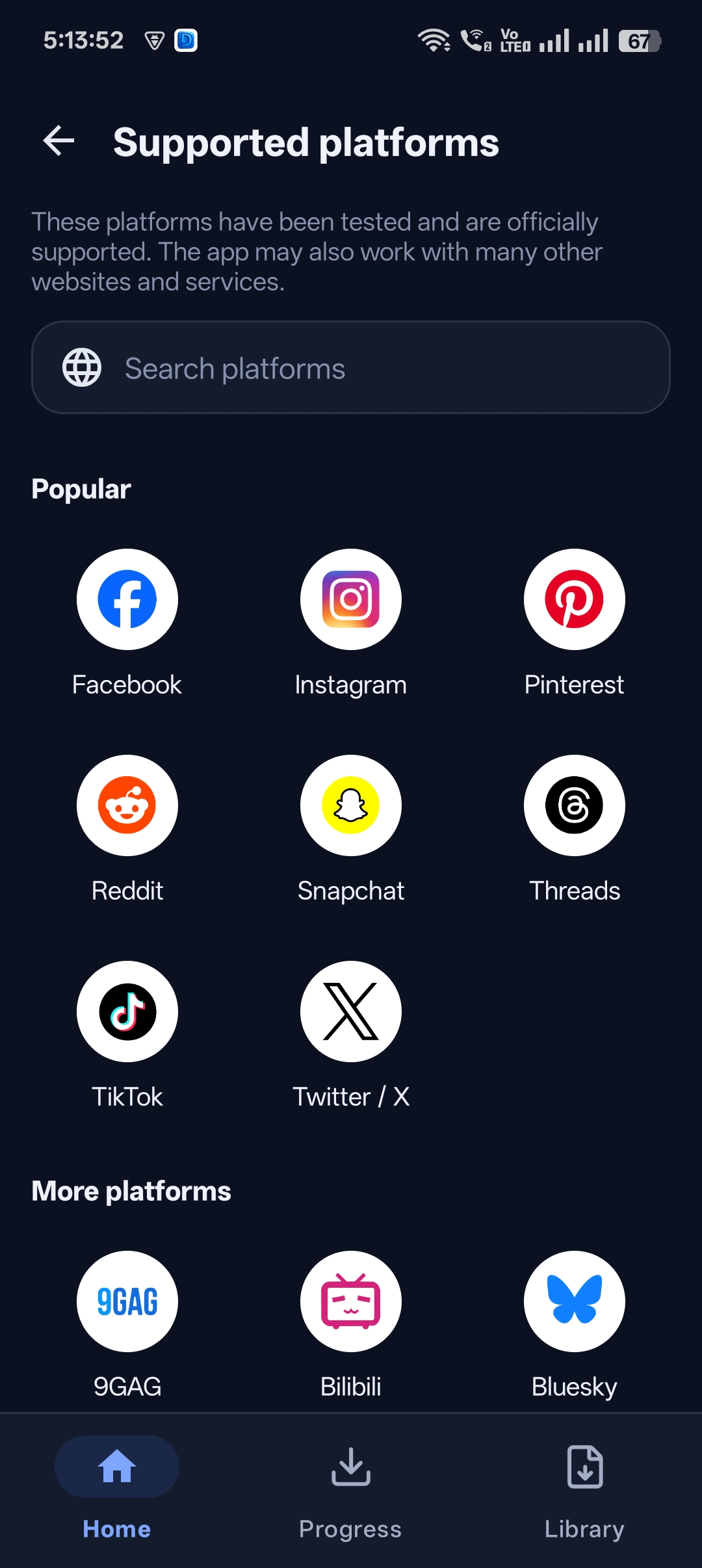
Step 2: Tap Share and copy the link
Tap the Share arrow on the right side of the video, then tap Copy link. On the TikTok website, click Copy link under the video or copy the URL from the address bar.
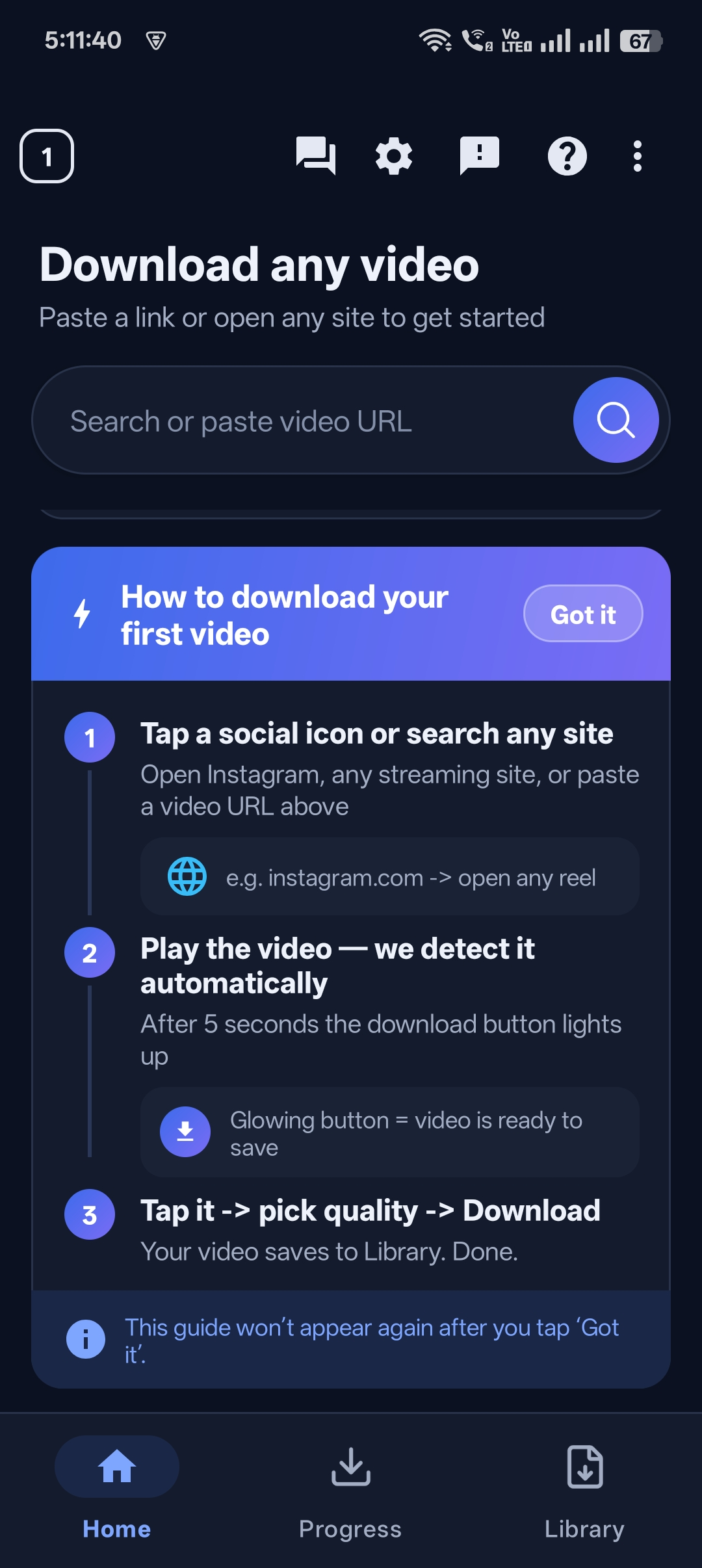
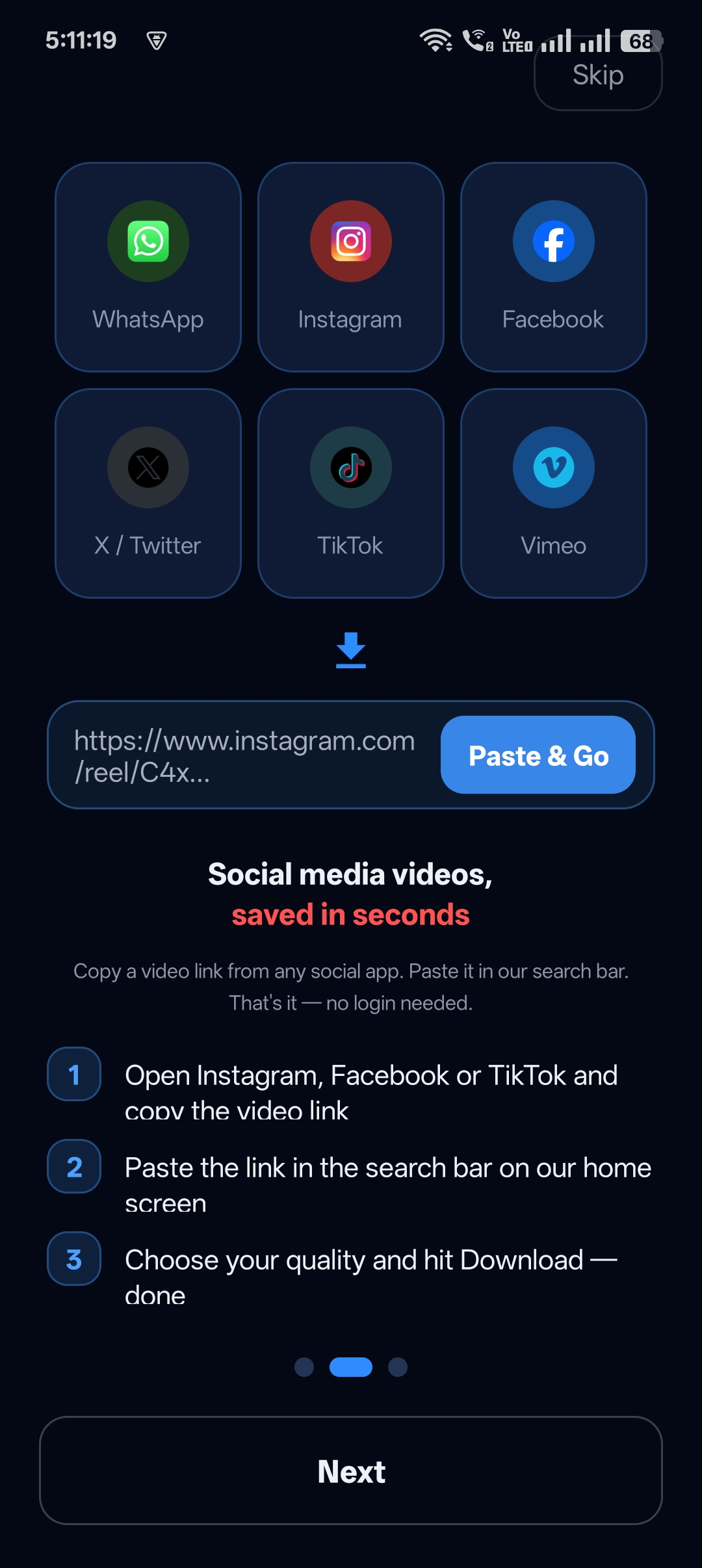
Step 3: Paste the link into Universal Video Downloader
Open Universal Video Downloader. The copied link is usually detected automatically; otherwise paste it into the link box and tap Search.
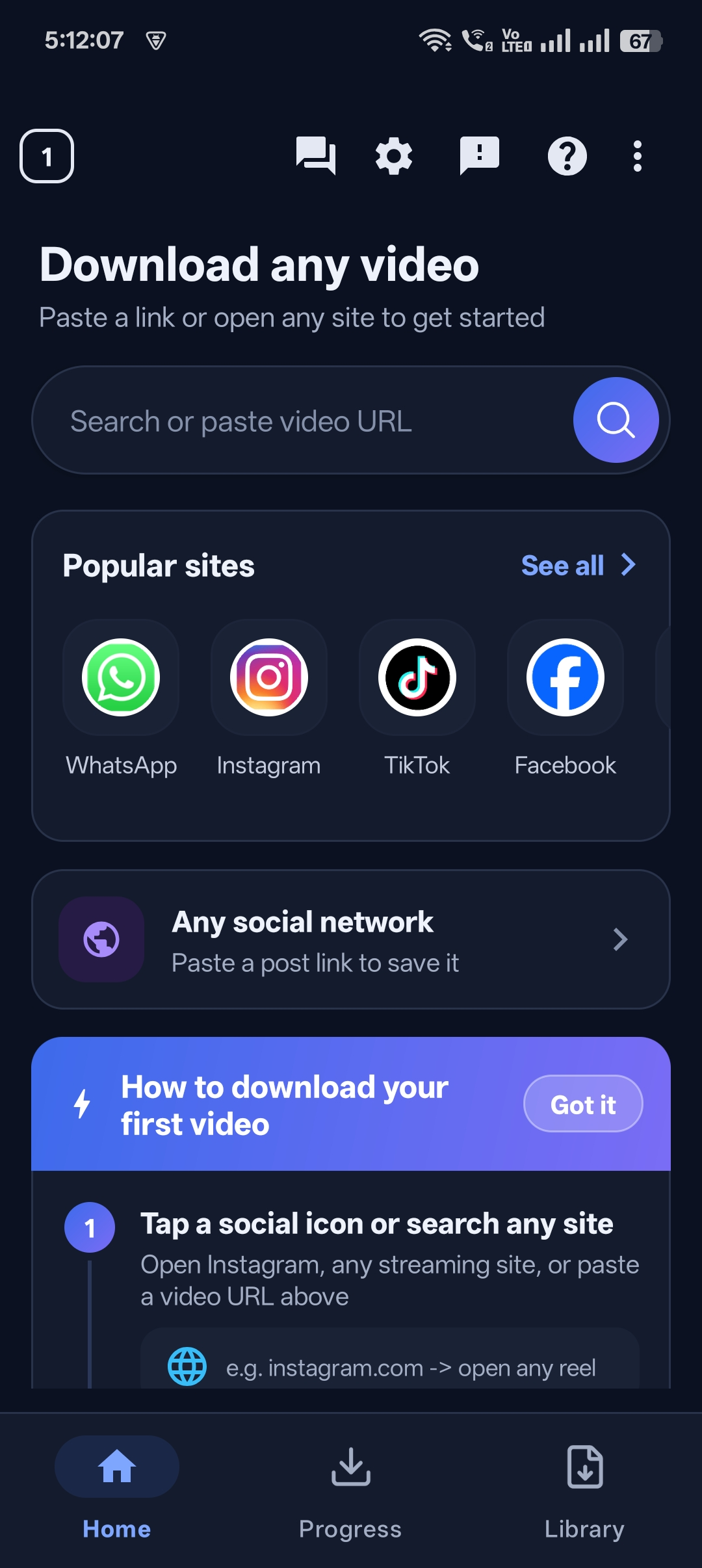
Step 4: Choose MP4 or MP3
Select MP4 in the highest available quality for the video, or MP3 if you only want the audio or music.
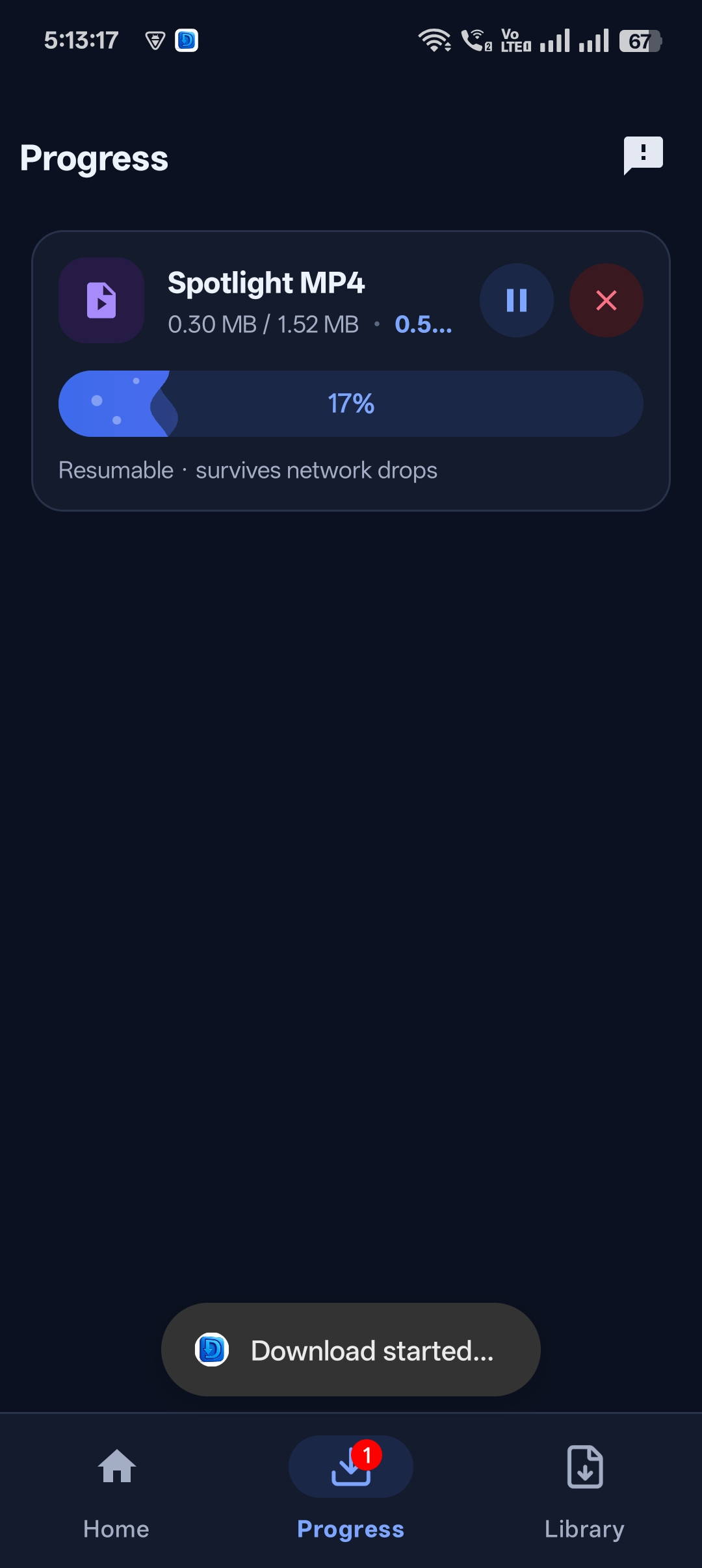
Step 5: Download and enjoy
Tap Download. In a few seconds the TikTok is saved to your Gallery or Downloads folder and to the in-app library.


Get Universal Video Downloader
Download videos from 3786+ websites in HD and keep private ones in a PIN-locked folder. Free on Google Play.
Get it on Google PlayHow to download TikTok sounds as MP3
Love a sound but don’t need the video? Follow the same steps and choose MP3 in step 4. The audio is saved as a music file you can play in any media player or set as a ringtone.
Tip: Popular songs on TikTok are copyrighted. MP3 downloads are for personal listening only — don’t re-upload or sell them.
TikTok link formats that work
| Link type | Example |
|---|---|
| Short share link (app) | vm.tiktok.com/ZMabc123/ |
| Short share link (web) | tiktok.com/t/ZTabc123/ |
| Full video link | tiktok.com/@username/video/1234567890 |
Tips for the best TikTok downloads
- Pick the highest MP4 option for crisp video on bigger screens.
- Respect creator settings — if a creator has turned off downloads on TikTok, ask them before saving their video.
- Copy the link from the original video, not a duet or stitch, to get the source clip.
- Keep the app updated for the most reliable downloads.
TikTok video not downloading? Fixes
| Problem | Fix |
|---|---|
| “Video unavailable” | The video is private, friends-only, deleted or restricted in your region. |
| Link not recognised | Copy the link again using Share → Copy link, and make sure it starts with tiktok.com or vm.tiktok.com. |
| Photo slideshow, not a video | TikTok photo posts download as images and audio rather than a single MP4. |
| Slow download | Switch to a faster Wi-Fi network or pause other downloads in the queue. |
Still not working? Email help@universalvideodownloader.com with the TikTok link.
Is it legal to download TikTok videos?
Downloading TikToks for personal, offline viewing is generally acceptable. Re-posting other people’s videos as your own, removing credit or using them commercially without permission can break copyright law and TikTok’s Terms of Service.
Credit creators: only download content you own or have permission to use. This is general information, not legal advice.
Frequently asked questions
Can I download TikTok videos in HD?
Yes. Universal Video Downloader lists every quality TikTok provides for that video — choose the highest MP4 option for HD.
Can I download only the audio from a TikTok?
Yes. Choose MP3 instead of MP4 in the format options and only the sound will be saved.
Does TikTok notify the creator when I download a video?
No. Copying a link and downloading through Universal Video Downloader does not notify the creator. Your share action may count as a share in TikTok’s stats.
Can I download TikTok videos from private accounts?
No. Only public videos can be downloaded. Private and friends-only videos are not accessible.
Can I download TikTok photo slideshows?
Yes — photo posts are saved as individual images together with their audio track.
Conclusion
To download TikTok videos in HD, copy the video link, paste it into Universal Video Downloader, choose MP4 or MP3 and tap download. It’s fast, gives you a quality choice and keeps all your downloads in one place.
Universal Video Downloader also works with Instagram Reels, Facebook videos, X (Twitter) and 3786+ more websites.
Related guides
Universal Video Downloader TeamWe build tools that make saving and enjoying online videos simple. Questions? Email help@universalvideodownloader.com.