An all-in-one video downloader and saver should replace every other video app on your phone: a downloader, a browser, a file manager and a vault.
Here’s a complete tour of Universal Video Downloader and how each feature fits together.
Quick answer: Universal Video Downloader downloads from 3786+ websites by link or built-in browser, keeps resumable progress, organises a Library, lets you rename/share/save to gallery and hides videos in a PIN Private Locker.
Every feature at a glance
| Feature | What it does |
|---|---|
| Paste link | Download from any copied video URL |
| Built-in browser | Browse sites and auto-detect videos |
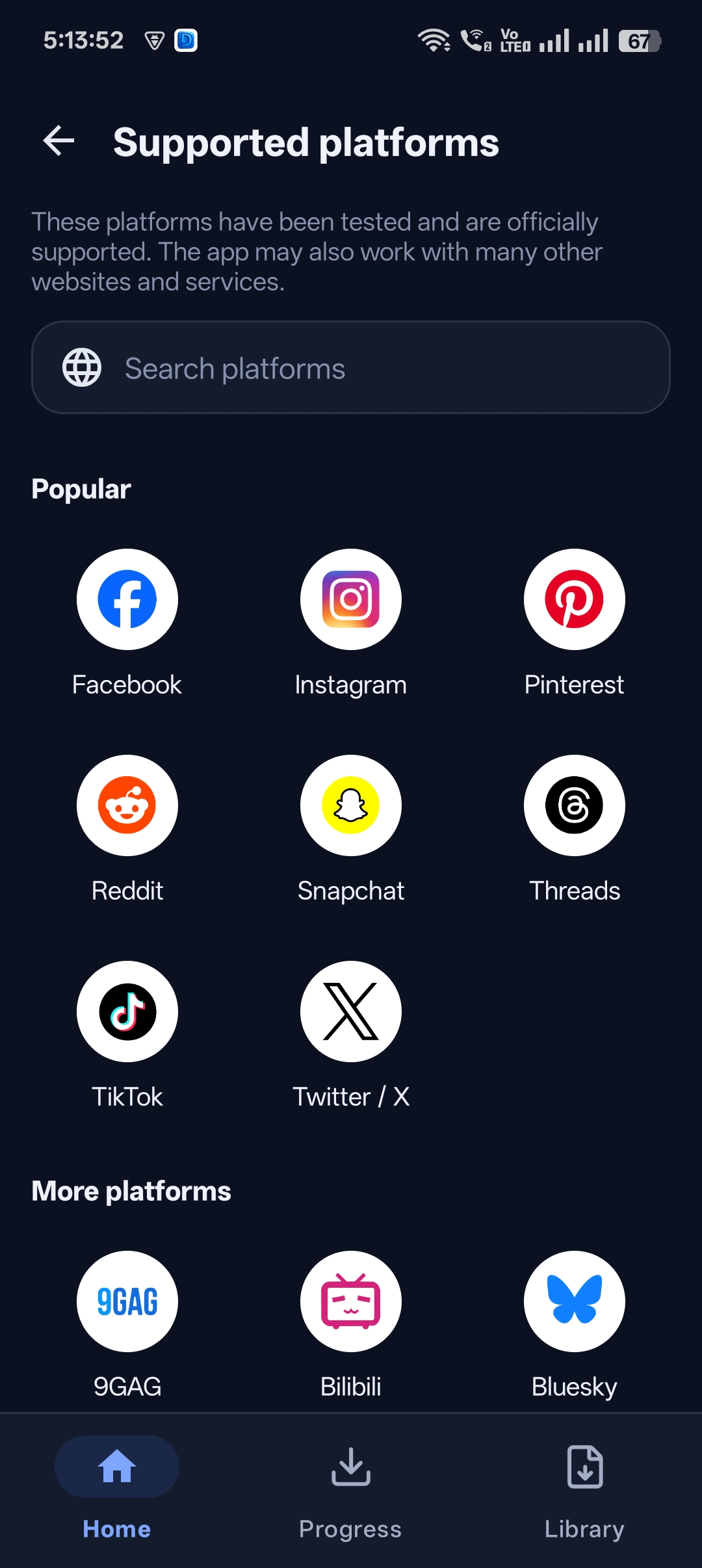
| 3786+ sites | Instagram, Facebook, TikTok, X, Snapchat, Threads and more |
| Resumable downloads | Survive network drops |
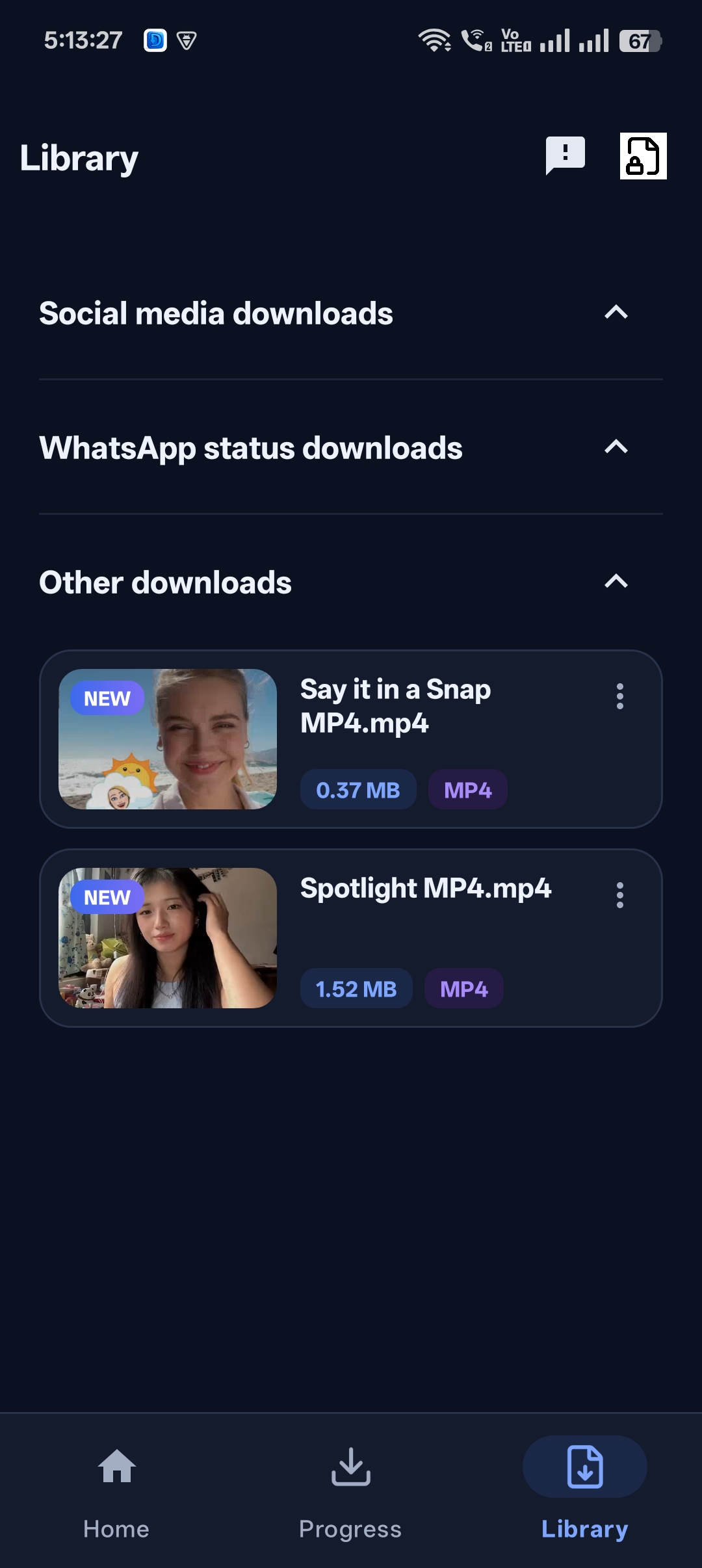
| Organised Library | Social media, WhatsApp status and other downloads |
| File tools | Share, rename, save to gallery, delete |
| Private Locker | PIN-protected hidden folder |
The complete workflow: from link to locker
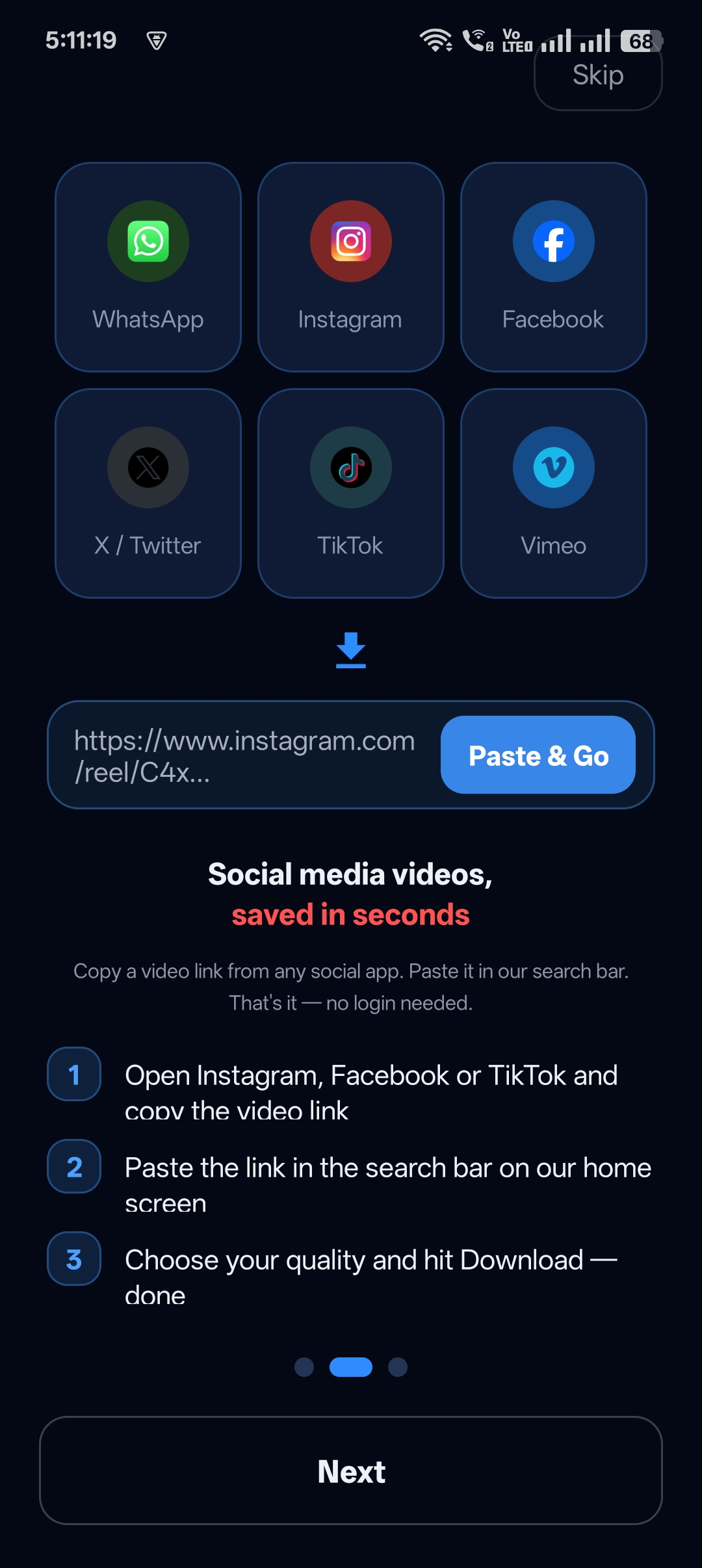
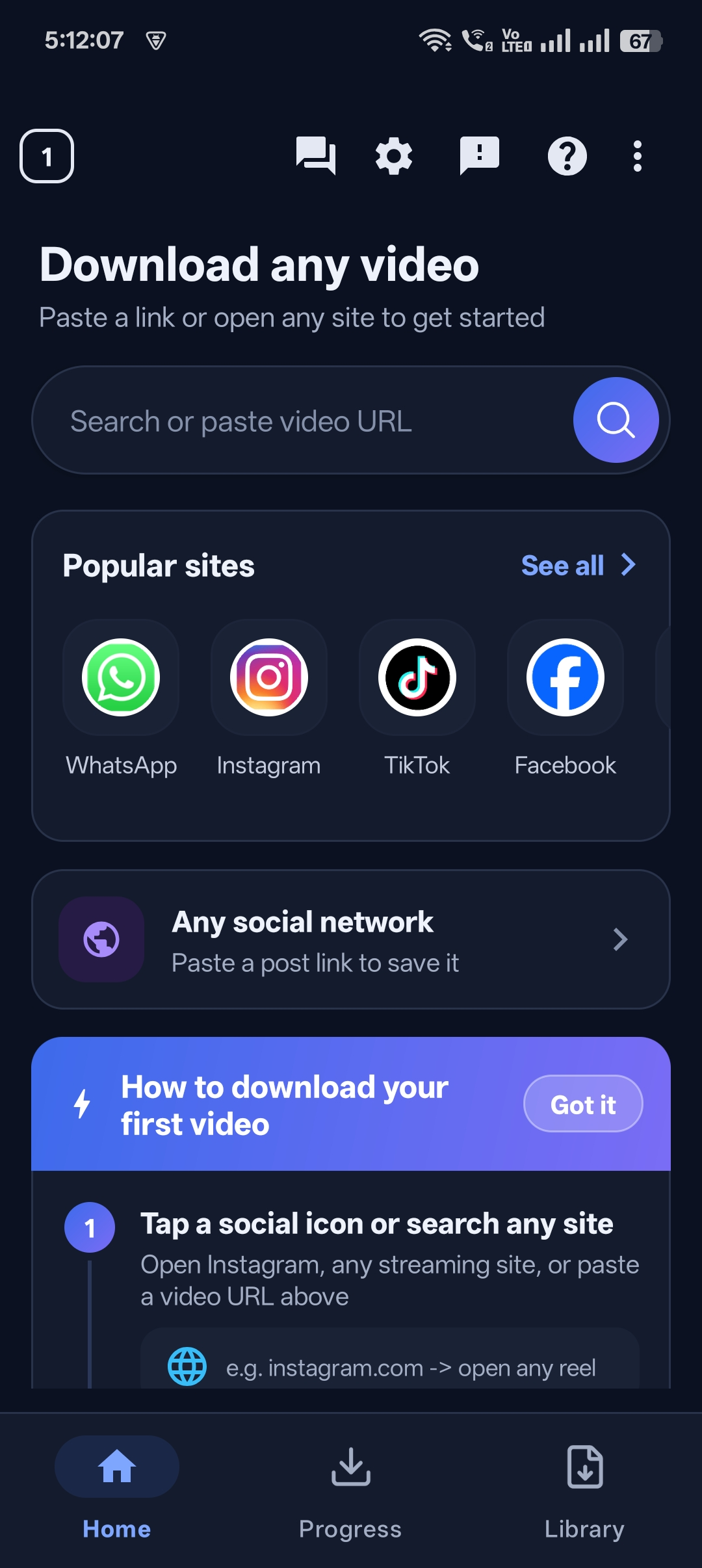
Step 1: Paste a link or browse
Use the home screen search box for links or website addresses.
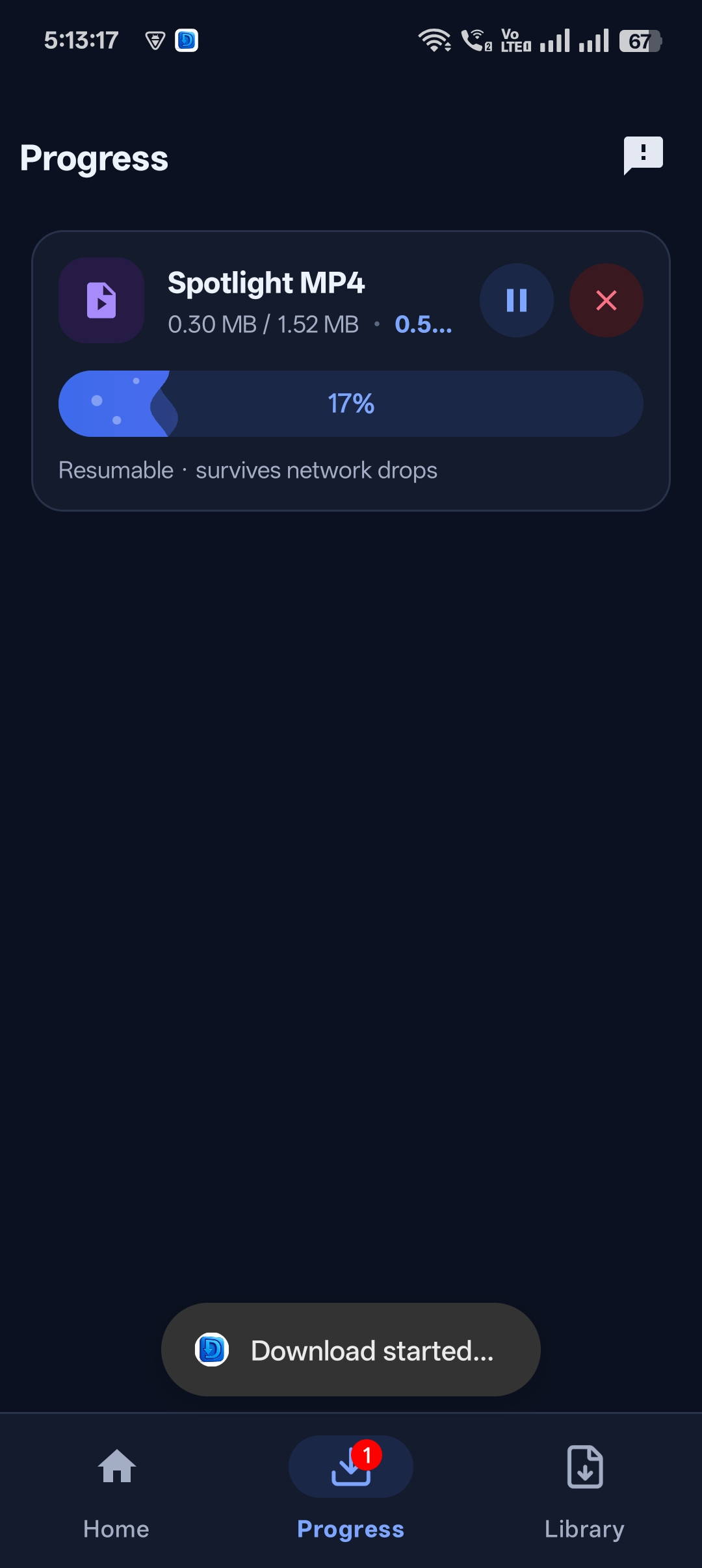
Step 2: Download with live progress
Watch the download in the Progress tab.
Step 3: Play or share instantly
Tap Play Now, Share, Rename or Open Library.

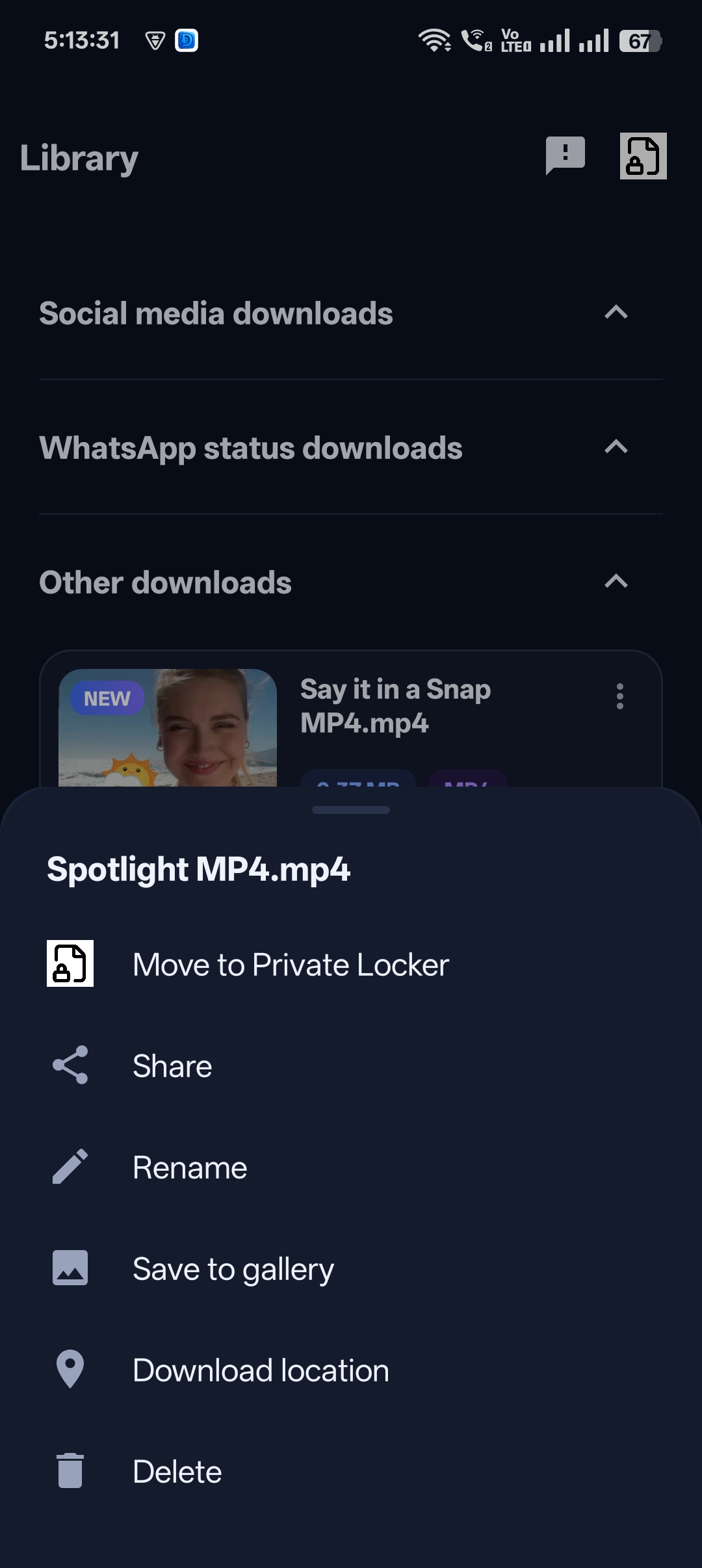
Step 4: Organise and manage
Use the three-dot menu to rename, save to gallery or delete.
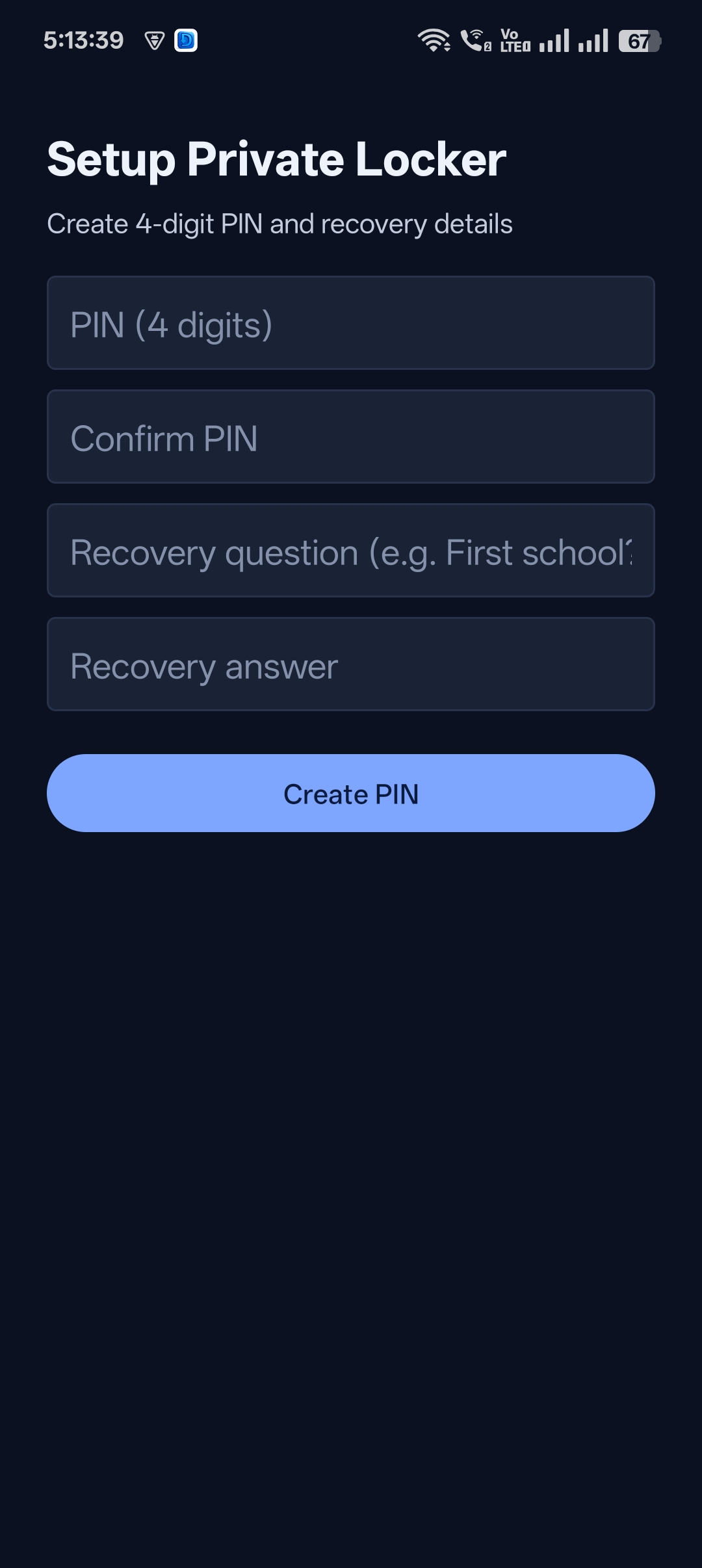
Step 5: Lock private videos
Move anything personal to the PIN-protected Private Locker.

Get Universal Video Downloader
Download videos from 3786+ websites in HD and keep private ones in a PIN-locked folder. Free on Google Play.
Get it on Google PlayFeature deep dives
- Download video from link
- Built-in browser
- Private folder
- Save videos to gallery
- Fast, resumable downloads
Download responsibly
Universal Video Downloader works only with publicly available videos. Downloading for personal, offline viewing is generally fine, but re-uploading other people’s videos, removing credit or using them commercially without permission can break copyright law and platform rules.
Respect creators: only download content you own or have permission to use. This is general information, not legal advice.
Frequently asked questions
Is it really all-in-one?
Yes — downloading, browsing, managing and hiding videos all happen in one app.
Does it cost anything?
It’s free to download from Google Play.
Can it download WhatsApp statuses?
Yes, WhatsApp status downloads have their own Library section.
Is there an iPhone app?
Coming soon to the App Store.
Conclusion
Replace a downloader, a browser, a file manager and a vault with one app. Get Universal Video Downloader on Google Play.
Related guides
Universal Video Downloader TeamWe build tools that make saving and enjoying online videos simple. Questions? Email help@universalvideodownloader.com.