Normal browsers like Chrome and Safari can play videos but won’t let you save them. And many websites have no share button, so copy-link downloaders can’t help either.
Universal Video Downloader solves this with a browser that has a video downloader built in. Browse any site inside the app; when a video plays, the app detects it and gives you a download button.
Quick answer: Open Universal Video Downloader → type a website or tap a site icon → play the video → when the button glows, tap it to download.
When should you use the built-in browser?
- The website has no share or copy-link button.
- You want to browse first and decide what to download.
- The video is embedded in a news article or blog.
- You want to download from Snapchat Spotlight or similar web pages.
How to use the built-in browser: step by step
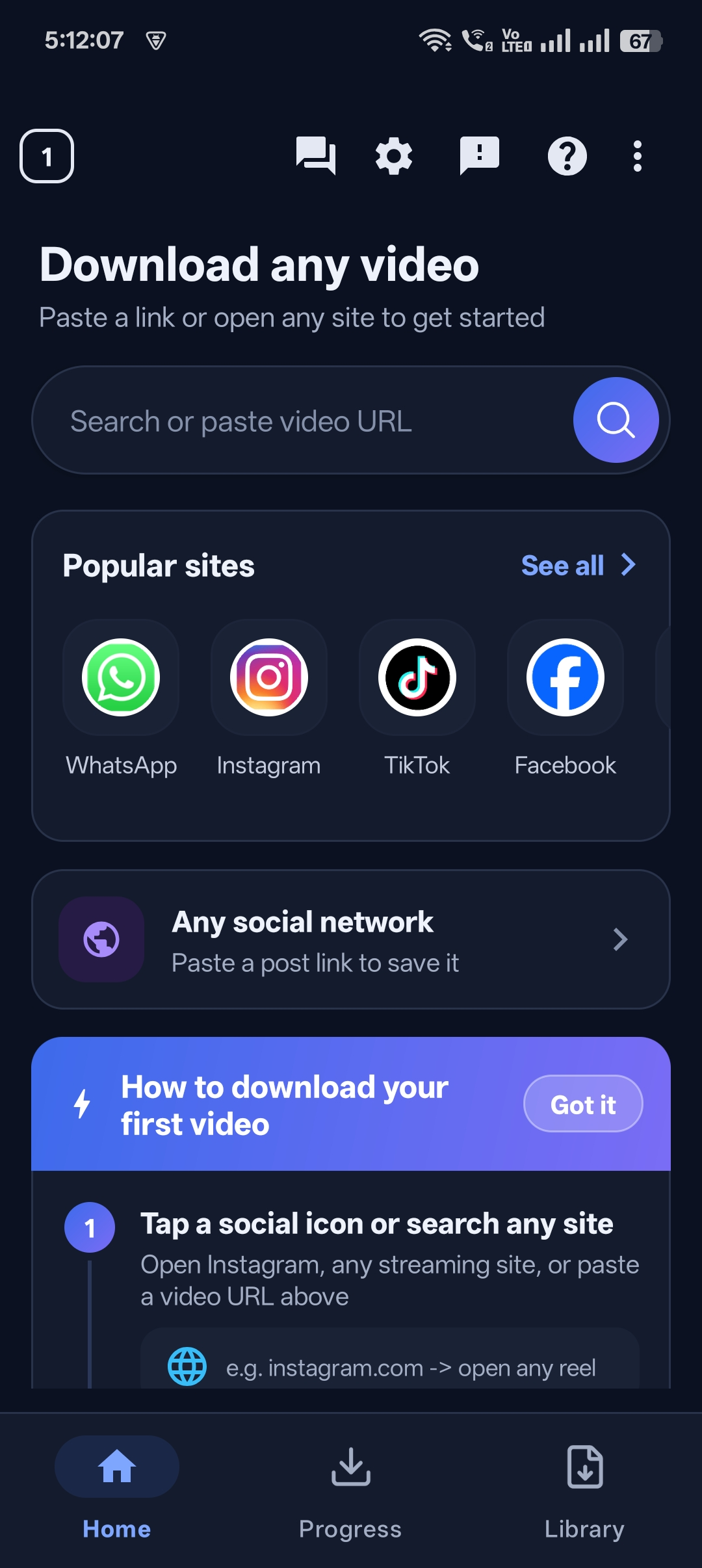
Step 1: Open a website
On the home screen, type a site address into the search box or tap one of the popular site icons.
Step 2: Browse to the video
The website loads inside the app, just like a normal browser.
Step 3: Play the video
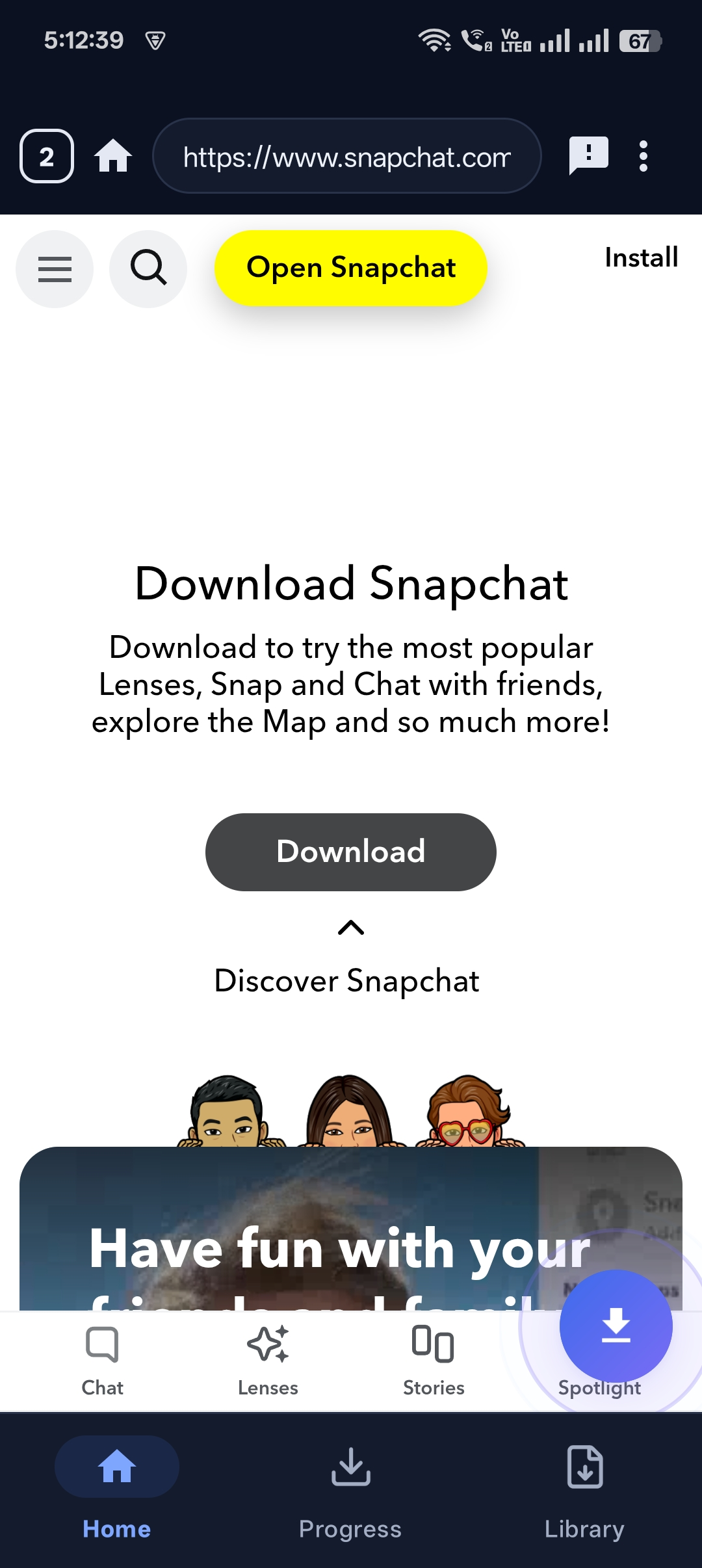
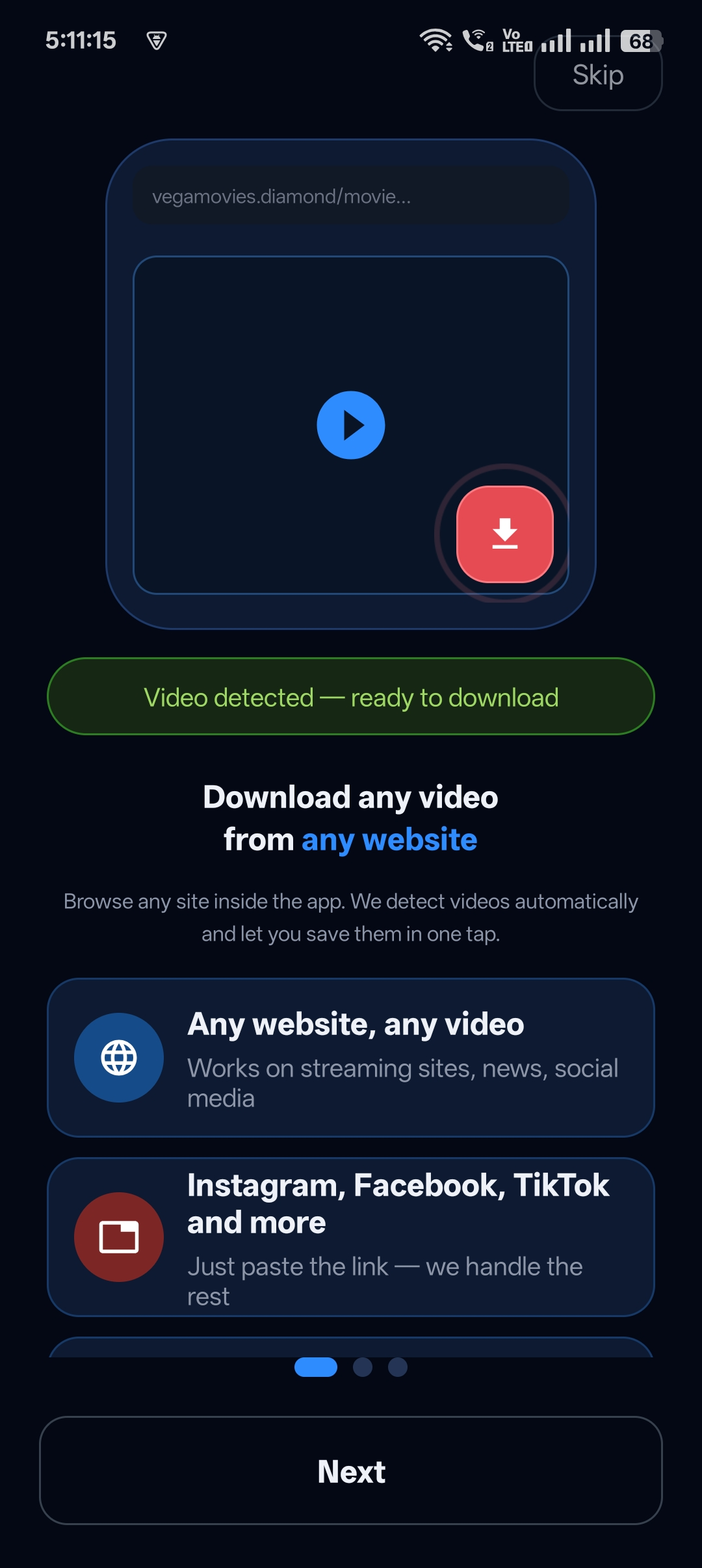
Press play. Universal Video Downloader detects the video automatically.
Step 4: Tap the glowing download button
After about 5 seconds the download button lights up. Tap it to save the video.
Step 5: Watch it later
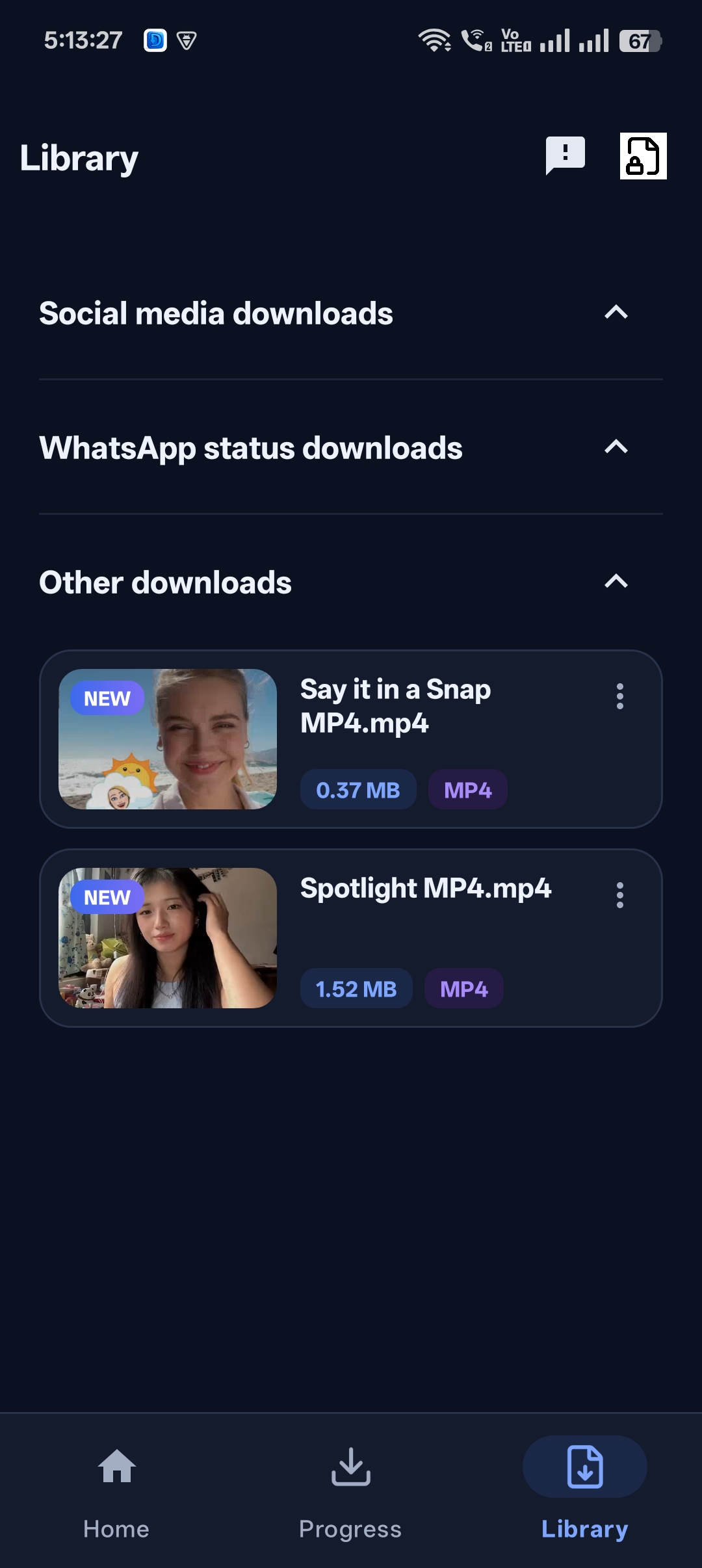
Your video appears in the Library under Other downloads.

Get Universal Video Downloader
Download videos from 3786+ websites in HD and keep private ones in a PIN-locked folder. Free on Google Play.
Get it on Google PlayBuilt-in browser vs Chrome
| Chrome / Safari | Universal Video Downloader browser | |
|---|---|---|
| Plays videos | Yes | Yes |
| Detects videos automatically | No | Yes |
| One-tap download | No | Yes |
| Private Locker for downloads | No | Yes |
Download button not glowing?
- Make sure the video is actually playing.
- Wait a few seconds — detection takes about 5 seconds.
- Some videos are DRM-protected (paid streaming services) and cannot be downloaded.
Download responsibly
Universal Video Downloader works only with publicly available videos. Downloading for personal, offline viewing is generally fine, but re-uploading other people’s videos, removing credit or using them commercially without permission can break copyright law and platform rules.
Respect creators: only download content you own or have permission to use. This is general information, not legal advice.
Frequently asked questions
Can I download from any website with the browser?
From most websites that play public, non-DRM videos. Paid streaming services that use DRM can’t be downloaded.
Do I need to copy a link when using the browser?
No. Just browse, play and tap the download button.
Is browsing private?
You don’t need to log in, and you can hide downloads in the PIN-protected Private Locker.
Where are browser downloads saved?
In the Library, usually under Other downloads.
Conclusion
A browser with a built-in video downloader turns any website into a download source. Install Universal Video Downloader and try it on a site that doesn’t have a share button.
Also read: private browser that can download videos.
Related guides
Universal Video Downloader TeamWe build tools that make saving and enjoying online videos simple. Questions? Email help@universalvideodownloader.com.