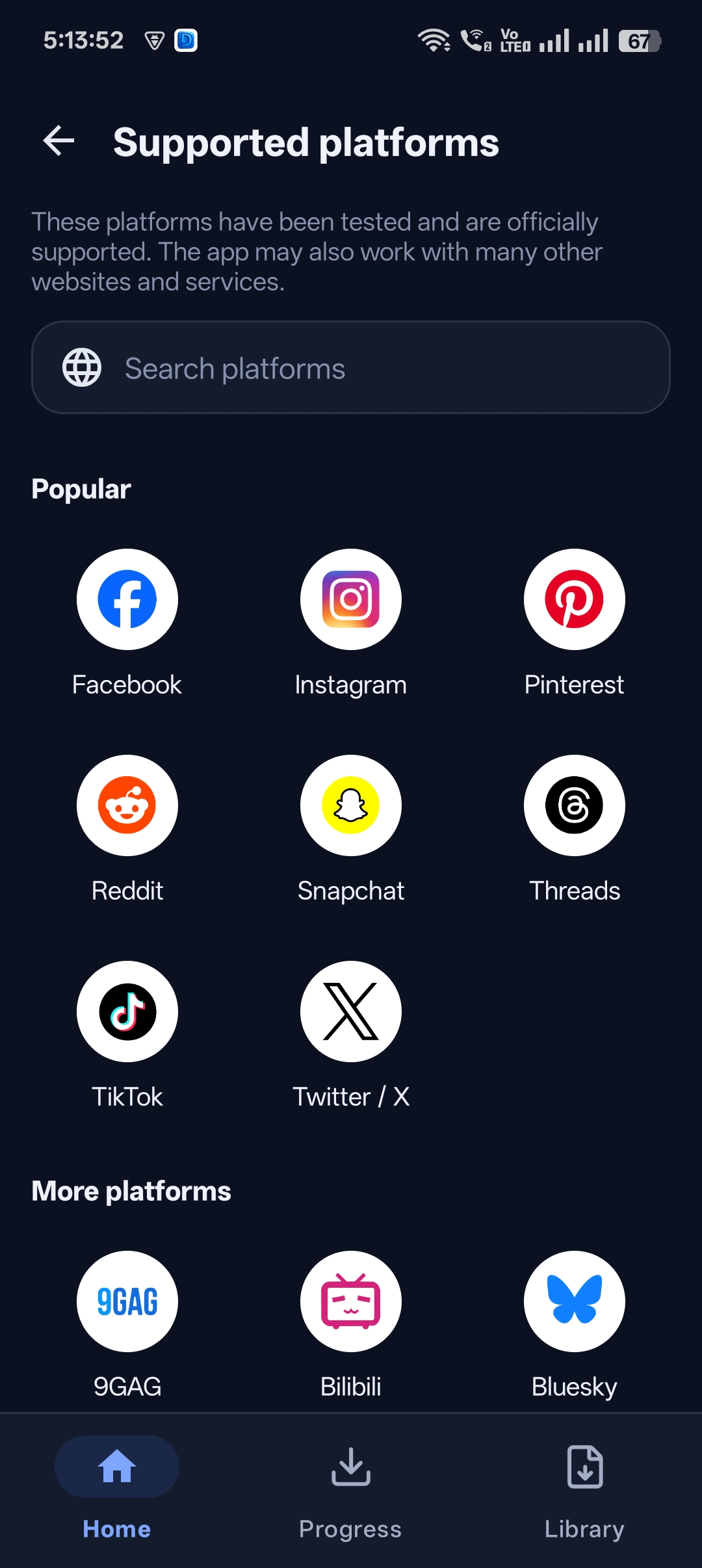
Facebook is packed with great Reels, recipe videos, live-stream replays and clips from Pages you follow — but there’s no simple “download” button for most of them. Saving a post only bookmarks it, and it disappears the moment the uploader removes it.
This guide shows you how to download Facebook Reels and videos in HD with Universal Video Downloader, whether the link comes from the Facebook app, the website or a short fb.watch link.
Quick answer: Open the Facebook Reel or video → tap Share → Copy link → paste it into Universal Video Downloader → choose HD → tap Download.
Why download Facebook videos?
- Offline viewing — watch cooking, DIY or workout videos without an internet connection.
- Save live-stream replays from events, classes or church services you couldn’t watch live.
- Keep family memories — save public clips of events shared by relatives and friends (with their permission).
- Archive your own Page videos before cleaning up old posts.
- Share without Facebook — send the video file to people who don’t use Facebook.
What you need
- Universal Video Downloader — download it from Google Play.
- A public Facebook Reel or video (posted with the globe 🌐 “Public” audience).
- The Facebook app, Facebook Lite or facebook.com in a browser.
How to download Facebook Reels: step by step
Step 1: Find the Reel or video on Facebook
Open Facebook and go to the Reel or video you want to save — from your feed, the Reels tab, Watch, a Page or a public group. Check that it shows the globe icon, which means it’s public.
Step 2: Copy the video link
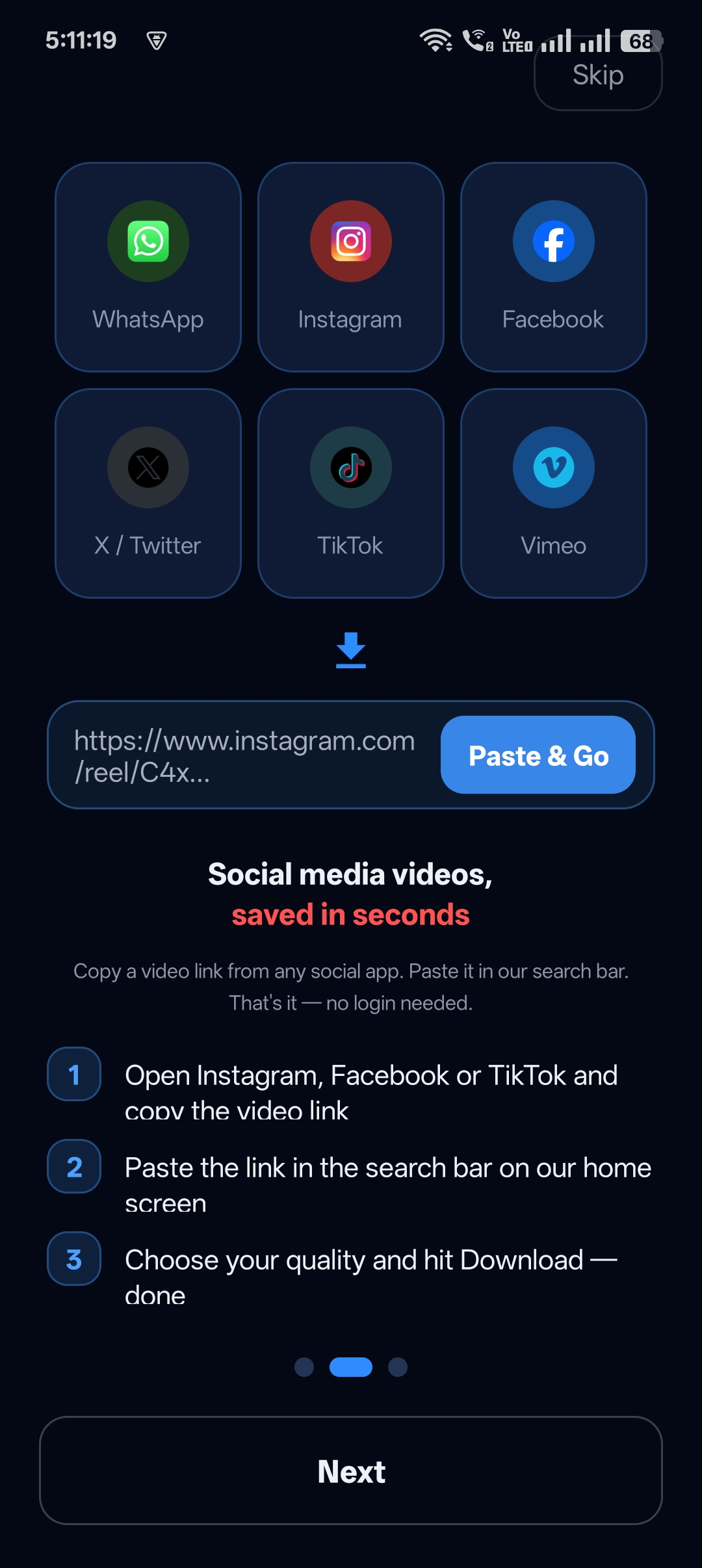
Tap Share (the arrow icon) and choose Copy link. In a mobile browser, tap the three dots (…) on the post and choose Copy link.
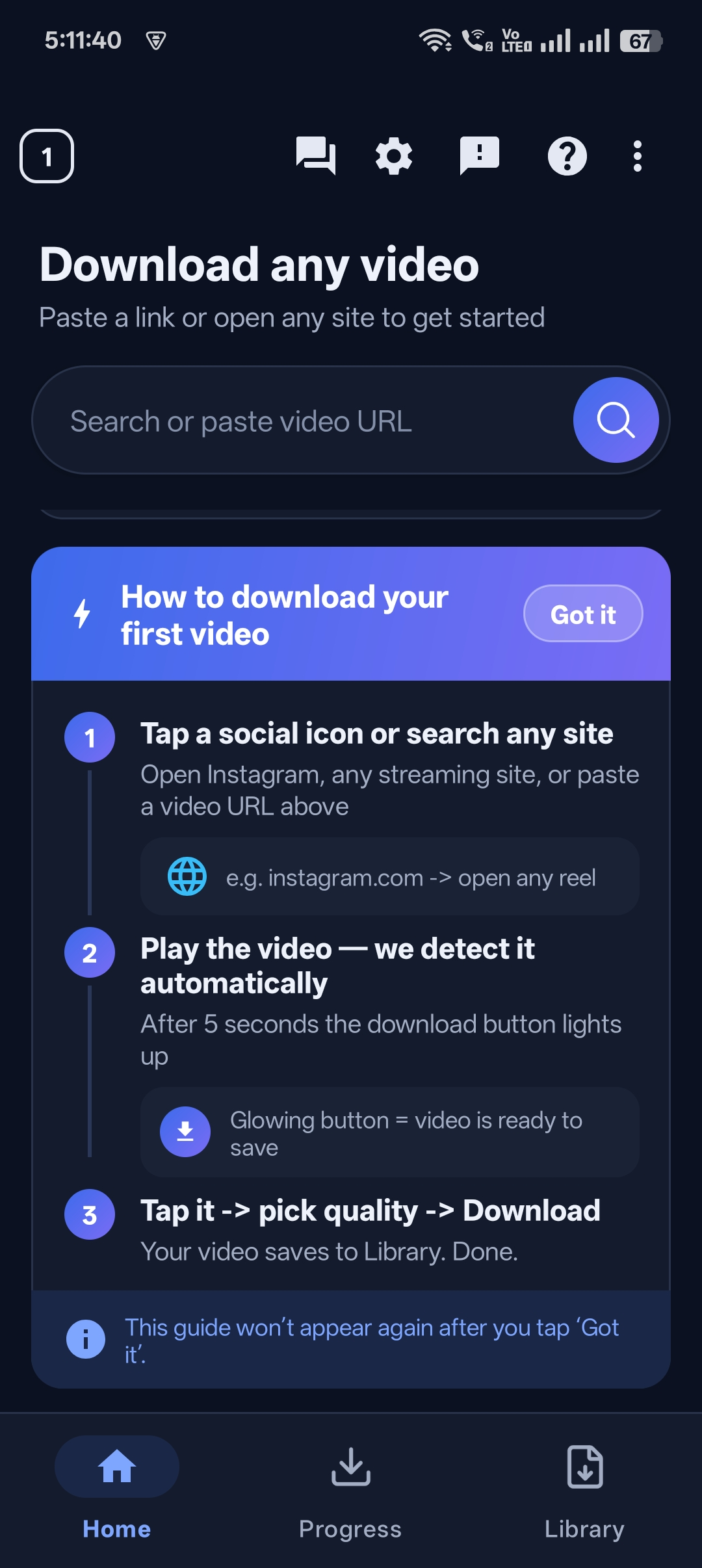
Step 3: Paste it into Universal Video Downloader
Open Universal Video Downloader, paste the link into the link box (it may be filled in automatically) and tap Search. The app reads the video and shows a preview with the available qualities.
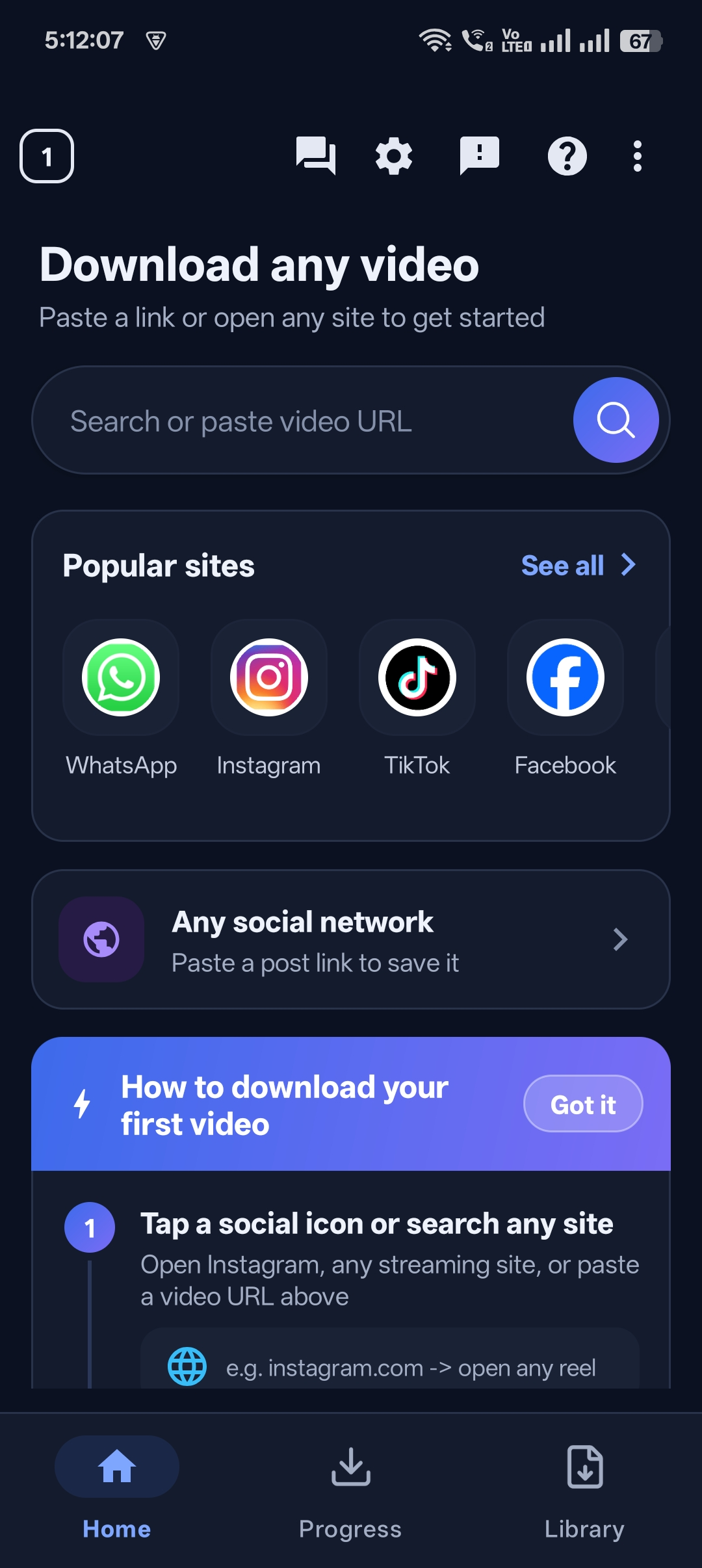
Step 4: Pick HD or SD quality
Facebook usually offers HD and SD versions. Choose HD for the best picture, SD for a smaller file, or audio only if you just need the sound.
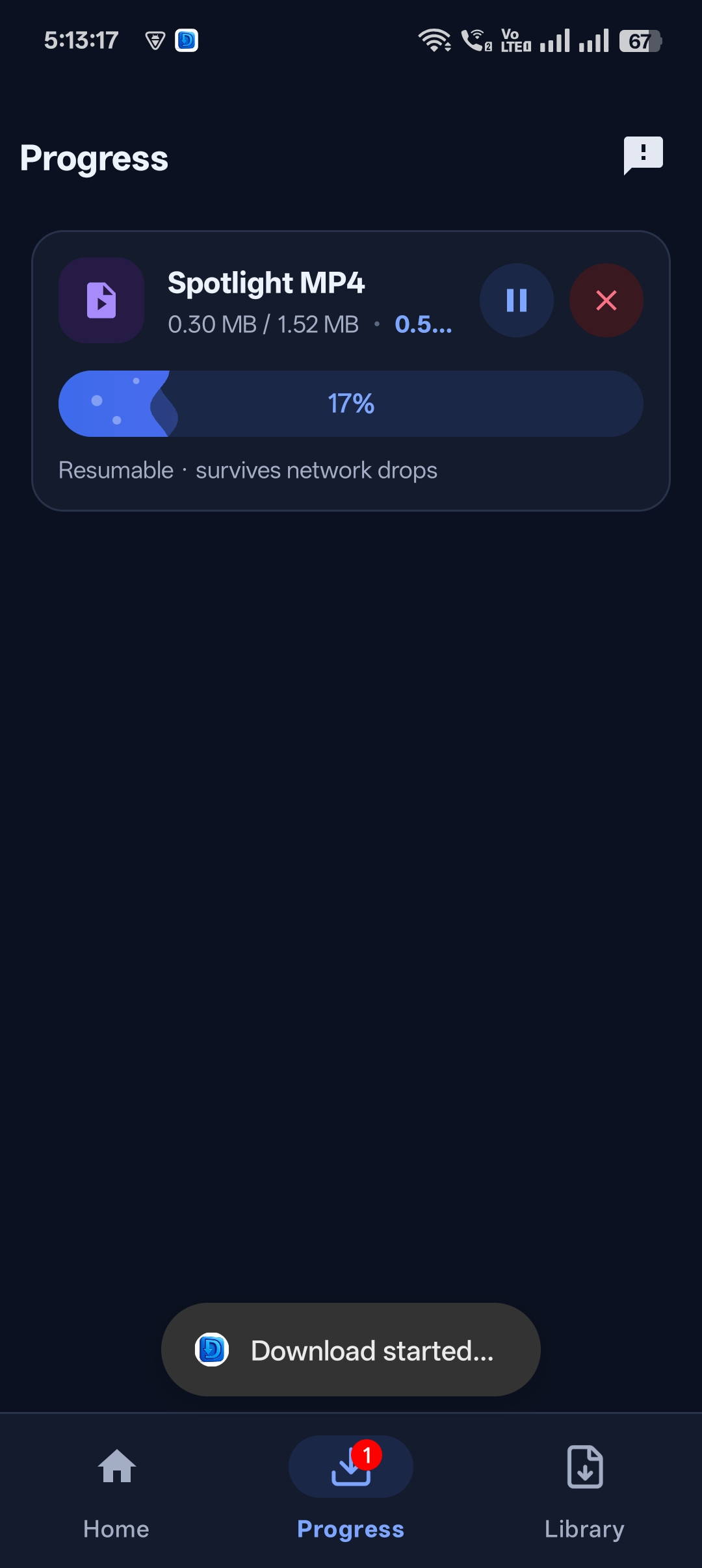
Step 5: Download and save
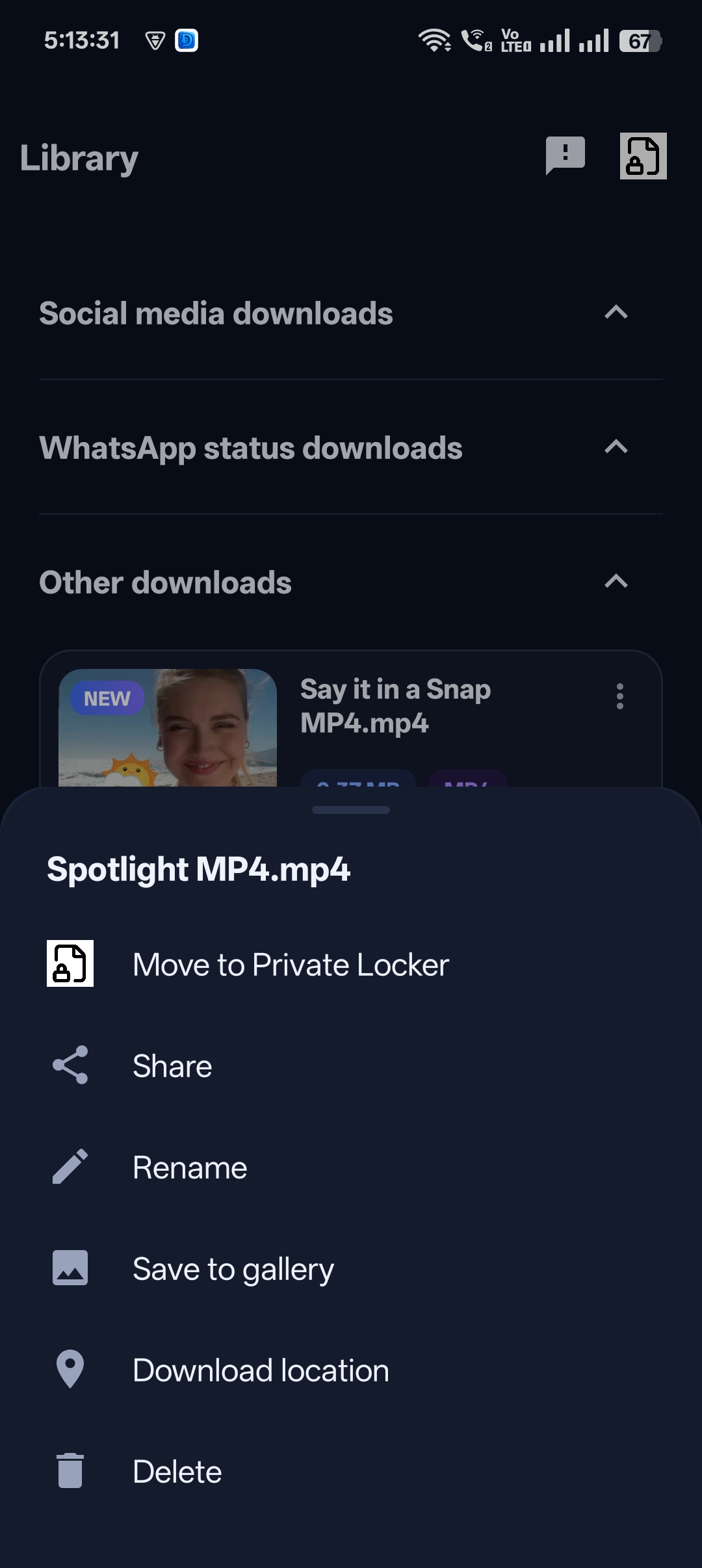
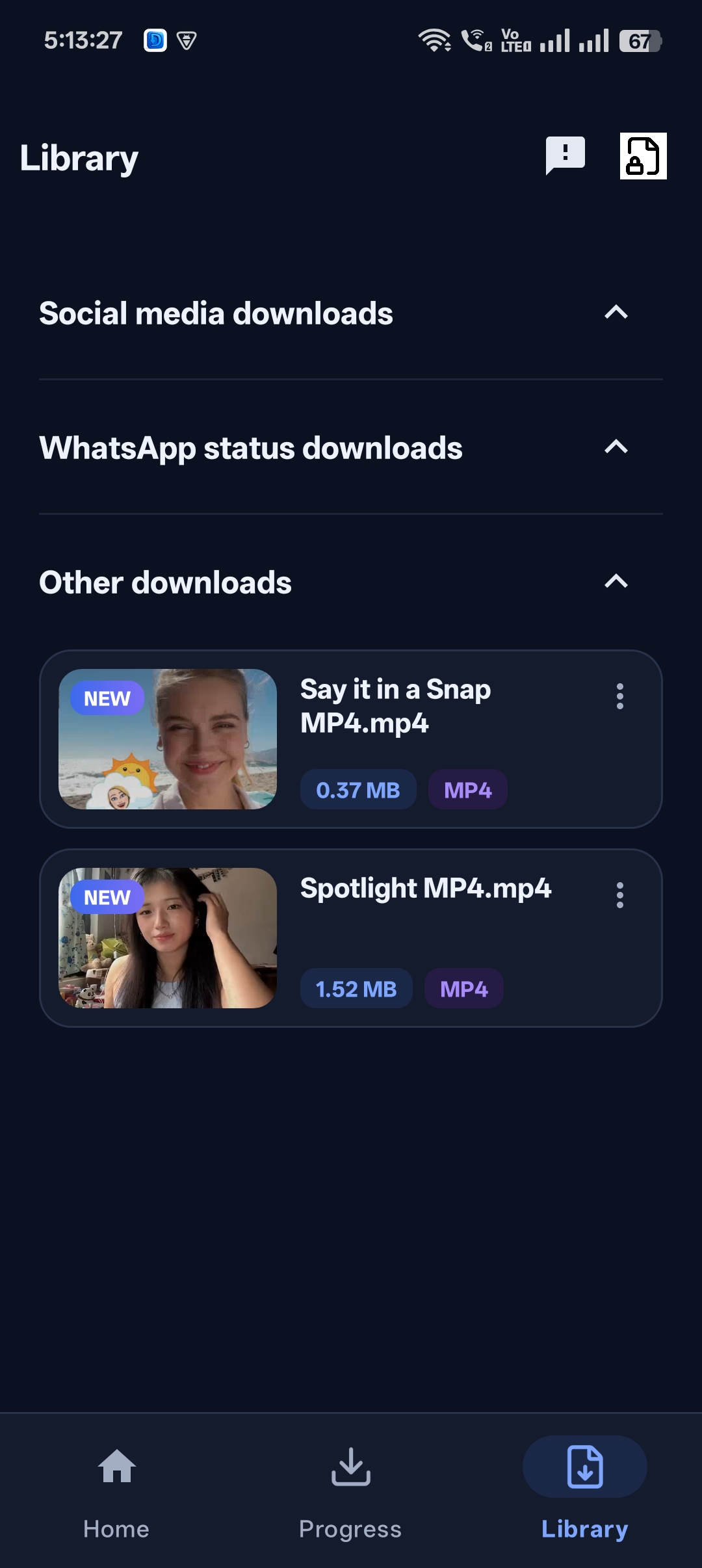
Tap Download. When it’s complete, the video is saved to your Gallery or Downloads folder and appears in the app’s library for offline playback.

Get Universal Video Downloader
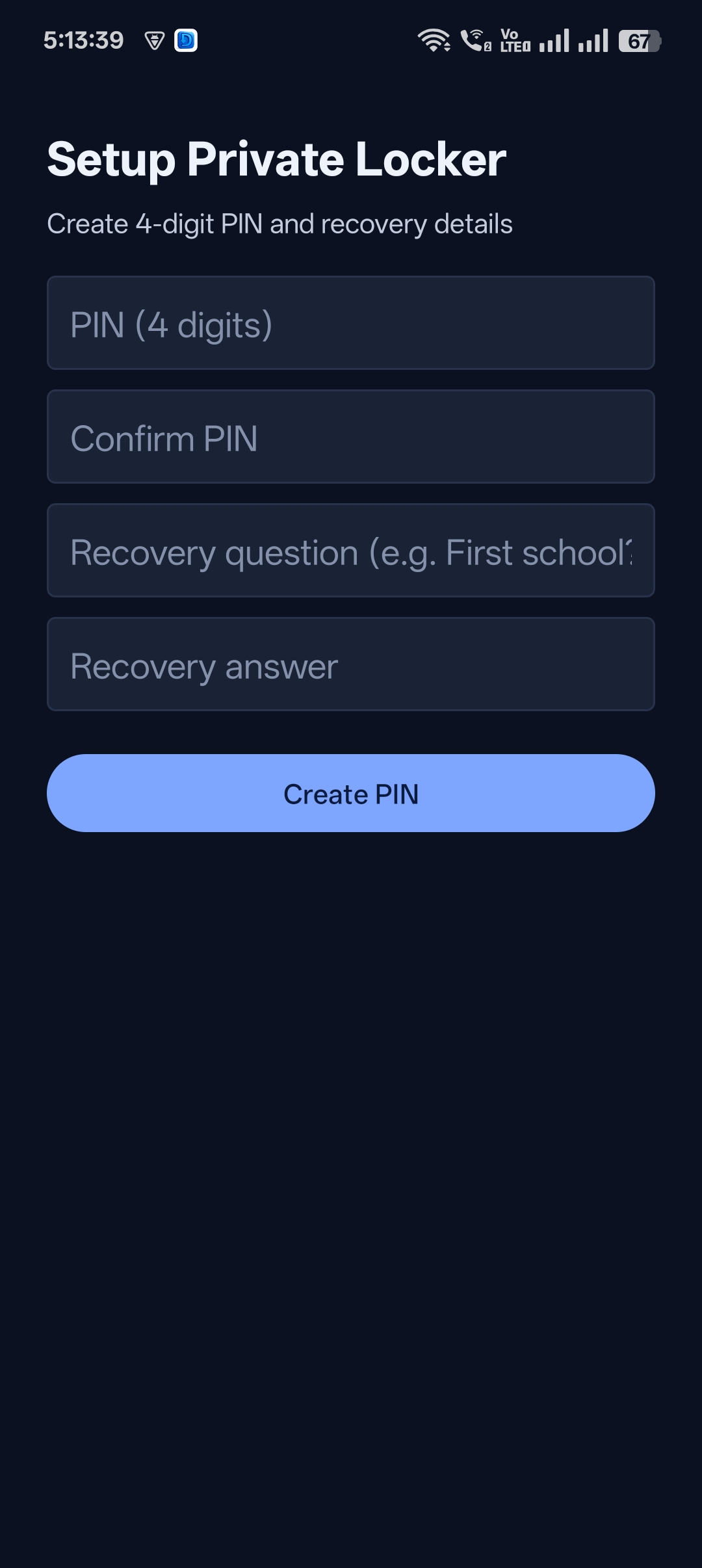
Download videos from 3786+ websites in HD and keep private ones in a PIN-locked folder. Free on Google Play.
Get it on Google PlayFacebook link formats that work
Facebook uses several link styles. Universal Video Downloader accepts all of the common ones:
| Link type | Example |
|---|---|
| Reels | facebook.com/reel/1234567890 |
| Short share link | fb.watch/abcDEF123/ |
| Watch videos | facebook.com/watch/?v=1234567890 |
| Page videos | facebook.com/PageName/videos/1234567890 |
| Mobile links | m.facebook.com/… |
| Share links | facebook.com/share/v/… |
Downloading from Watch, Pages, groups and live replays
Facebook Watch and Pages: copy the link exactly as shown above — these are almost always public.
Groups: videos in public groups can be downloaded. Videos inside private groups can’t, because they aren’t publicly accessible.
Live videos: wait until the broadcast ends and the replay is published, then copy the replay link.
Tip: If a link from the Facebook app doesn’t work, open the video on facebook.com in a browser and copy the address from there — it gives the most direct link.
Tips for better Facebook downloads
- Choose HD whenever it’s offered — SD on Facebook is often only 360p or 480p.
- Use the original post, not a re-share, to get the highest-quality version.
- Long live replays can be large files — download them on Wi-Fi.
- Keep the app updated so it keeps up with Facebook changes.
Facebook video won’t download? Try this
| Problem | Fix |
|---|---|
| “Private or unavailable video” | The video isn’t public, is in a private group, or was removed. Only public videos can be downloaded. |
| Only SD quality shown | The uploader may not have uploaded an HD version. Try the link from facebook.com in a browser. |
| Link from Messenger fails | Videos sent privately in Messenger aren’t public. Open the original post instead. |
| Download stops halfway | Check storage space and internet connection, then retry from the library. |
Need more help? Write to help@universalvideodownloader.com.
Is it legal to download Facebook videos?
Saving a public video for personal, offline viewing is generally fine. Re-uploading it as your own, removing credit or using it commercially without permission can infringe copyright and Facebook’s Terms.
Be fair to creators: download content you own or have permission to use, and credit the original uploader when sharing. This is general information, not legal advice.
Frequently asked questions
Can I download Facebook Reels in HD?
Yes. When the uploader published an HD version, Universal Video Downloader lists it as the HD option. Select it before tapping download.
Can I download Facebook live videos?
Yes, once the live stream has ended and the replay is published publicly. Copy the replay link and paste it into the app.
Can I download videos from private Facebook groups?
No. Videos in private groups and private profiles are not publicly accessible, so they can’t be downloaded.
Does the uploader get notified when I download?
No. Facebook does not send a notification when someone copies a link or downloads a public video.
Does it work with Facebook Lite?
Yes. Copy the link from Facebook Lite’s share menu and paste it into Universal Video Downloader the same way.
Conclusion
Downloading Facebook Reels and videos is simple: copy the link, paste it into Universal Video Downloader, choose HD and tap download. It works with Reels, Watch, Pages, public groups and live replays.
Want to save videos from other apps too? Read our guides for Instagram Reels and TikTok videos.
Related guides
Universal Video Downloader TeamWe build tools that make saving and enjoying online videos simple. Questions? Email help@universalvideodownloader.com.