Incognito mode in Chrome stops your history being saved, but it still can’t download most videos — and anything you do download goes straight to the gallery.
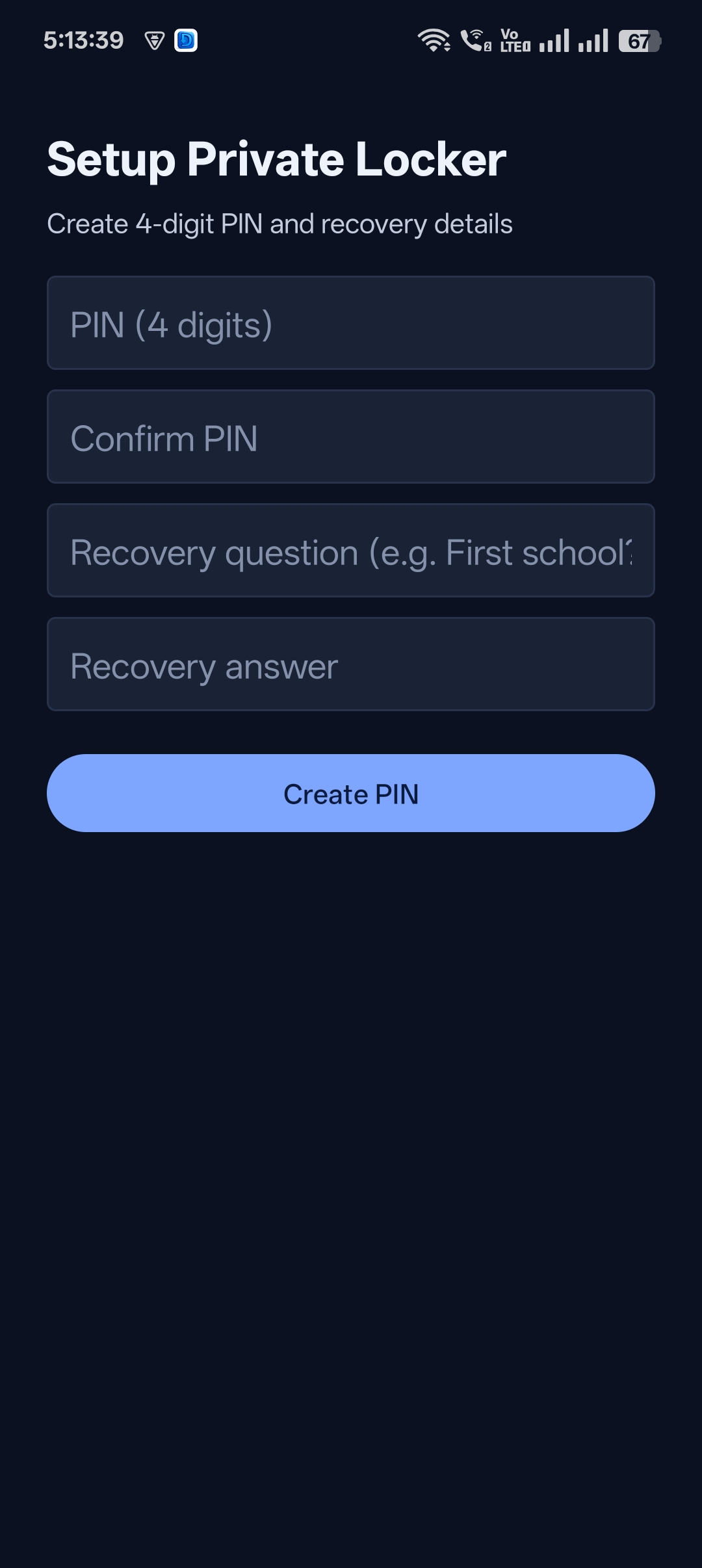
Universal Video Downloader includes a private browser that can download videos: browse without logging in, download with one tap and lock the result behind a PIN.
Quick answer: Open Universal Video Downloader → type a site in the search box → play the video → tap the glowing download button → Move to Locker.
Incognito vs a private downloading browser
| Feature | Chrome Incognito | Universal Video Downloader browser |
|---|---|---|
| Doesn’t need a login | ✔ | ✔ |
| Downloads videos | ✘ | ✔ Auto-detect |
| Hide downloads from gallery | ✘ | ✔ Private Locker |
| PIN protection | ✘ | ✔ |
How to browse and download privately
Step 1: Open the built-in browser
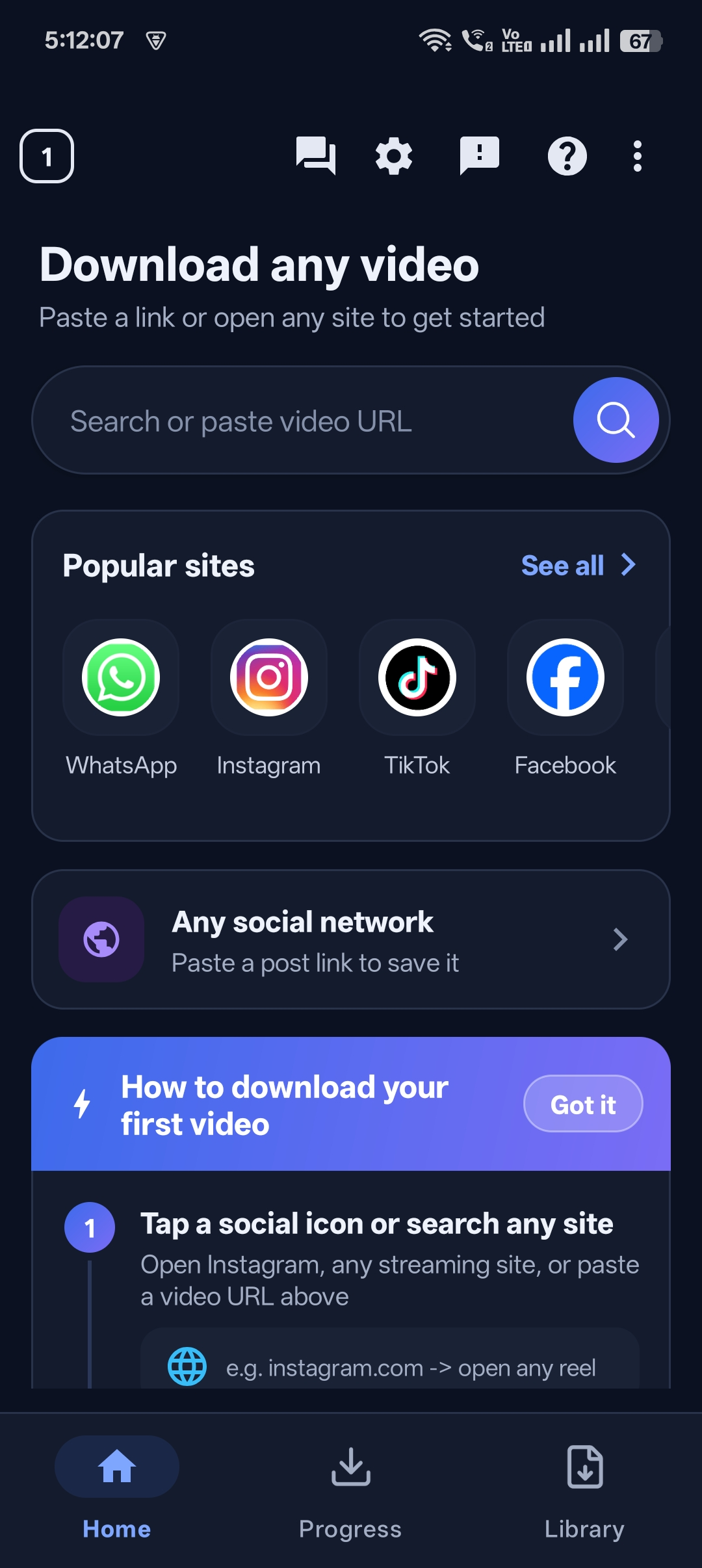
Type any website into the search box on the home screen.
Step 2: Play the video
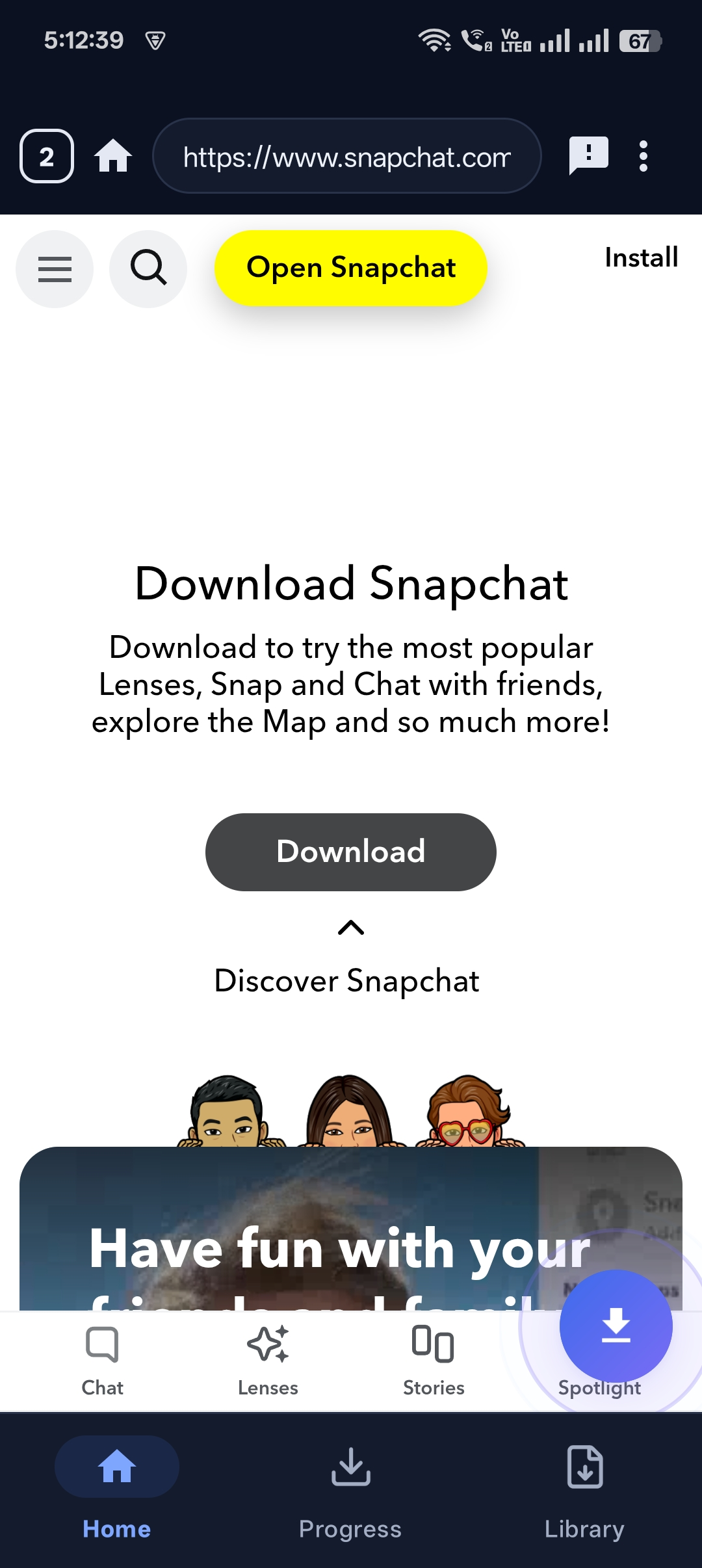
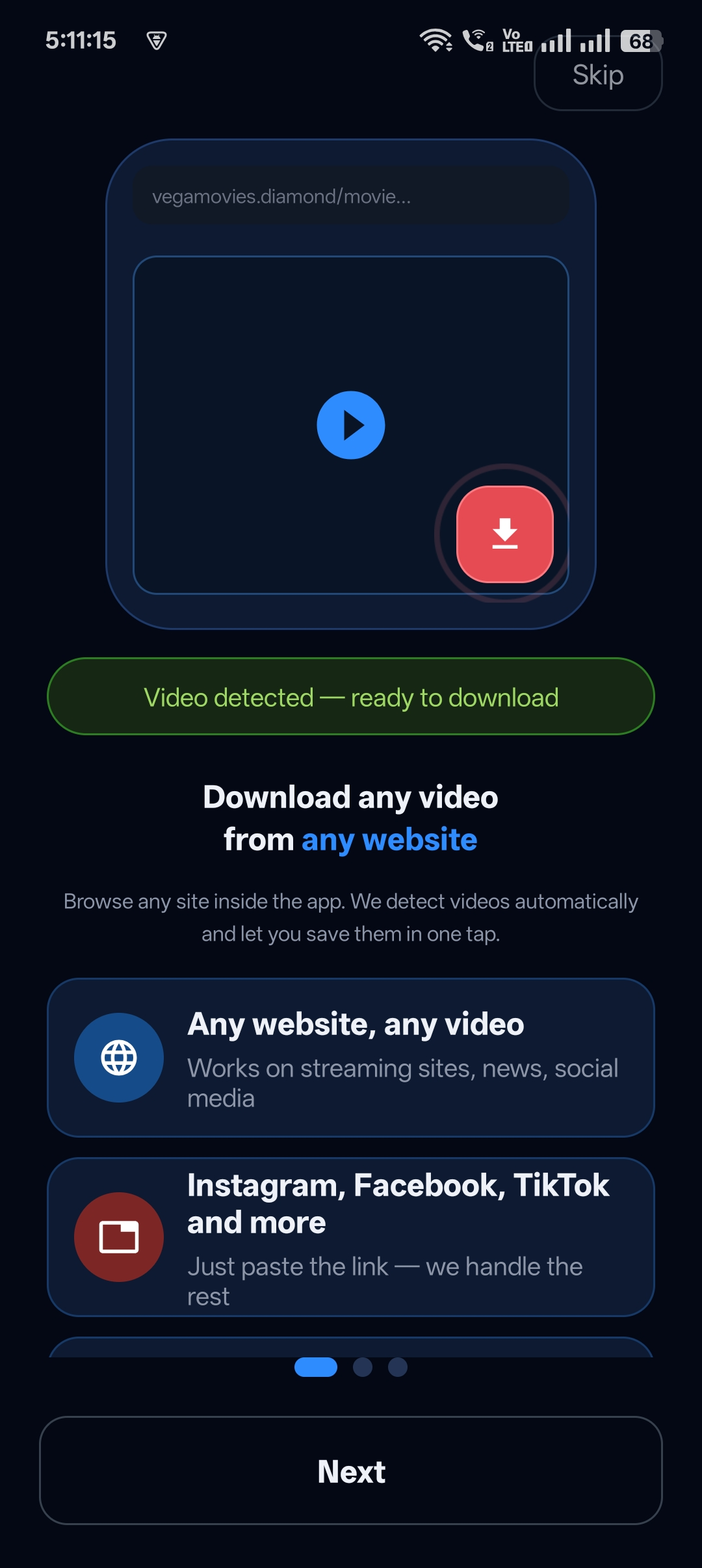
The app detects it and shows “Video detected — ready to download”.
Step 3: Download
Tap the glowing download button.
Step 4: Hide it
Tap Move to Locker to keep it private.


Get Universal Video Downloader
Download videos from 3786+ websites in HD and keep private ones in a PIN-locked folder. Free on Google Play.
Get it on Google PlayGood privacy habits
- Don’t log in to personal accounts inside any downloader browser.
- Move private downloads to the Locker straight away.
- Use a unique Locker PIN.
Download responsibly
Universal Video Downloader works only with publicly available videos. Downloading for personal, offline viewing is generally fine, but re-uploading other people’s videos, removing credit or using them commercially without permission can break copyright law and platform rules.
Respect creators: only download content you own or have permission to use. This is general information, not legal advice.
Frequently asked questions
Is the in-app browser really private?
You don’t need to log in to anything, and you can hide your downloads behind a PIN.
Can incognito mode download videos?
Generally no. Browsers don’t download streaming videos, even in incognito mode.
Which sites work in the browser?
Most sites with public, non-DRM videos.
Where do downloads go?
To the Library, and to the Private Locker if you move them there.
Conclusion
For browsing and downloading privately in one place, use Universal Video Downloader’s built-in browser and Private Locker together.
Related: private video downloader with browser.
Related guides
Universal Video Downloader TeamWe build tools that make saving and enjoying online videos simple. Questions? Email help@universalvideodownloader.com.