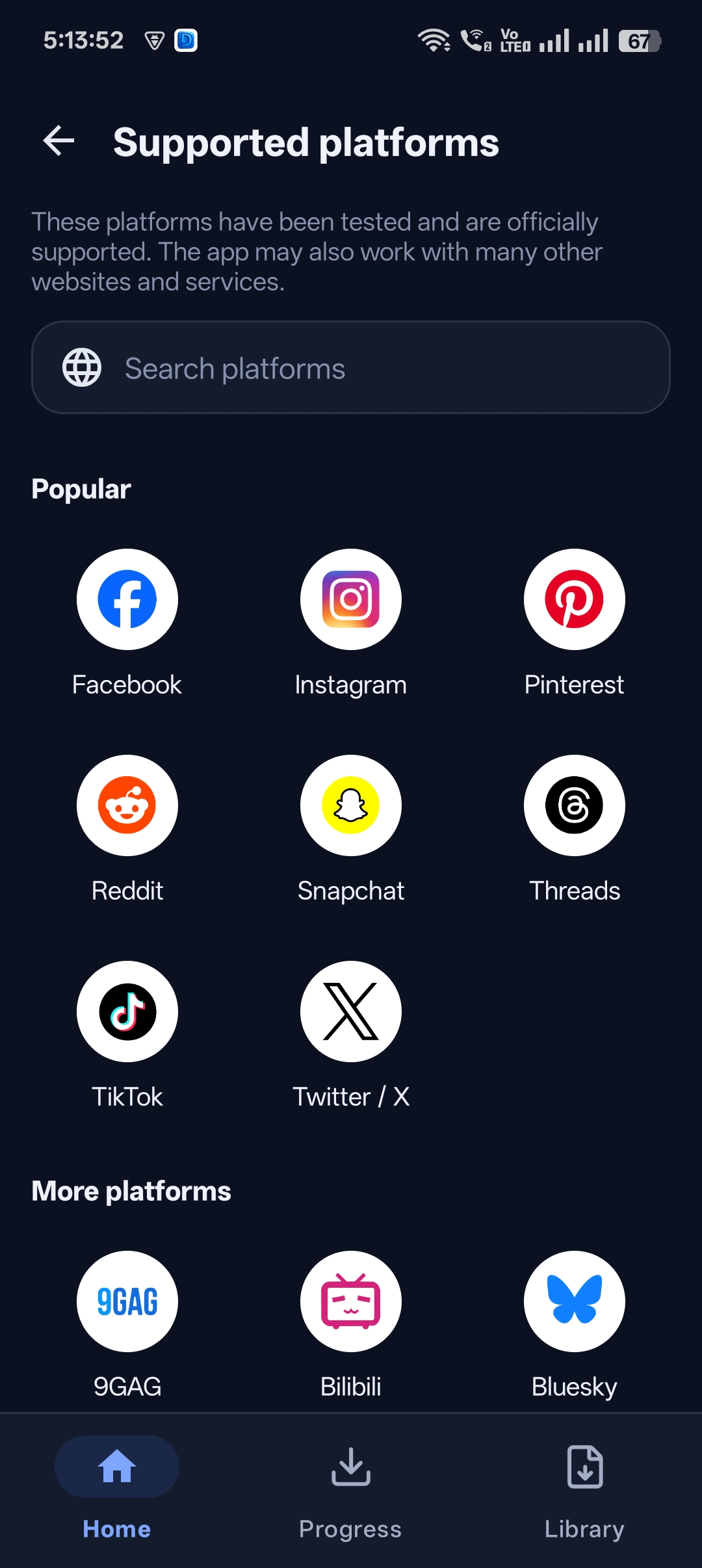
Some websites don’t have a share button, and some videos you’d rather not have sitting in your gallery. A normal browser can’t download videos, and a normal downloader can’t browse.
Universal Video Downloader combines both: a built-in browser that detects videos as you watch, plus a Private Locker that hides your downloads behind a PIN. It’s a private video downloader with a browser, all in one app.
Quick answer: Open a site from the app’s home screen → play the video → tap the glowing download button → when finished, tap Move to Locker to hide it behind your PIN.
Who needs a private downloader with a browser?
- People who download from websites with no share or copy-link button.
- Anyone who wants downloads kept out of the gallery.
- Users who don’t want to log in to social networks inside a downloader.
How video detection works
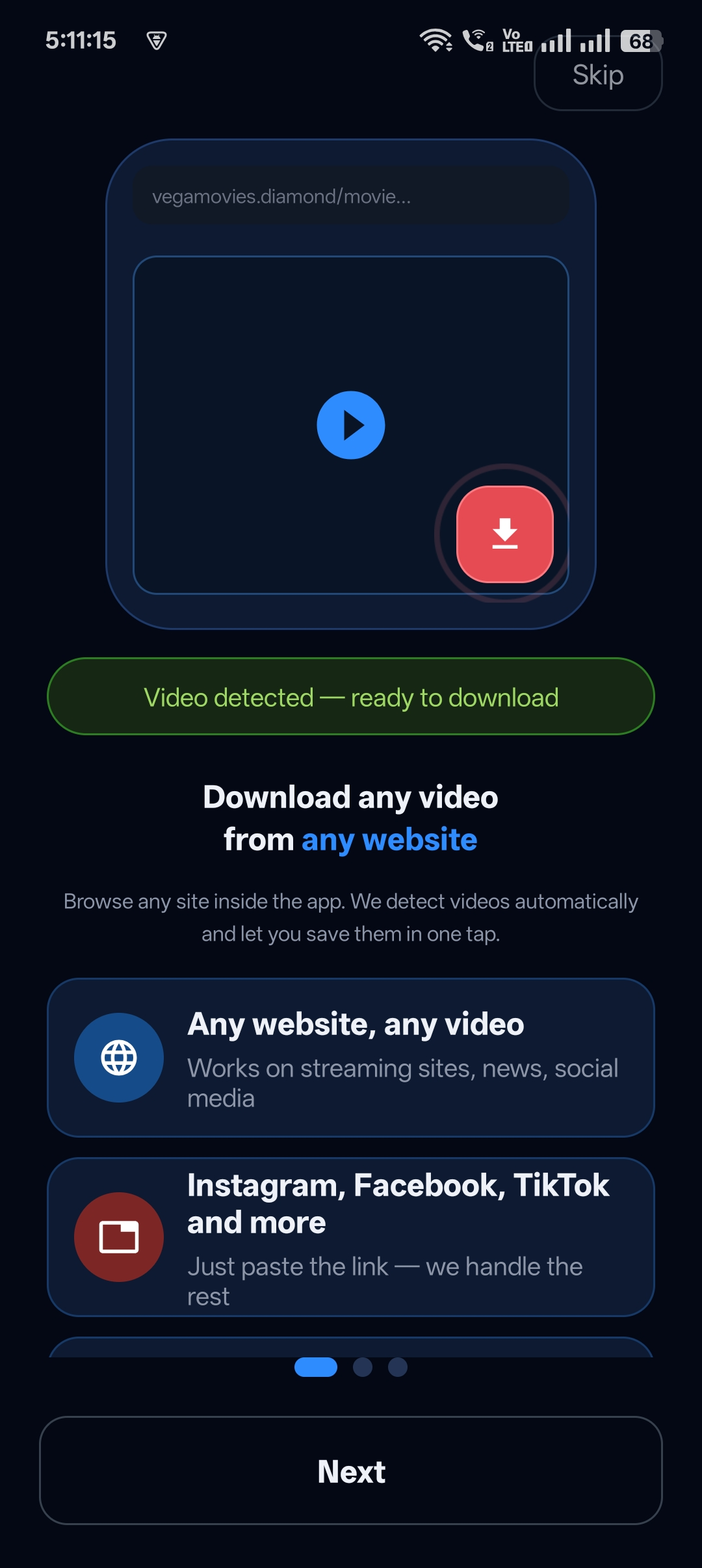
When you play a video inside the in-app browser, Universal Video Downloader detects it automatically. After about 5 seconds the download button lights up — a glowing button means the video is ready to save.
How to download privately with the built-in browser
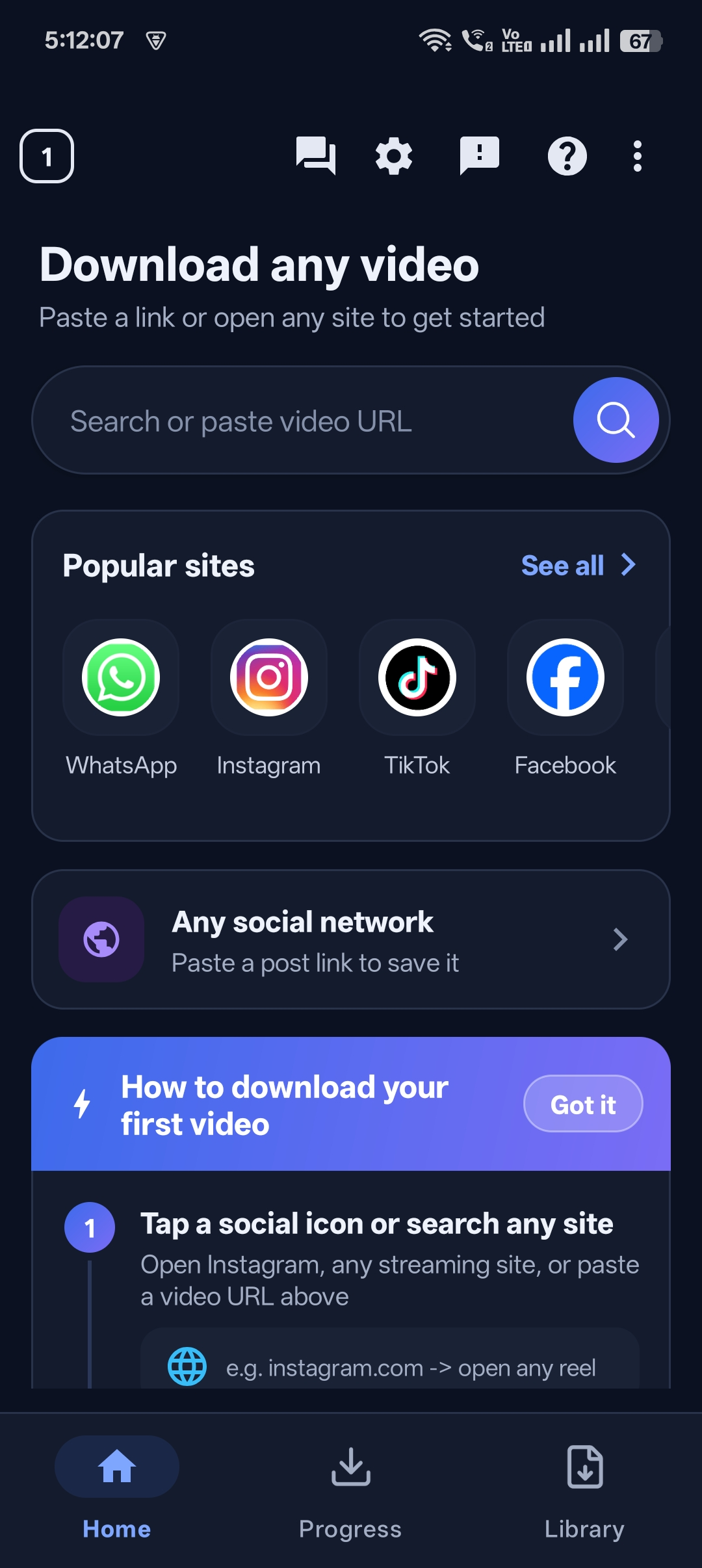
Step 1: Open a site from the home screen
Tap a popular site icon or type a website address into the search box on the home screen.
Step 2: Browse and play the video
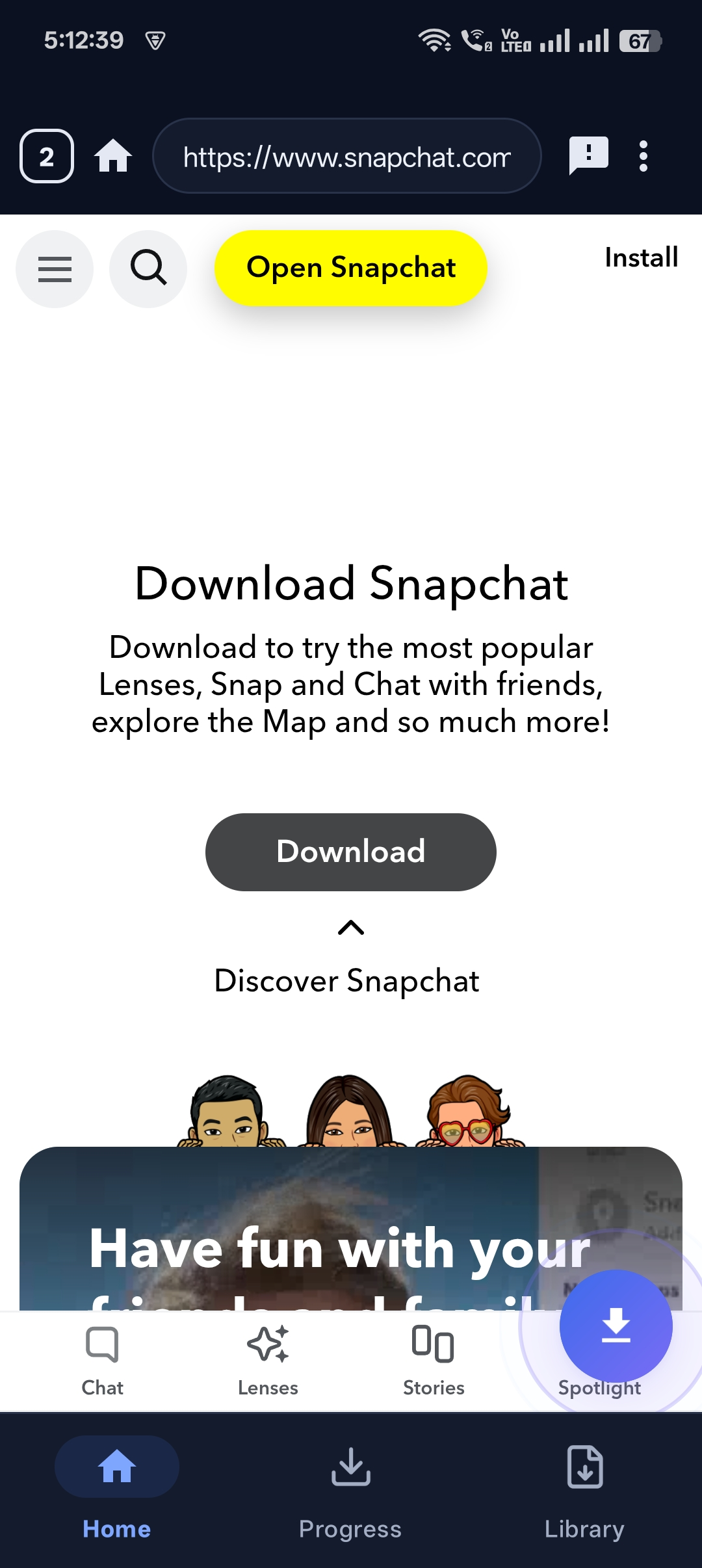
The site opens inside the app’s browser. Find the video and press play.
Step 3: Tap the glowing download button
When “Video detected — ready to download” appears, tap the red download button.
Step 4: Hide it in the Private Locker
When the download completes, tap Move to Locker. The video disappears from your gallery and other apps.

Step 5: Protect it with a PIN
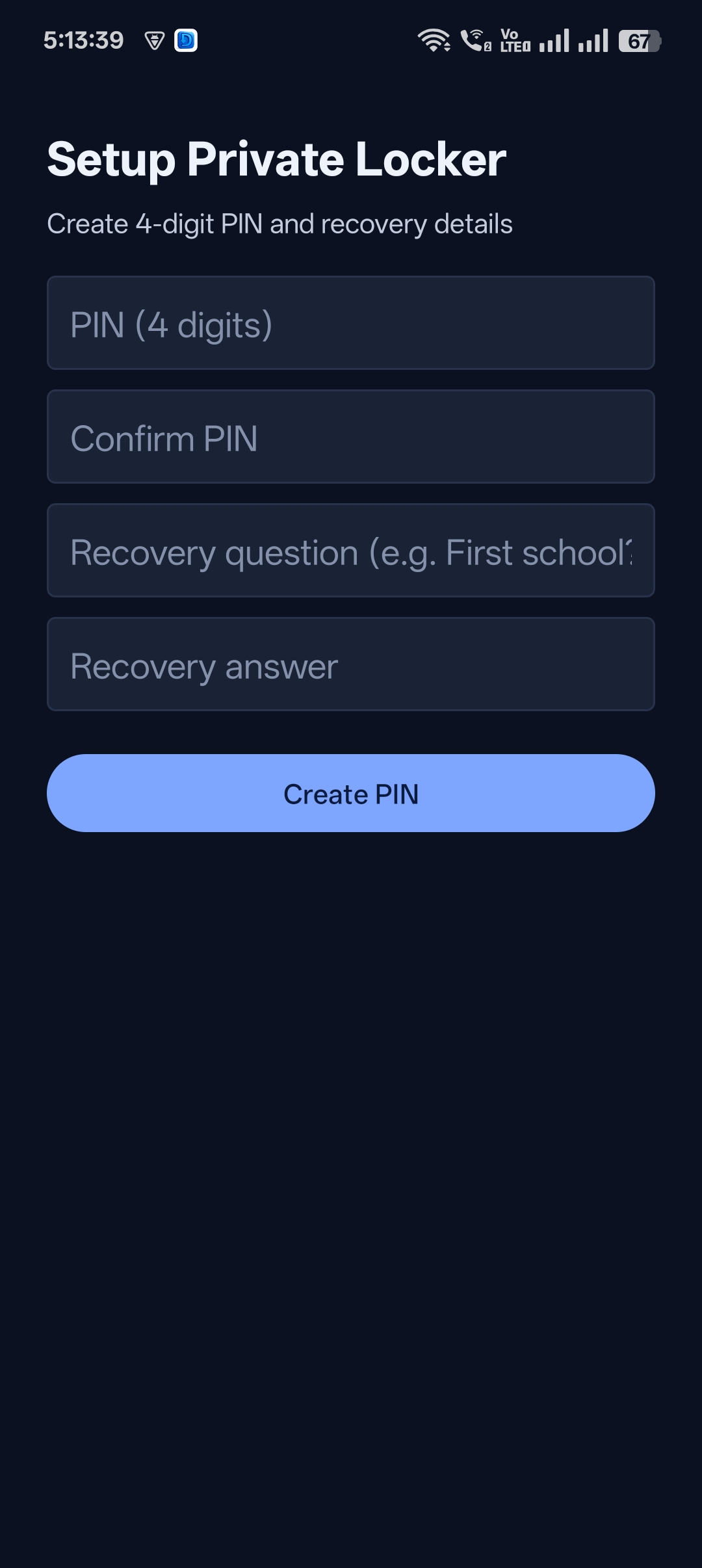
If this is your first time, create a 4-digit PIN and recovery question.

Get Universal Video Downloader
Download videos from 3786+ websites in HD and keep private ones in a PIN-locked folder. Free on Google Play.
Get it on Google PlayBrowser mode vs paste-link mode
| Paste link | Built-in browser | |
|---|---|---|
| Best for | Social apps with a share button | Websites without a share button |
| Speed | Fastest | A few seconds to detect |
| Login needed | No | No |
Privacy tips
- Move sensitive downloads to the Locker right after they finish.
- Use a PIN you don’t use anywhere else.
- Clear your in-app browsing when you’re done.
Download responsibly
Universal Video Downloader works only with publicly available videos. Downloading for personal, offline viewing is generally fine, but re-uploading other people’s videos, removing credit or using them commercially without permission can break copyright law and platform rules.
Respect creators: only download content you own or have permission to use. This is general information, not legal advice.
Frequently asked questions
Can I use the browser without logging in?
Yes. You can browse and download public videos without signing in to any account.
Why doesn’t the download button light up?
Play the video for a few seconds. If the video is DRM-protected or private, it can’t be detected.
Are browser downloads hidden automatically?
They go to your Library first. Tap Move to Locker to hide them.
Does it work with Snapchat?
Yes. You can open Snapchat in the built-in browser and download public Spotlight videos.
Conclusion
For full privacy and maximum compatibility, use the built-in browser to find videos and the Private Locker to keep them hidden — all inside Universal Video Downloader.
Learn more about the built-in browser and the safe vault.
Related guides
Universal Video Downloader TeamWe build tools that make saving and enjoying online videos simple. Questions? Email help@universalvideodownloader.com.