Searching for an all video downloader app that’s free and actually works? Most downloaders only handle one platform, are full of fake download buttons, or ask for your social media password.
Universal Video Downloader is a free app that downloads videos from 3786+ websites — Instagram, Facebook, TikTok, X, Snapchat, Pinterest, Reddit and more — with a simple copy-paste workflow. This guide shows you how to download it safely and save your first video.
Quick answer: Open Google Play, search for Universal Video Downloader, tap Install, open the app, paste a video link and tap download. The app is free to download.
What is an all video downloader app?
An all video downloader is a single app that can save videos from many different websites instead of just one. Instead of installing an Instagram downloader, a TikTok downloader and a Facebook downloader, you install one app and paste any link into it.
- One app for every site — 3786+ supported websites.
- No login needed — you never enter your social media password.
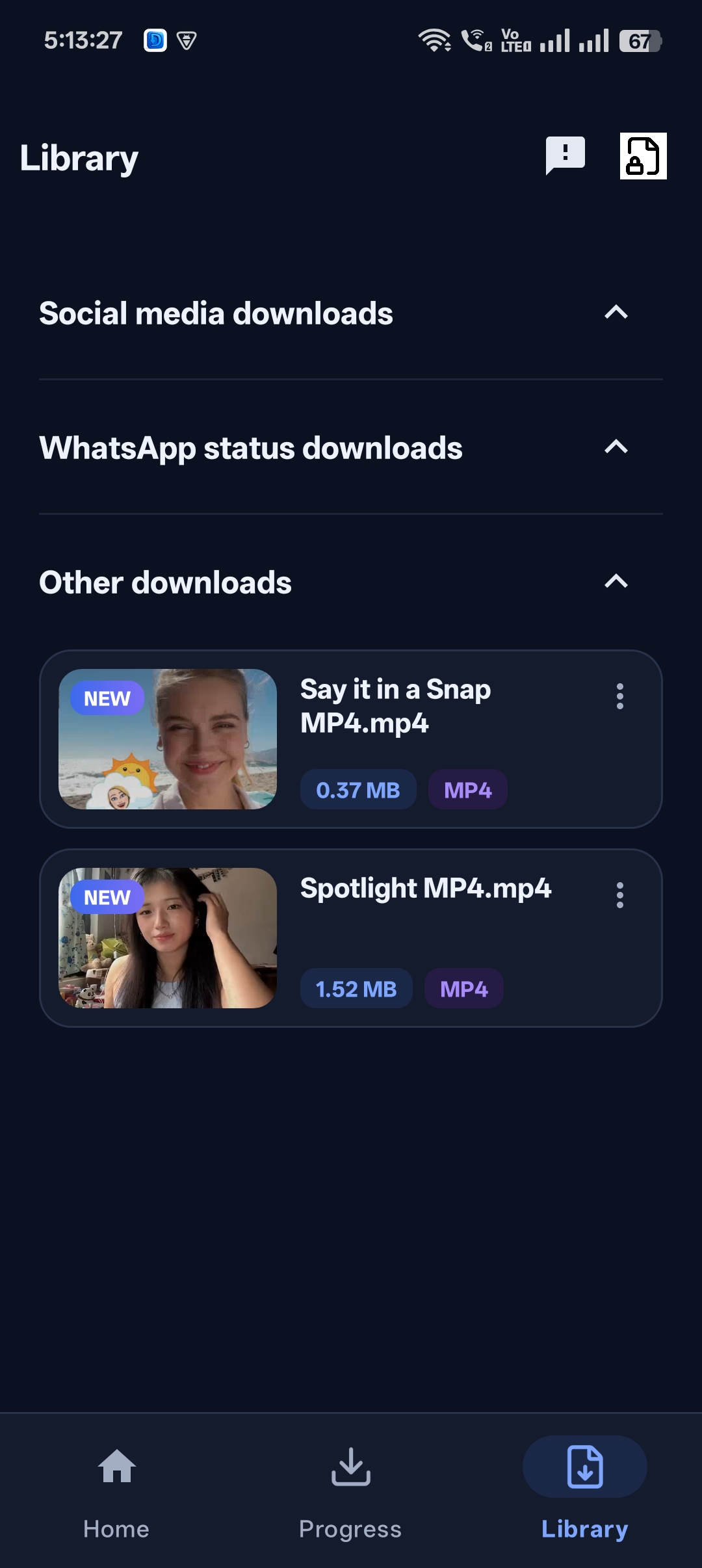
- Organised library — all downloads sorted in one place.
- Private Locker — hide videos behind a PIN.
- Built-in browser — download from sites that have no share button.
Download the app safely
Only install video downloaders from official app stores. APK files from random websites can contain malware or adware.
Official link: Universal Video Downloader is available on Google Play. The iPhone version is coming soon to the App Store.
How to download and set up the app: step by step
Step 1: Install from Google Play
Open Google Play on your Android phone, search for Universal Video Downloader and tap Install.
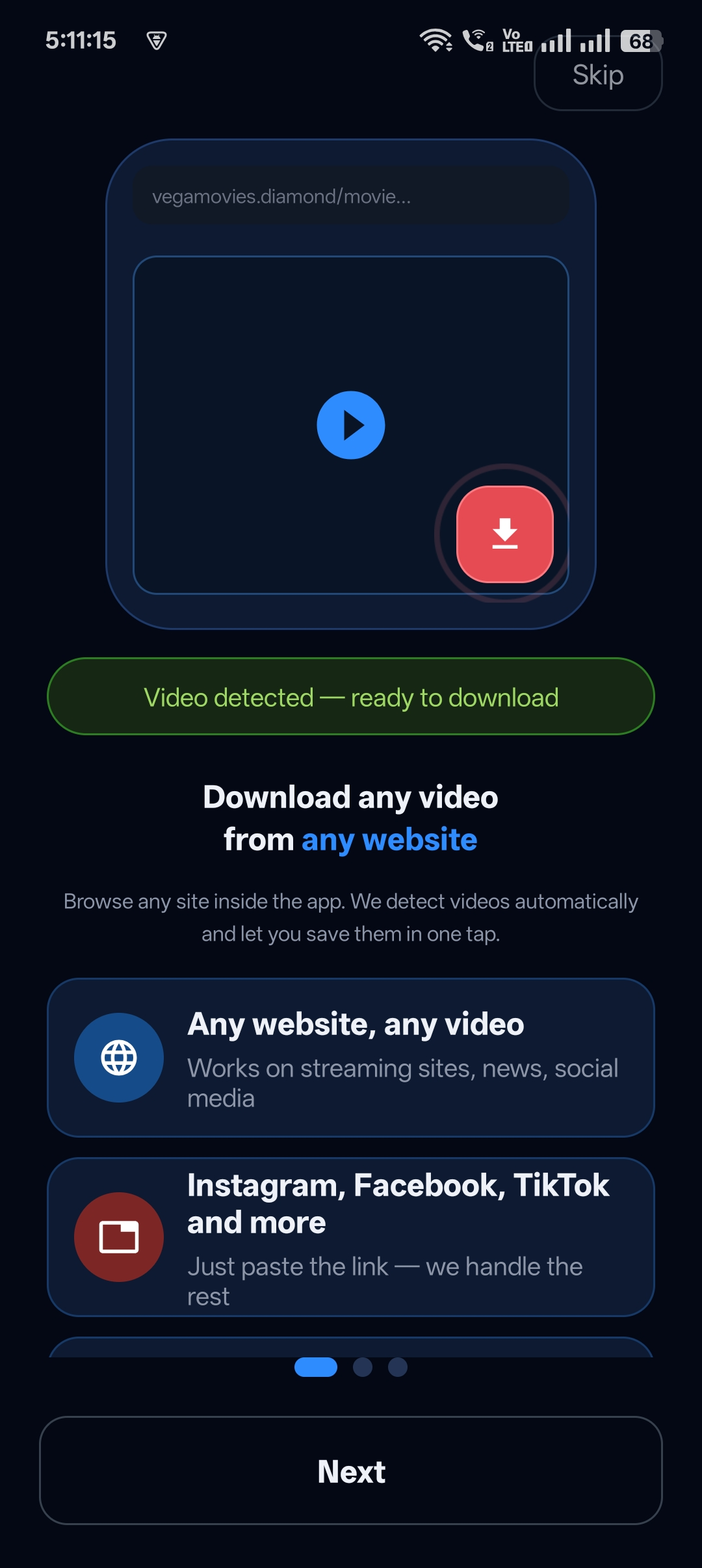
Step 2: Open the app and follow the quick guide
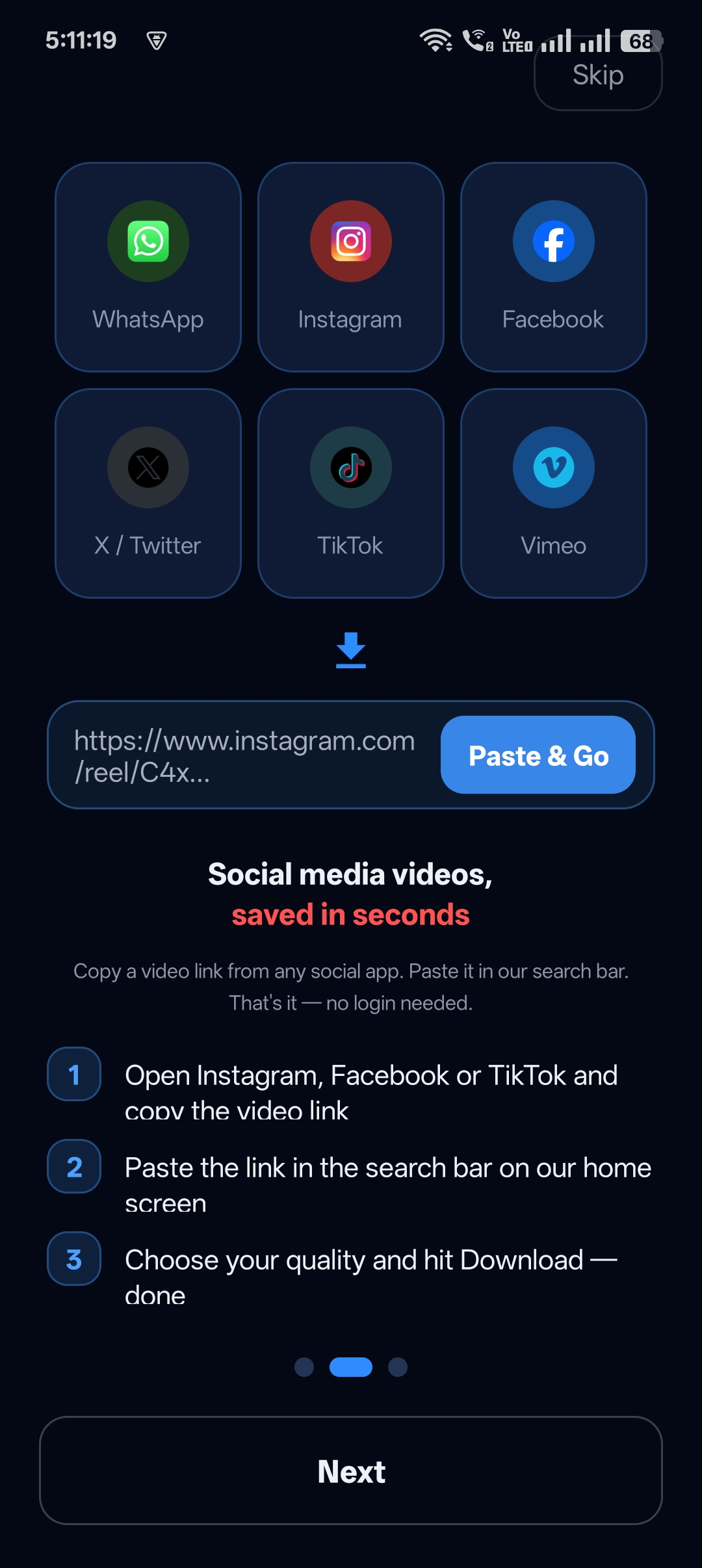
On first launch, a short welcome guide explains how to copy a link and paste it into the app. Tap Next to go through it, or Skip.
Step 3: Check the supported platforms
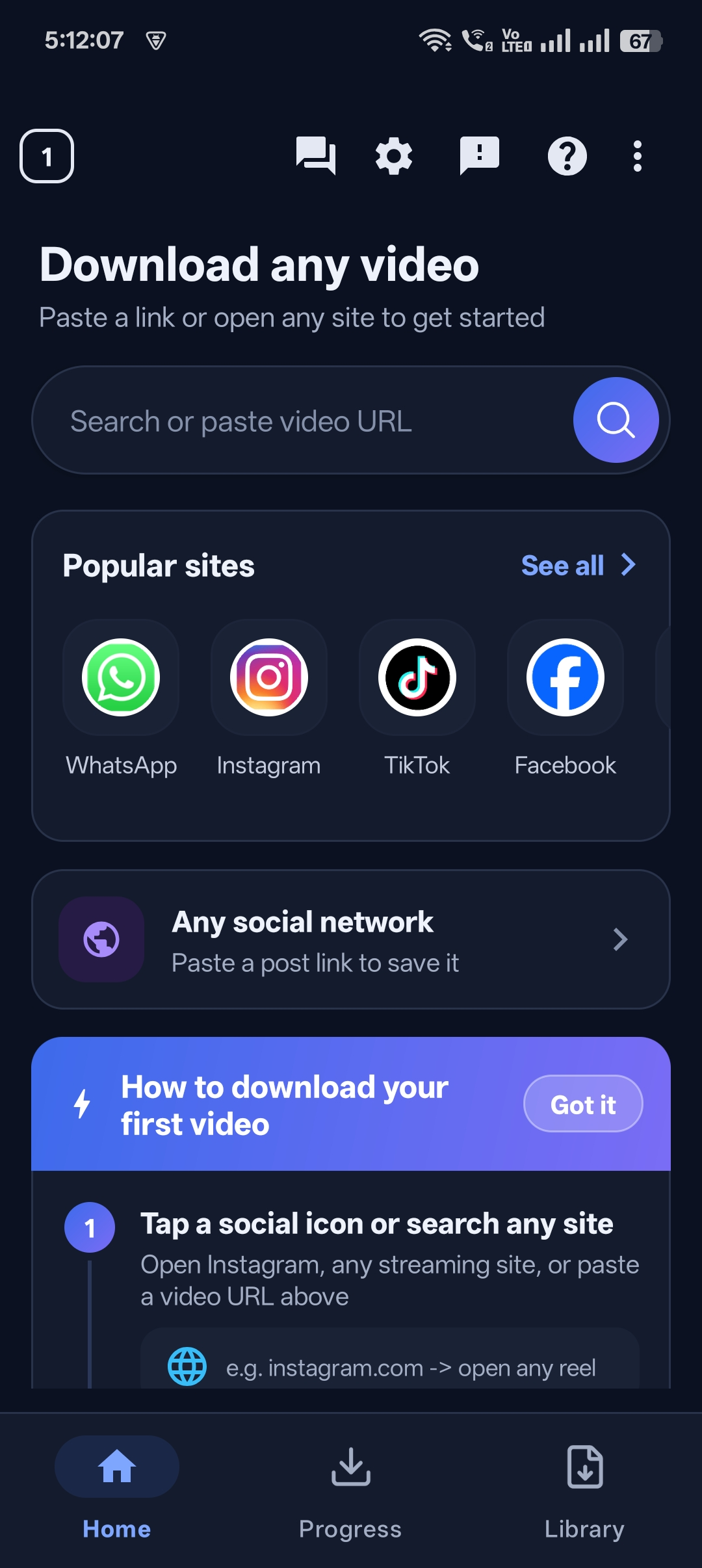
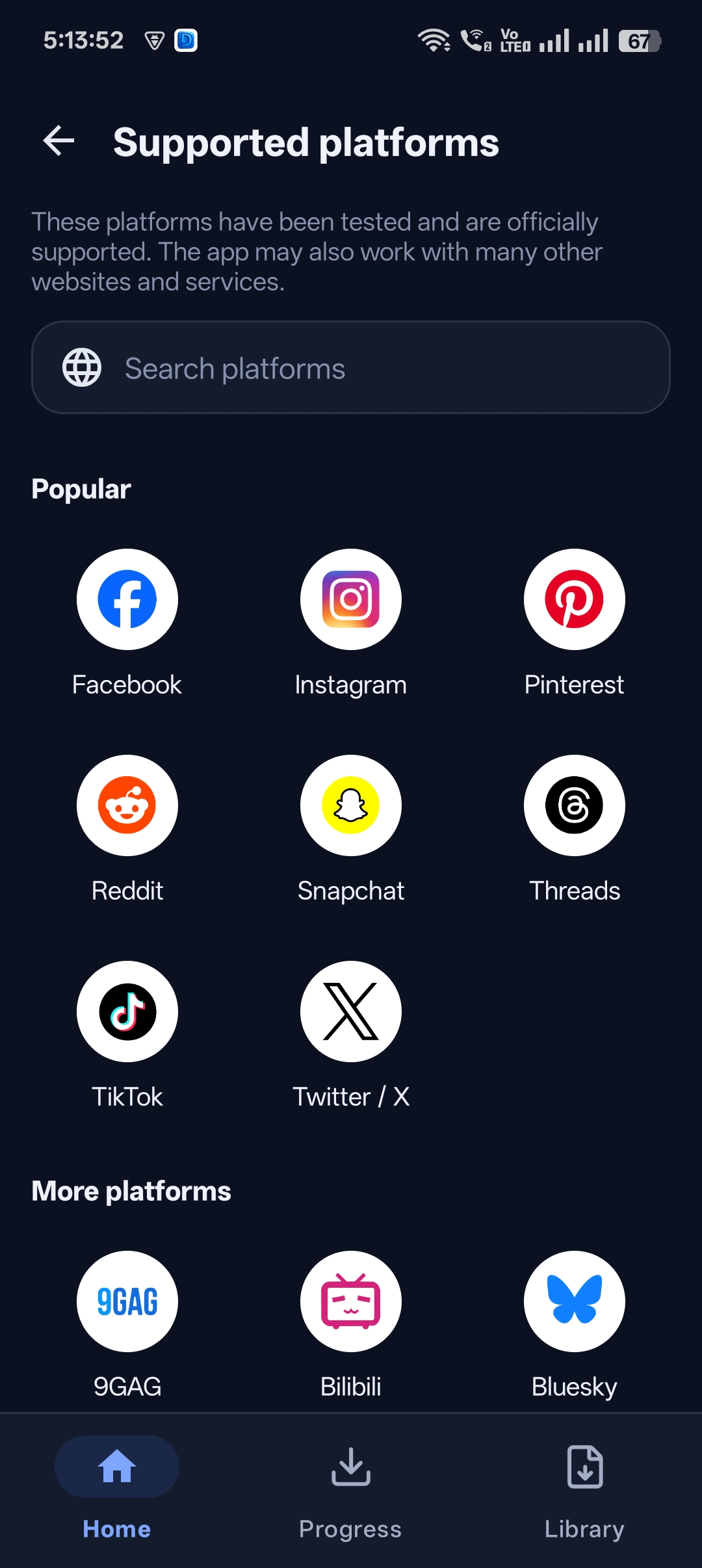
Tap See all next to Popular sites to view the supported platforms list — Facebook, Instagram, Pinterest, Reddit, Snapchat, Threads, TikTok, X and many more.
Step 4: Paste your first link
Copy a video link from any app, paste it into the Search or paste video URL box and tap search.
Step 5: Watch your video
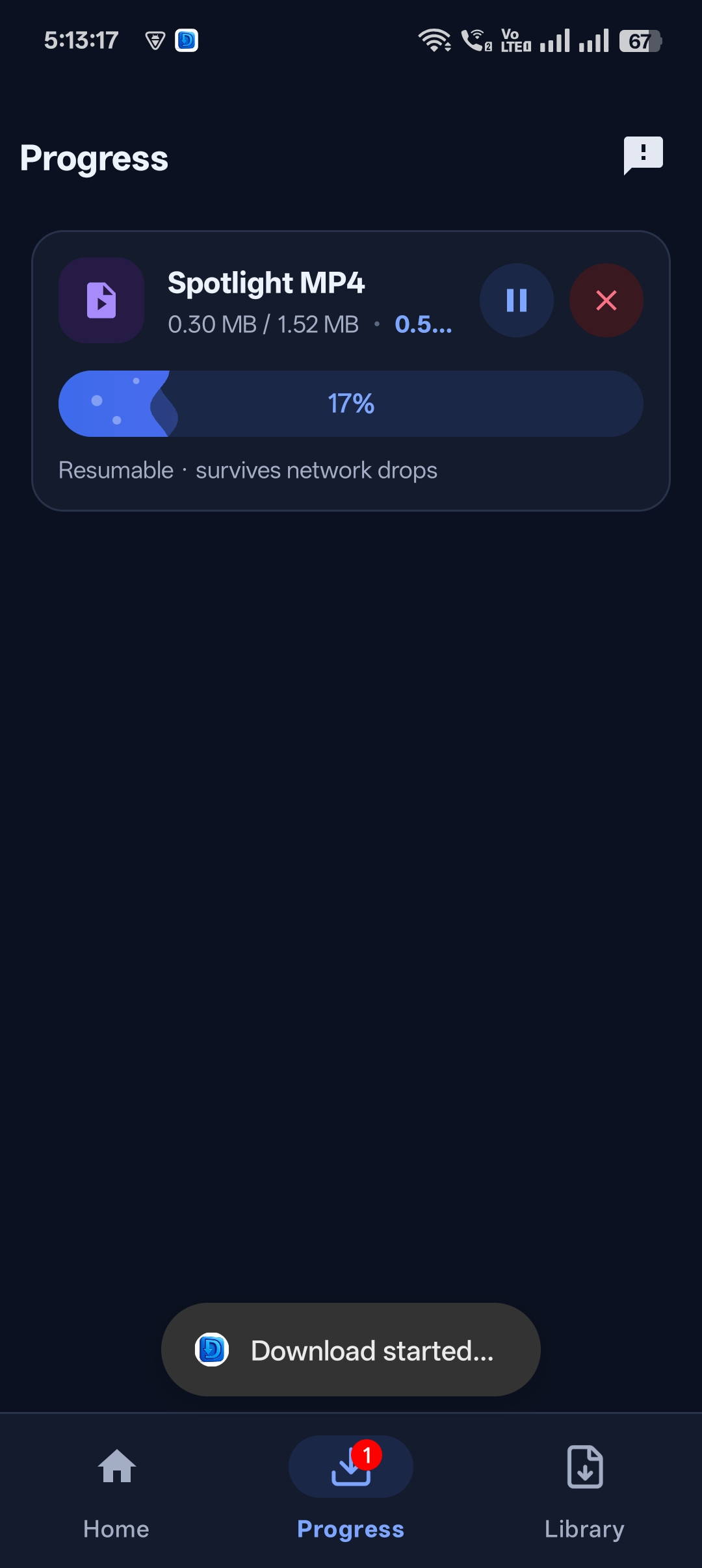
When the download completes, tap Play Now. The video is also saved in your Library for offline viewing.


Get Universal Video Downloader
Download videos from 3786+ websites in HD and keep private ones in a PIN-locked folder. Free on Google Play.
Get it on Google PlayWhich permissions does the app need?
The app needs storage or media access so it can save videos to your phone and, if you choose, to your gallery. It does not need access to your contacts or your social media accounts.
Is it really free?
Yes — Universal Video Downloader is free to download from Google Play. You can paste links, download videos, use the built-in browser and organise your Library without paying.
Use it responsibly
Universal Video Downloader works only with publicly available videos. Downloading for personal, offline viewing is generally fine, but re-uploading other people’s videos, removing credit or using them commercially without permission can break copyright law and platform rules.
Respect creators: only download content you own or have permission to use. This is general information, not legal advice.
Frequently asked questions
Is there an iPhone version?
The iOS app is coming soon to the App Store. Right now Universal Video Downloader is available for Android on Google Play.
Do I need to create an account?
No. You can start downloading straight away without signing up or logging in to any social network.
How many websites does it support?
More than 3786 websites, including Instagram, Facebook, TikTok, X (Twitter), Snapchat, Pinterest, Reddit, Threads, Bluesky, 9GAG and Bilibili.
Is the APK safe to download from other sites?
We recommend installing only from Google Play. Unofficial APK files may be modified and unsafe.
Conclusion
If you want one free app that downloads videos from almost any website, install Universal Video Downloader from Google Play, paste your first link and you’re done in under two minutes.
Next, learn how to download any video from a link or keep downloads in a private folder.
Related guides
Universal Video Downloader TeamWe build tools that make saving and enjoying online videos simple. Questions? Email help@universalvideodownloader.com.