The fastest way to download a video is the copy-link method: copy, paste, done. The tricky part is that every app hides its “Copy link” button in a different place.
Here’s a cheat sheet for every major app, plus how to use Universal Video Downloader as your copy link video downloader.
Quick answer: Tap Share on the video → Copy link → open Universal Video Downloader → paste into the search box → tap search.
Where to find “Copy link” in each app
| App | Where to tap |
|---|---|
| Paper-plane icon → Copy link | |
| Share arrow → Copy link | |
| TikTok | Share arrow (right side) → Copy link |
| X (Twitter) | Share icon → Copy link |
| Threads | Share icon → Copy link |
| Share/upload icon → Copy link | |
| Share → Copy link | |
| Snapchat | Use the app’s built-in browser instead |
| Any browser | Long-press the address bar → Copy |
How to use a copy link video downloader
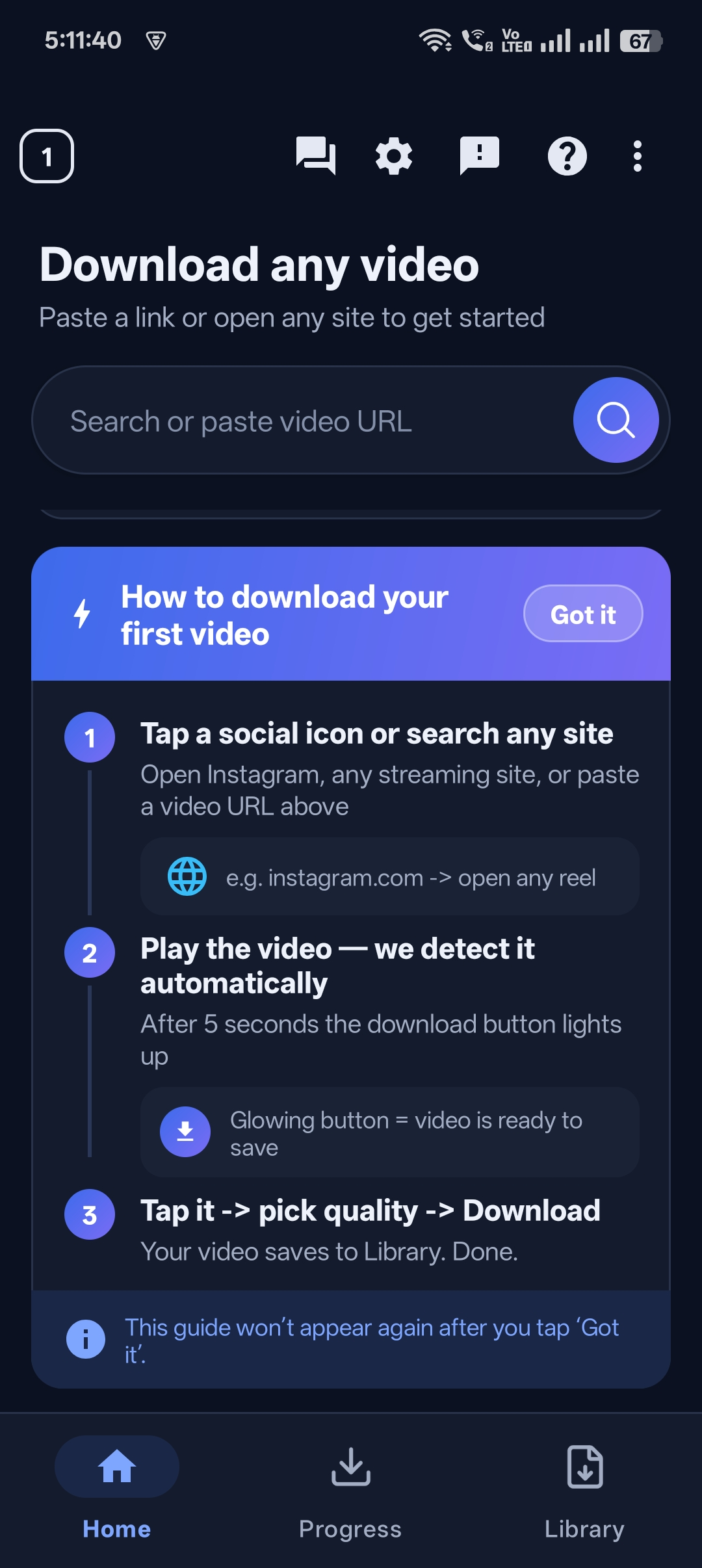
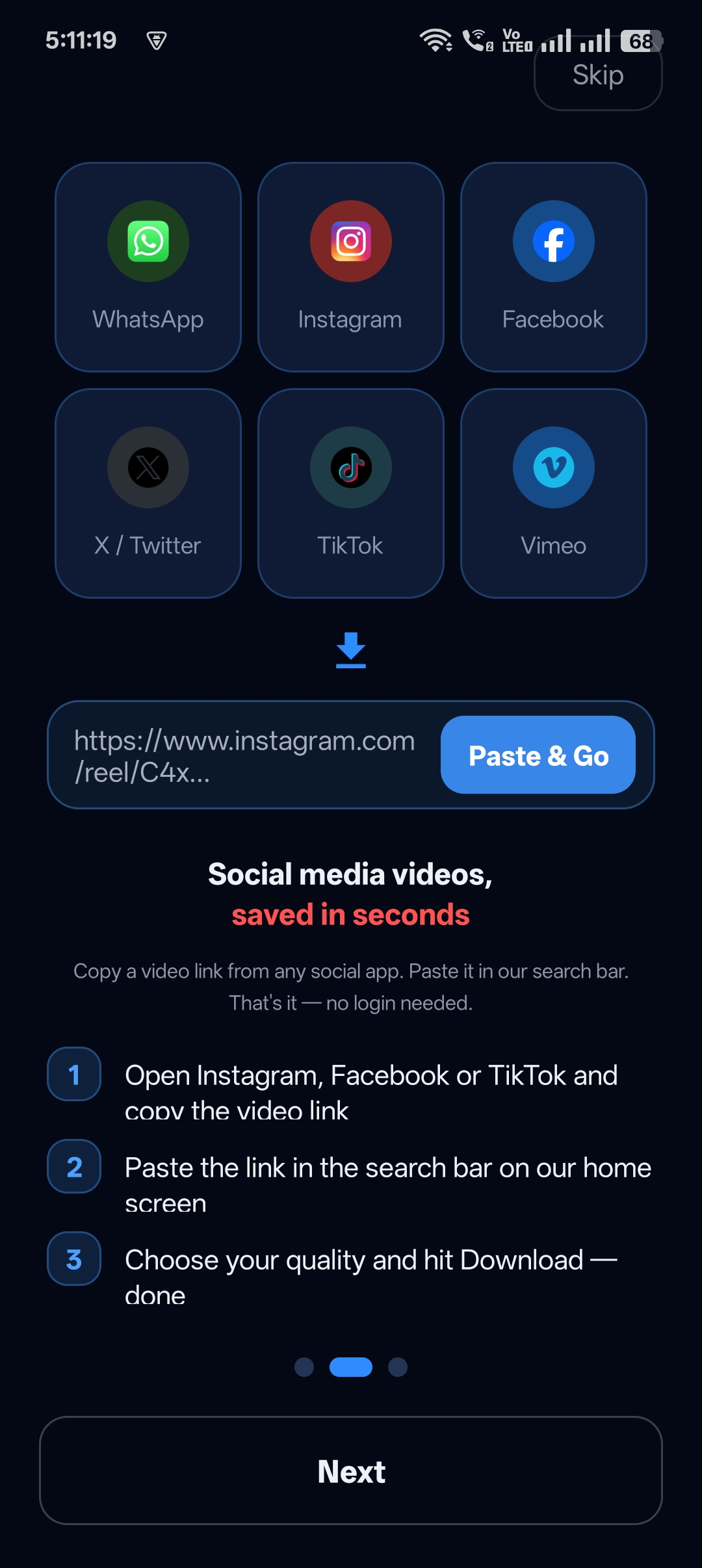
Step 1: Follow the in-app guide
The first time you open Universal Video Downloader, the “How to download your first video” guide shows the three steps.
Step 2: Copy the link
Use the table above to find Copy link in your app.
Step 3: Paste and search
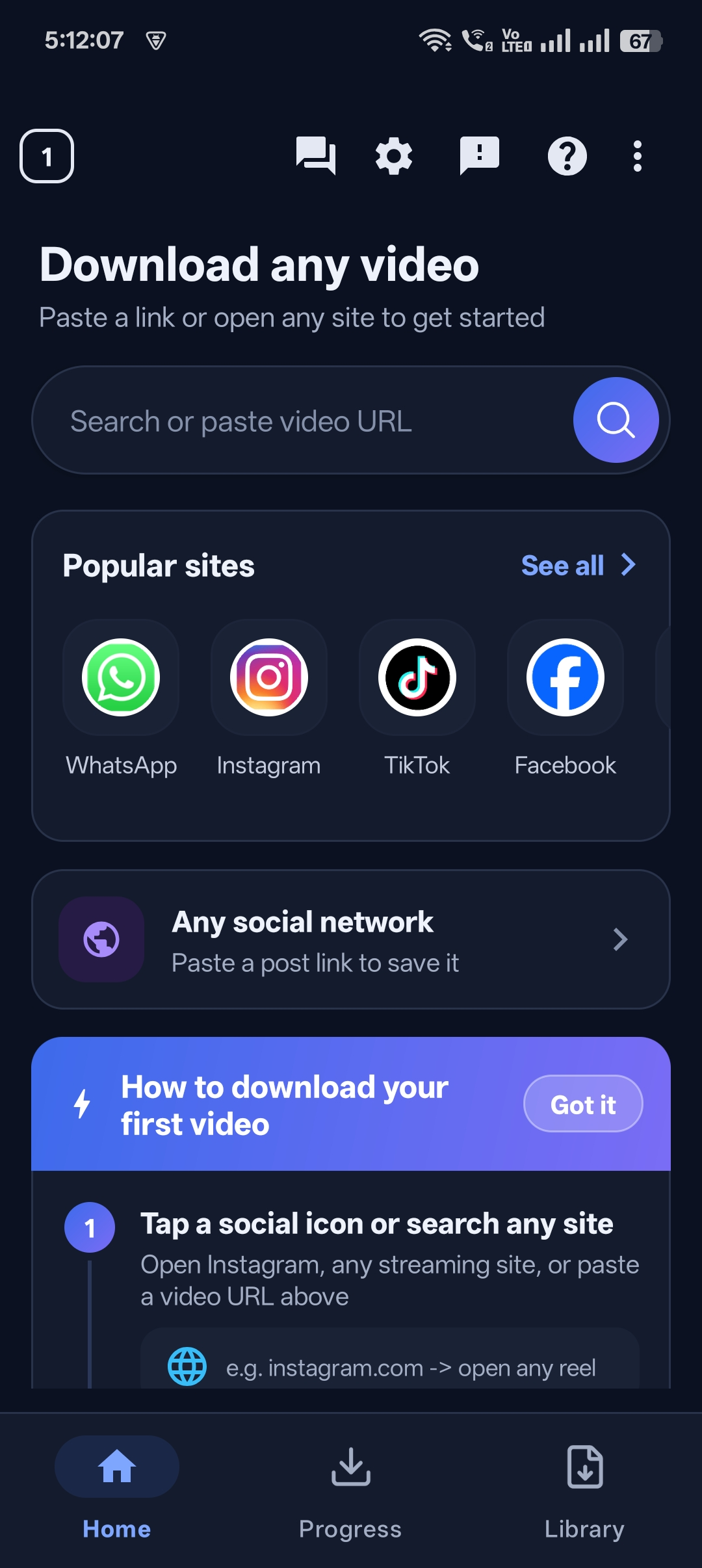
Paste into the Search or paste video URL box and tap the search button.
Step 4: Get your video
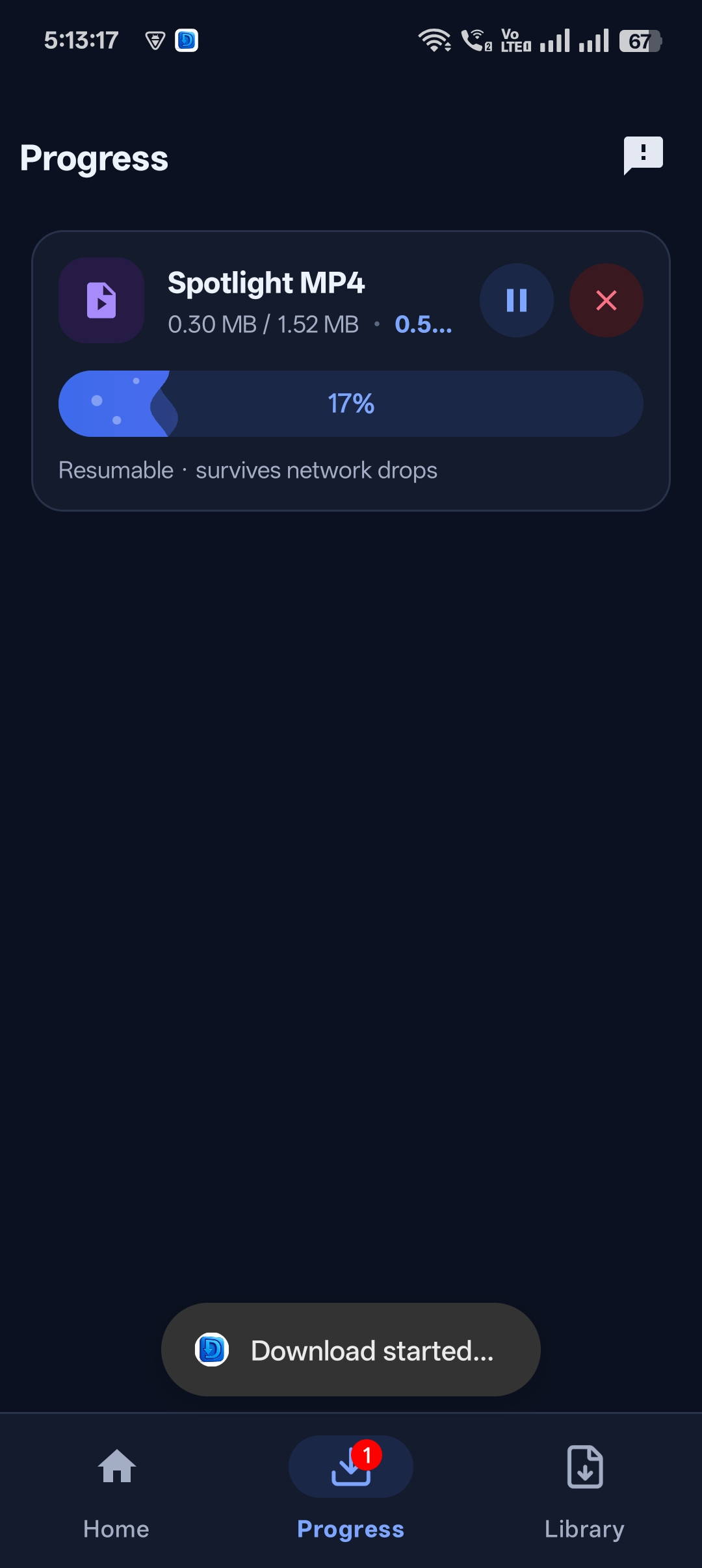
The download starts automatically and the video lands in your Library.


Get Universal Video Downloader
Download videos from 3786+ websites in HD and keep private ones in a PIN-locked folder. Free on Google Play.
Get it on Google PlayClipboard tips
- If paste doesn’t work, copy the link again — some apps clear the clipboard.
- Remove extra text so only the https:// link remains.
- Short links like vm.tiktok.com and fb.watch work fine.
Download responsibly
Universal Video Downloader works only with publicly available videos. Downloading for personal, offline viewing is generally fine, but re-uploading other people’s videos, removing credit or using them commercially without permission can break copyright law and platform rules.
Respect creators: only download content you own or have permission to use. This is general information, not legal advice.
Frequently asked questions
Why don’t I see a Copy link option?
Some posts disable sharing, or the account is private. Try opening the video in a browser and copying the address bar URL.
Does the link need to be the full URL?
No. Short links work too.
Can I copy links from WhatsApp chats?
Yes. Long-press the message, copy the link and paste it into the app.
Is there a faster way than copy-paste?
Use the built-in browser — browse, play and tap download without copying anything.
Conclusion
Once you know where Copy link lives, downloading any video takes five seconds.
For link formats and errors, see the URL video downloader guide.
Related guides
Universal Video Downloader TeamWe build tools that make saving and enjoying online videos simple. Questions? Email help@universalvideodownloader.com.