Someone sends you a link to a funny clip, a recipe or a tutorial, and you want to keep the video itself — not just the link that might stop working tomorrow.
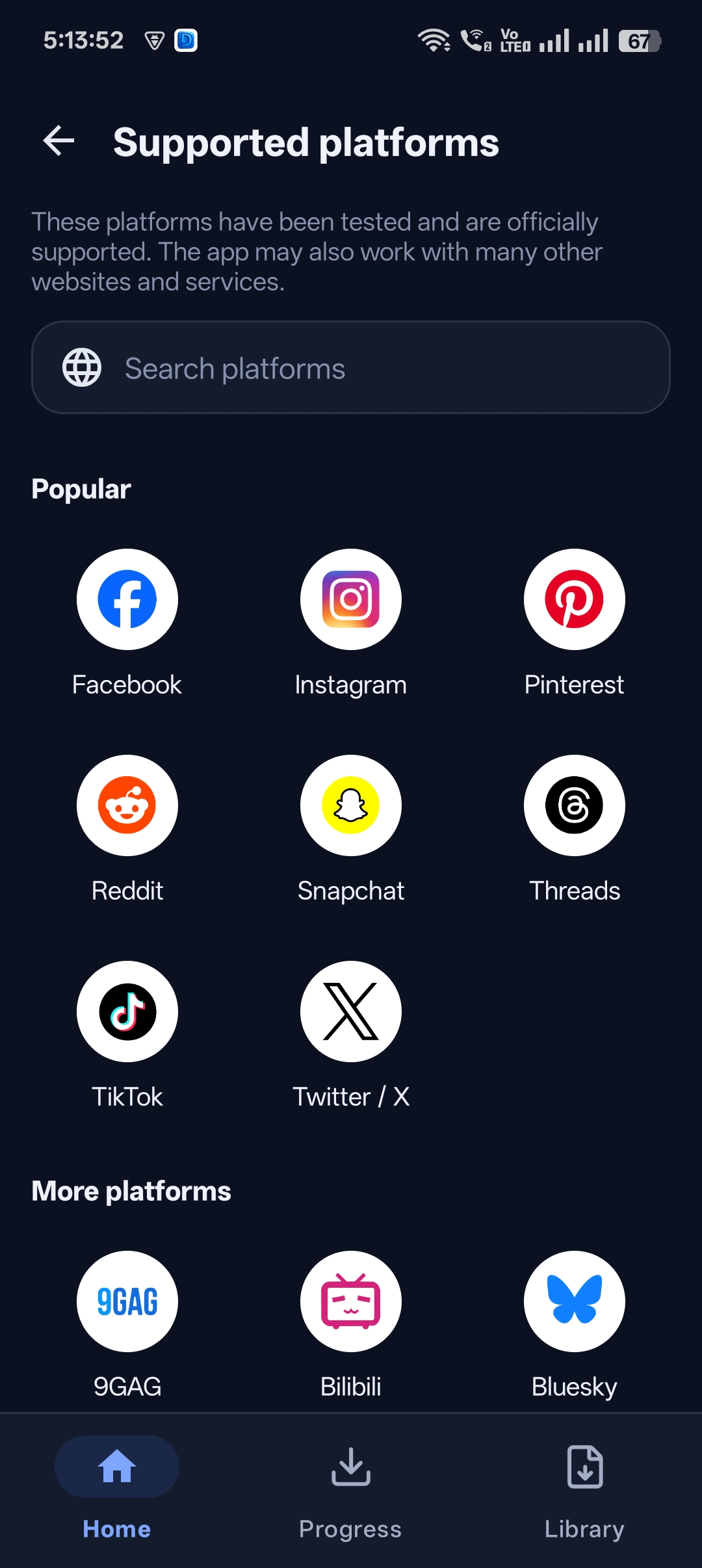
With Universal Video Downloader you can download a video from a link in seconds. Paste the link, and the app finds the video and saves it to your phone. It works with links from 3786+ websites.
Quick answer: Copy the video link → open Universal Video Downloader → paste it into Search or paste video URL → tap search → the video downloads to your Library.
Why download videos from a link?
- Links break — posts get deleted or made private. A downloaded file stays with you.
- Offline viewing — watch on a plane or with no data.
- Easy sharing — send the actual video file to friends.
- Works everywhere — links from chats, emails, websites and social apps.
Where can the link come from?
Any link that opens a public video works: a link shared in WhatsApp or Telegram, a link copied from the Instagram, Facebook or TikTok share menu, or a URL copied from your browser’s address bar.
How to download a video from a link: step by step
Step 1: Copy the link
Tap Share → Copy link in the app where you found the video, or long-press a link in a chat and choose Copy.
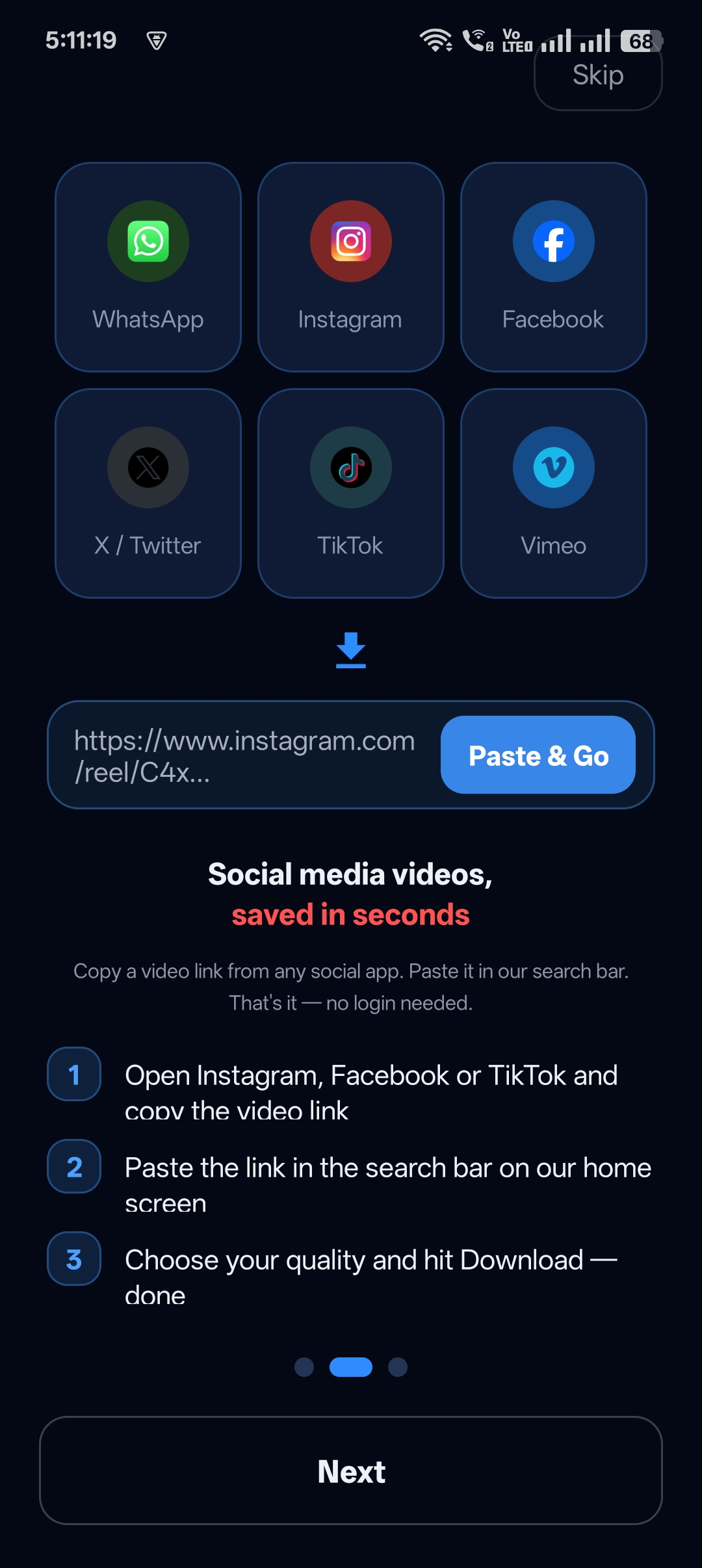
Step 2: Paste the link into Universal Video Downloader
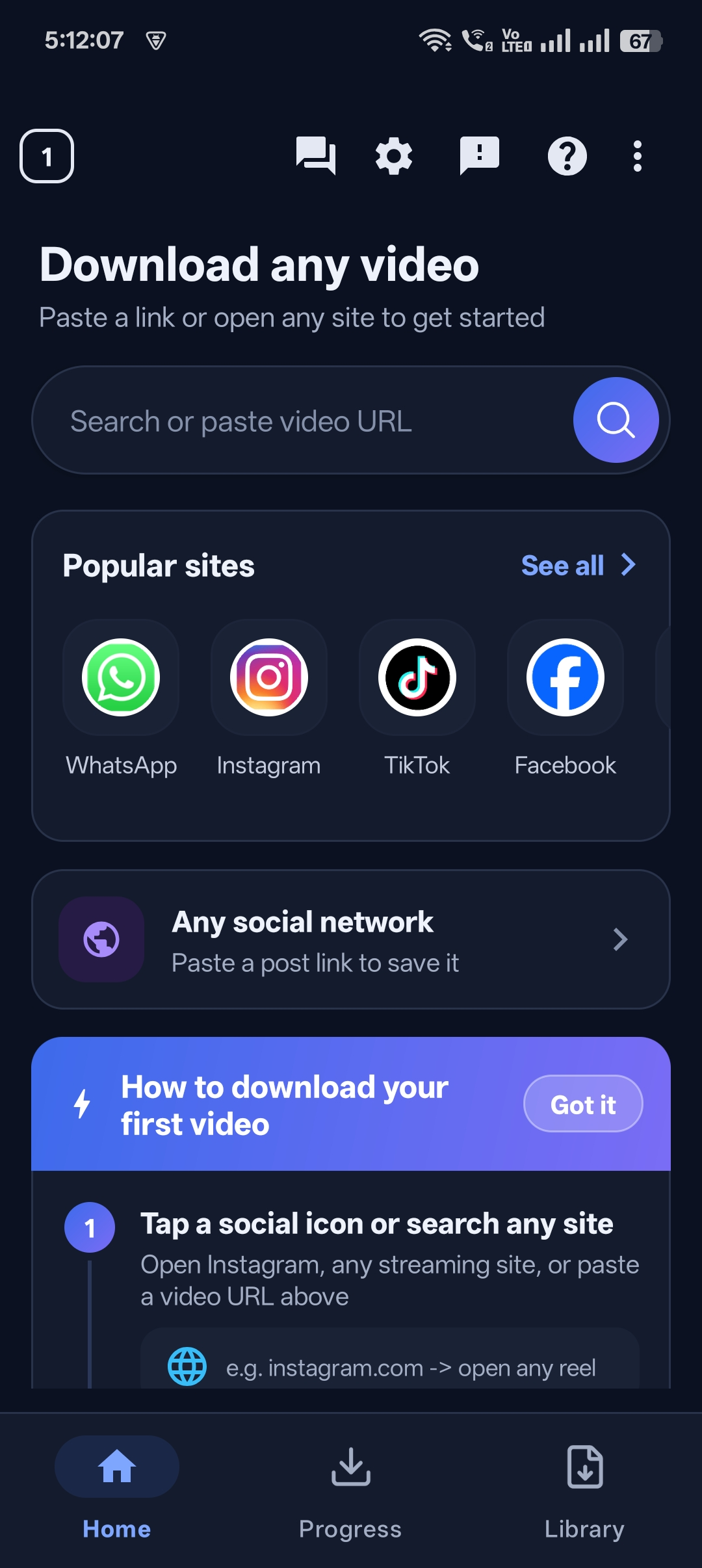
Open the app. Paste the link into the Search or paste video URL box on the home screen and tap the search button.
Step 3: Let the download run
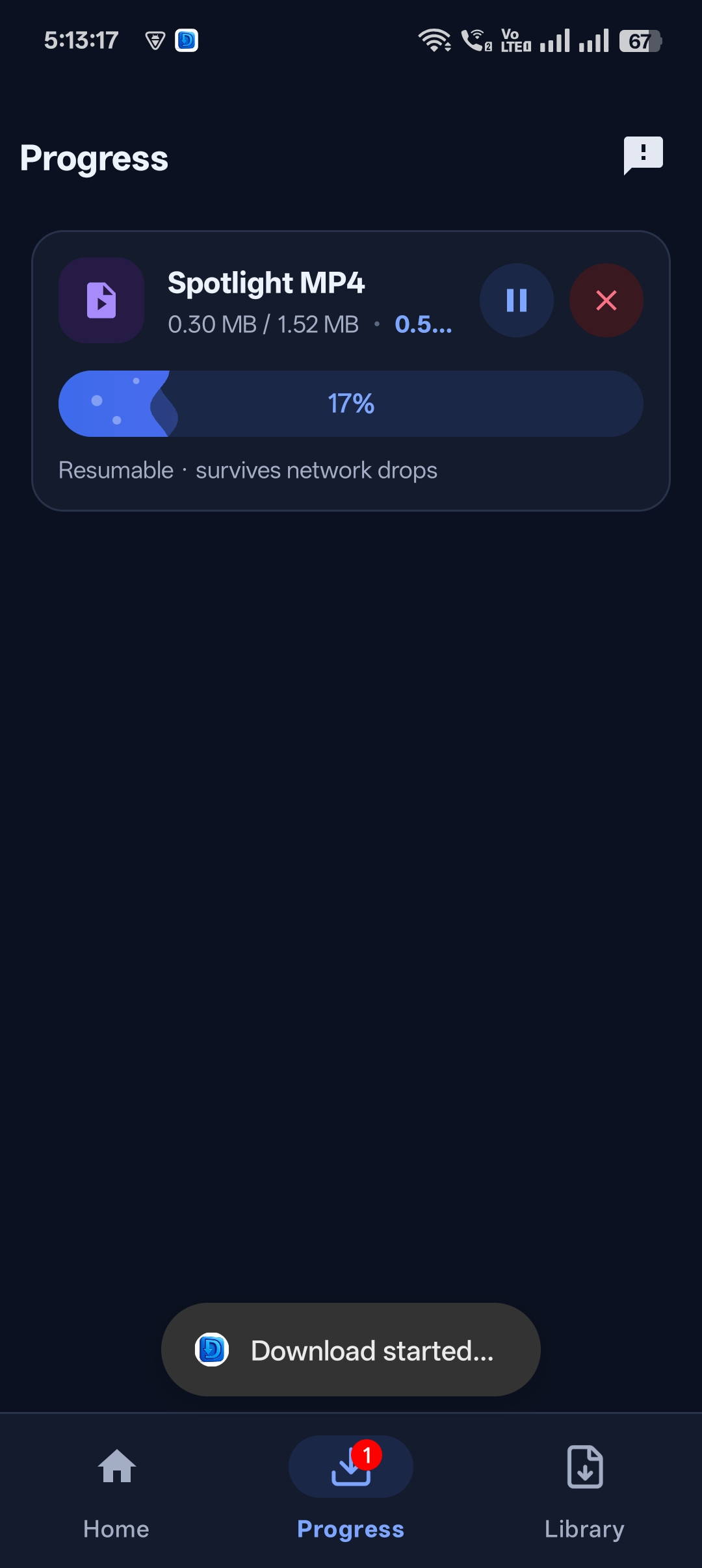
The video starts downloading straight away. The Progress tab shows the speed and size, and downloads are resumable, so a weak connection won’t make you start over.
Step 4: Play, share or save it
When you see Download Complete!, tap Play Now to watch, or use Share, Rename and Open Library.


Get Universal Video Downloader
Download videos from 3786+ websites in HD and keep private ones in a PIN-locked folder. Free on Google Play.
Get it on Google PlayWhat if the link doesn’t work?
| Problem | Fix |
|---|---|
| “No video found” | The post may be private or deleted. Open the link in a browser to check it is public. |
| Link copied with extra text | Some apps copy text plus the link. Delete everything except the URL that starts with https:// |
| Short link (e.g. fb.watch, vm.tiktok.com) | Short links are supported — paste them as they are. |
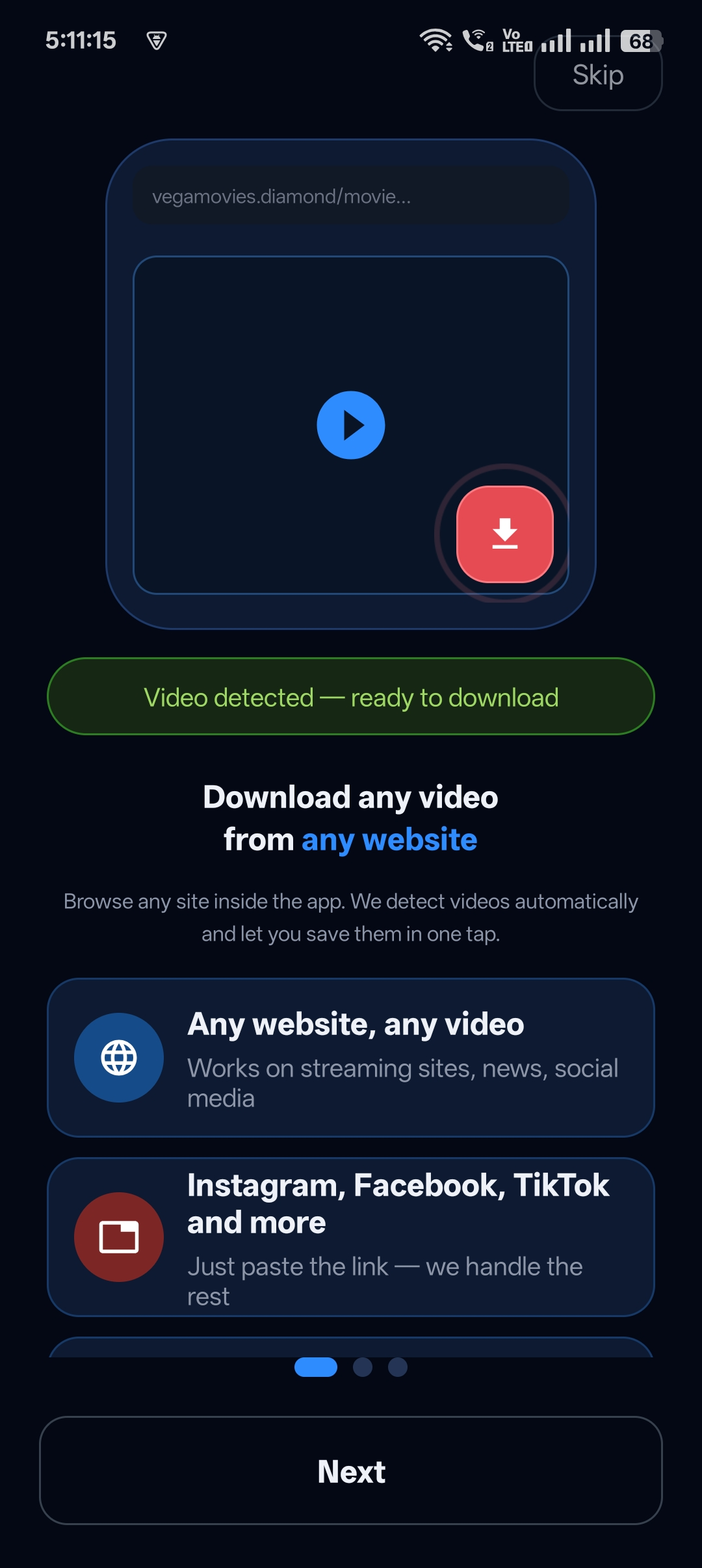
| Site has no share button | Use the built-in browser instead. |
Tips for faster link downloads
- Copy the link from the original post, not a repost.
- Use Wi-Fi for long videos.
- Keep the app updated so new link formats keep working.
Download responsibly
Universal Video Downloader works only with publicly available videos. Downloading for personal, offline viewing is generally fine, but re-uploading other people’s videos, removing credit or using them commercially without permission can break copyright law and platform rules.
Respect creators: only download content you own or have permission to use. This is general information, not legal advice.
Frequently asked questions
Can I download a video from any link?
You can download from links to public videos on 3786+ supported websites. Links to private, paid or DRM-protected content can’t be downloaded.
Do I need to log in to download from a link?
No. Just paste the link — no login or account needed.
Where does the video go after downloading?
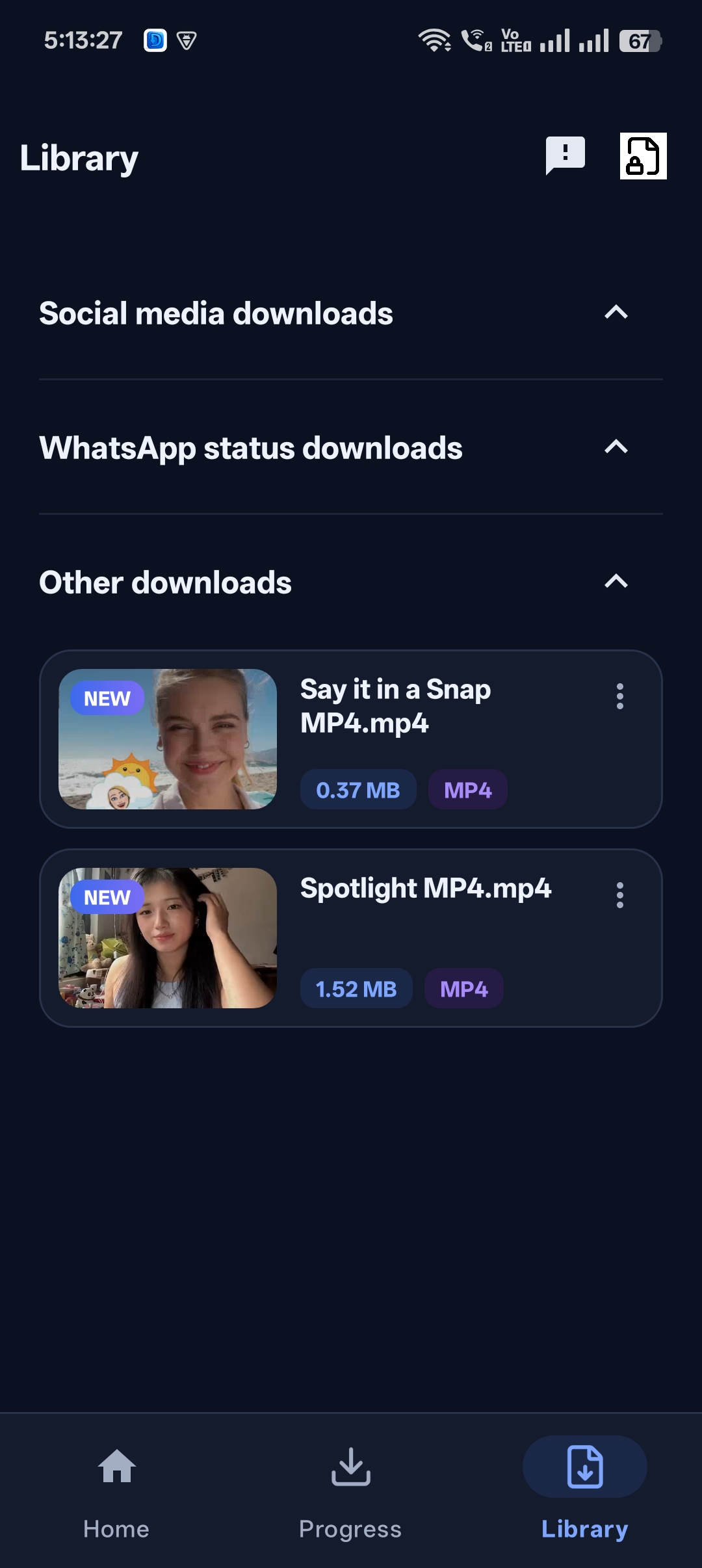
It’s saved in the app’s Library, and you can save it to your phone’s gallery from the video’s menu.
Can I download several links at once?
Yes. Paste one link after another — each download appears in the Progress tab.
Conclusion
Downloading a video from a link is as easy as copy, paste and tap. Install Universal Video Downloader and the next video someone sends you will be saved for good.
For a deeper look at link formats, read our URL video downloader guide.
Related guides
Universal Video Downloader TeamWe build tools that make saving and enjoying online videos simple. Questions? Email help@universalvideodownloader.com.