A PIN on your phone protects the whole device — but once it’s unlocked, anyone can open your gallery and see every video you’ve downloaded.
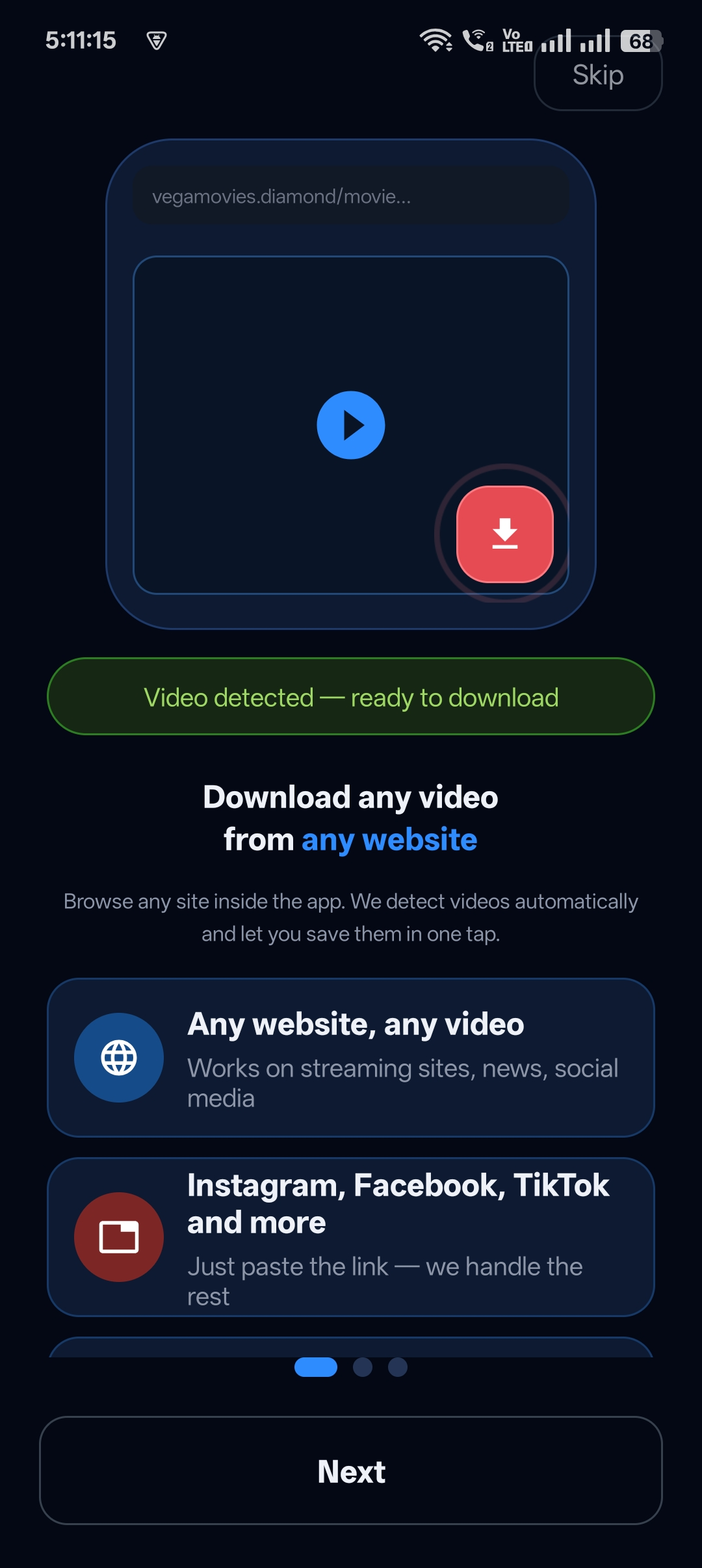
Universal Video Downloader is a video downloader app with a PIN lock. Its Private Locker asks for a separate 4-digit PIN, so your hidden downloads stay protected even when your phone is unlocked.
Quick answer: Download a video → tap Move to Locker → enter a 4-digit PIN, confirm it, add a recovery question and answer → tap Create PIN.
Why a separate PIN matters
- Friends and family often borrow unlocked phones.
- Gallery apps show everything by default.
- A second PIN keeps private downloads private.
How to set up the PIN lock: step by step
Step 1: Choose a video to protect
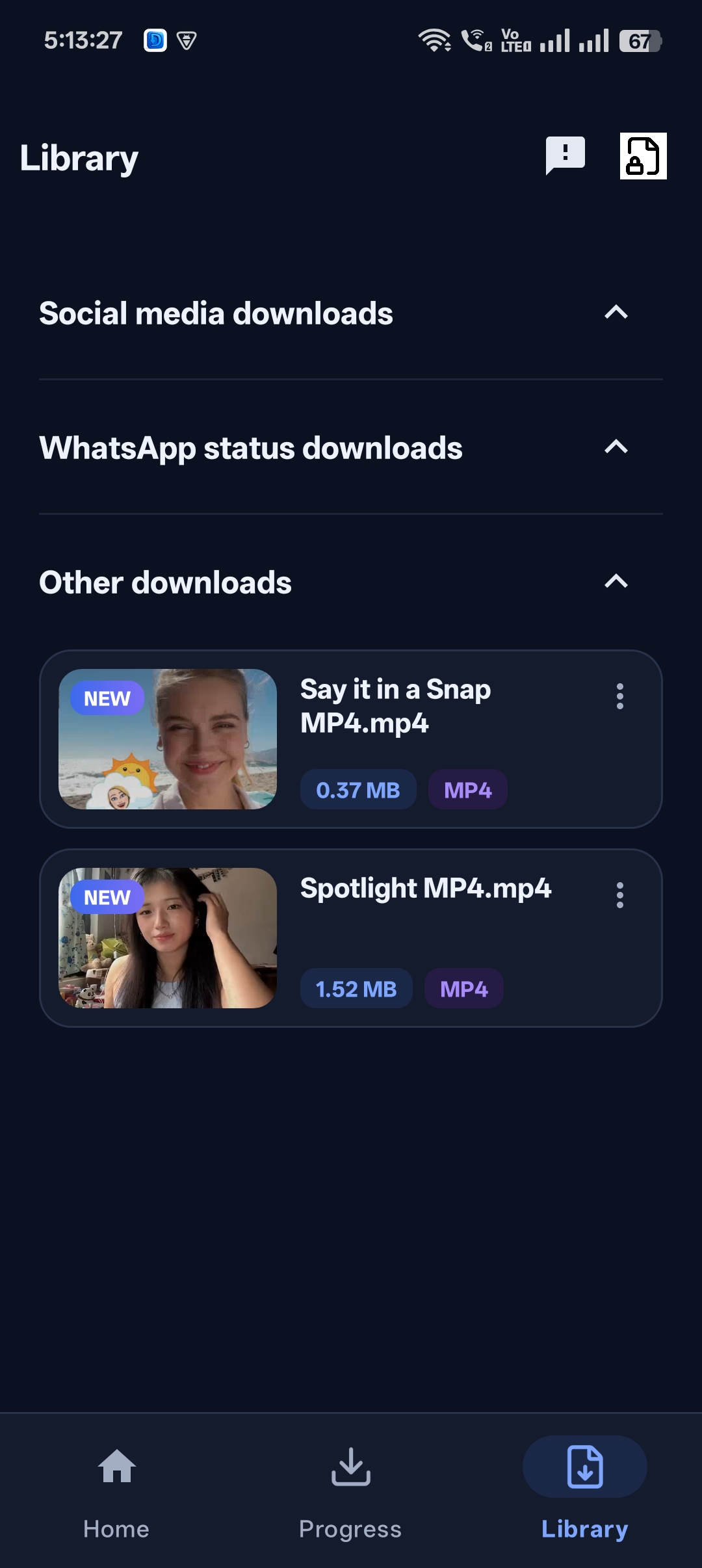
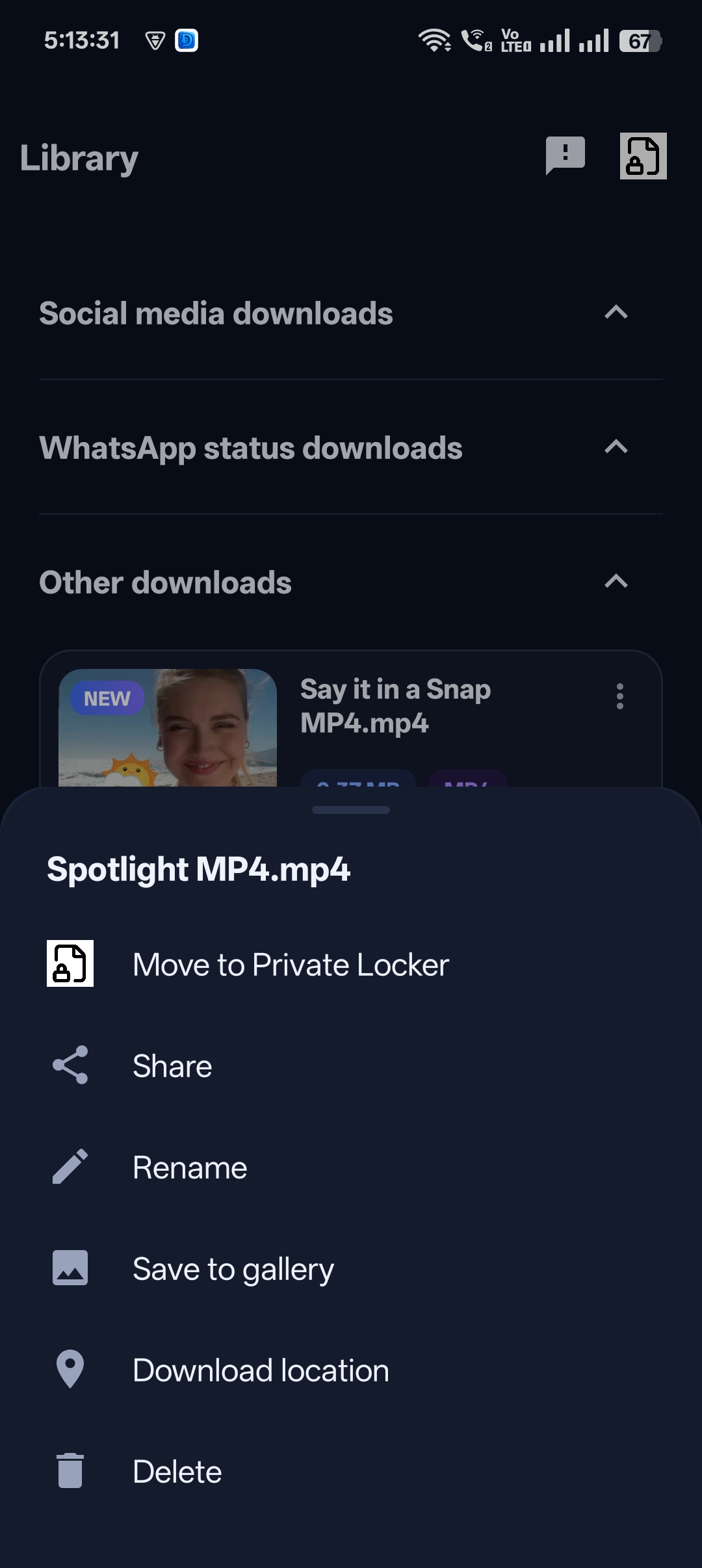
In the Library, tap the three dots next to a video and select Move to Private Locker — or tap Move to Locker right after a download.
Step 2: Enter a 4-digit PIN
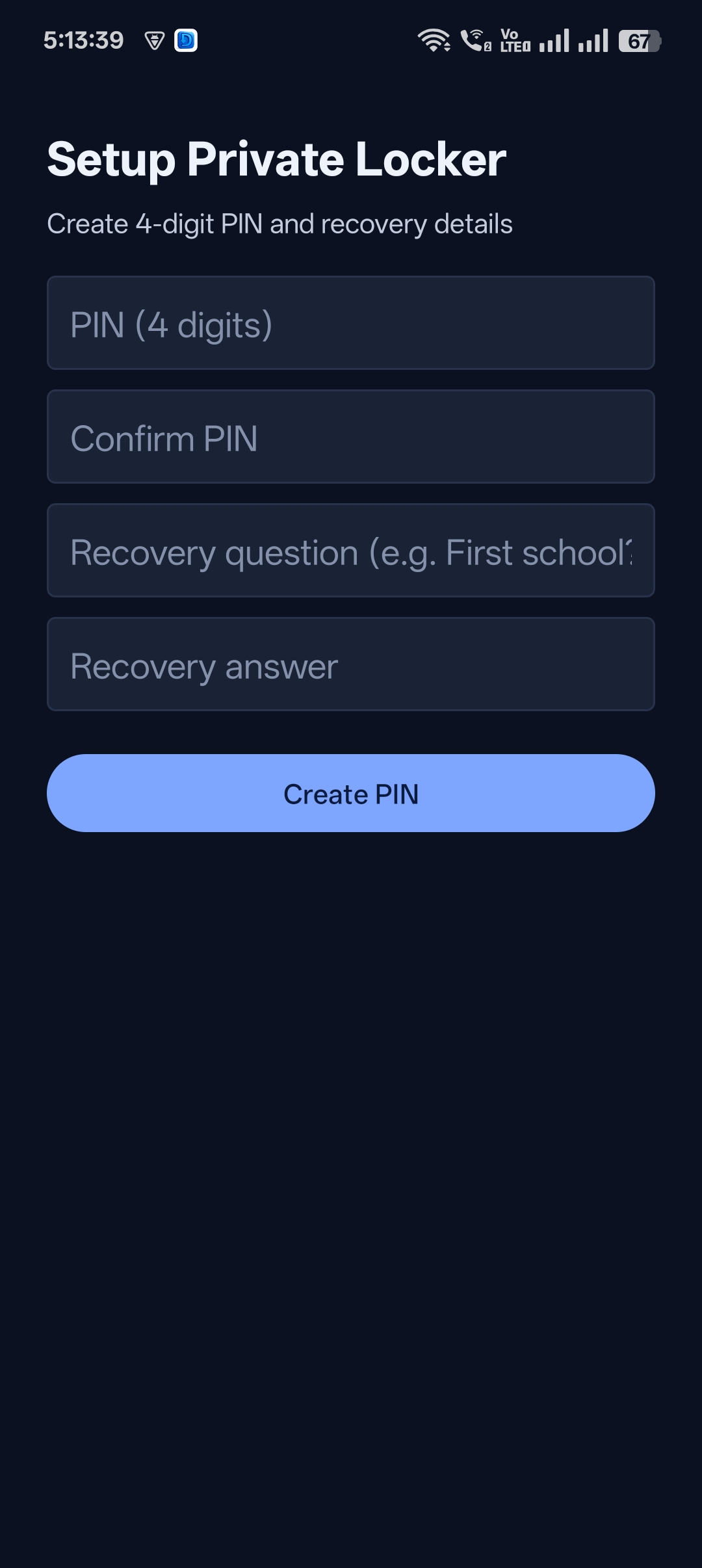
Type a PIN you’ll remember, then type it again in Confirm PIN.
Step 3: Add a recovery question
Write a question only you can answer (for example, your first school) and its answer. This lets you recover access if you forget the PIN.
Step 4: Tap Create PIN
Your Private Locker is ready. The video is hidden from the gallery and other apps.


Get Universal Video Downloader
Download videos from 3786+ websites in HD and keep private ones in a PIN-locked folder. Free on Google Play.
Get it on Google PlayHow to choose a strong PIN
- Avoid 1234, 0000, 1111 and your birth year.
- Don’t reuse your phone’s unlock PIN.
- Pick a recovery answer that isn’t on your social media profile.
Forgot your PIN?
Use the recovery question you set up to reset access. If you still can’t get in, contact help@universalvideodownloader.com.
Download responsibly
Universal Video Downloader works only with publicly available videos. Downloading for personal, offline viewing is generally fine, but re-uploading other people’s videos, removing credit or using them commercially without permission can break copyright law and platform rules.
Respect creators: only download content you own or have permission to use. This is general information, not legal advice.
Frequently asked questions
Can I change my PIN later?
Yes, you can update your Private Locker PIN from the app.
Is the PIN the same as my phone lock?
No. The Private Locker uses its own PIN, separate from your phone’s screen lock.
What if someone guesses my PIN?
Choose a PIN that isn’t obvious and different from your phone PIN to keep the Locker secure.
Does the PIN lock cost extra?
No, it’s included in the app.
Conclusion
A PIN-locked video downloader means you don’t have to choose between saving videos and keeping them private.
Related: video downloader with private folder.
Related guides
Universal Video Downloader TeamWe build tools that make saving and enjoying online videos simple. Questions? Email help@universalvideodownloader.com.