People search for a secret video downloader app for simple reasons: they don’t want downloads in the family photo gallery, they share a phone, or they just value privacy.
Universal Video Downloader is built with privacy in mind: no social logins, no account, and a PIN-protected Private Locker that keeps chosen downloads out of sight.
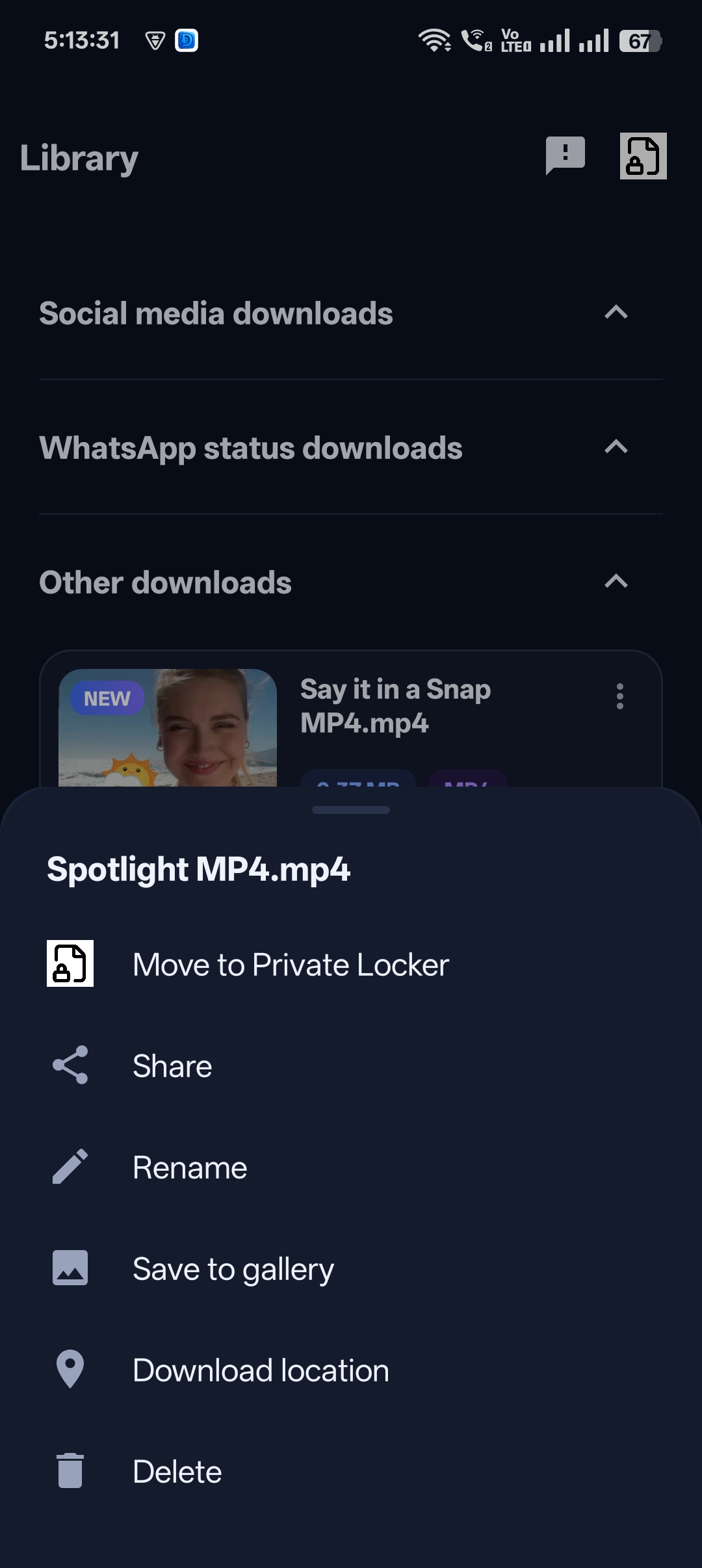
Quick answer: Download the video with Universal Video Downloader, tap Move to Locker and set a PIN. The video is hidden from your gallery and other apps.
What makes a video downloader private?
- No login — the app never asks for your social media password.
- No account — no email sign-up required to download.
- Hidden storage — the Private Locker keeps videos out of the gallery.
- PIN lock — a separate PIN only you know.
How to download a video privately: step by step
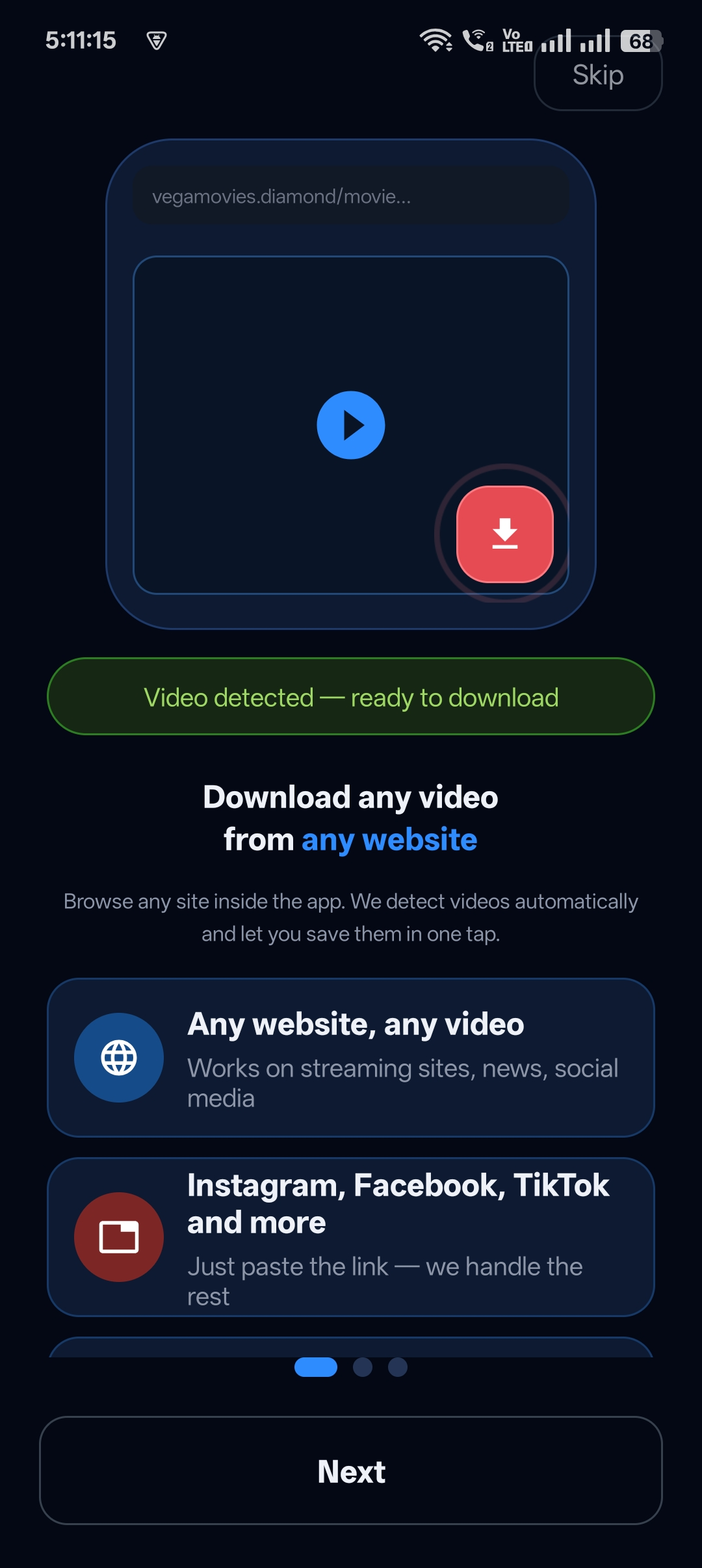
Step 1: Download the video
Paste the link or use the built-in browser. When the video is detected, tap download.
Step 2: Lock it away
When the download finishes, tap Move to Locker.

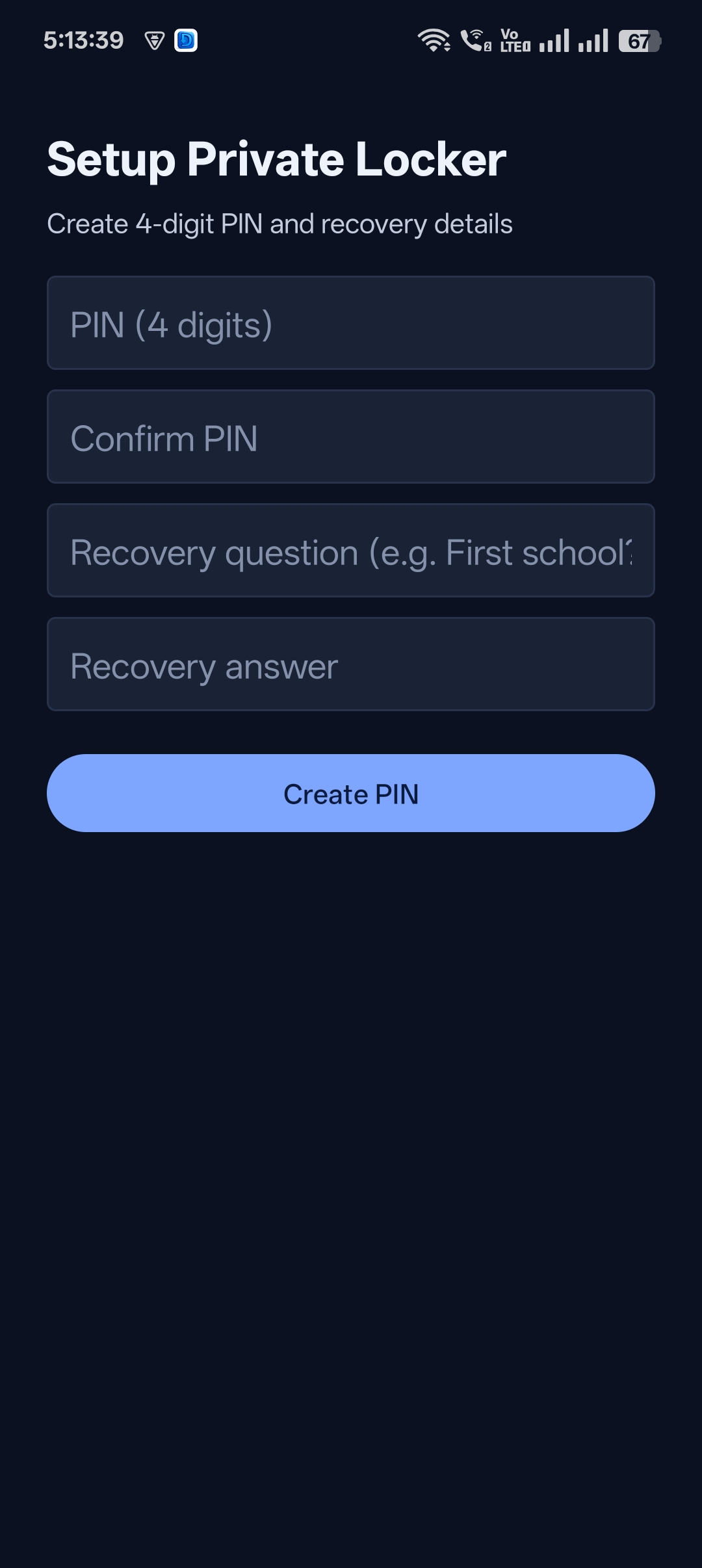
Step 3: Set your secret PIN
Create a 4-digit PIN and recovery question the first time you use the Locker.
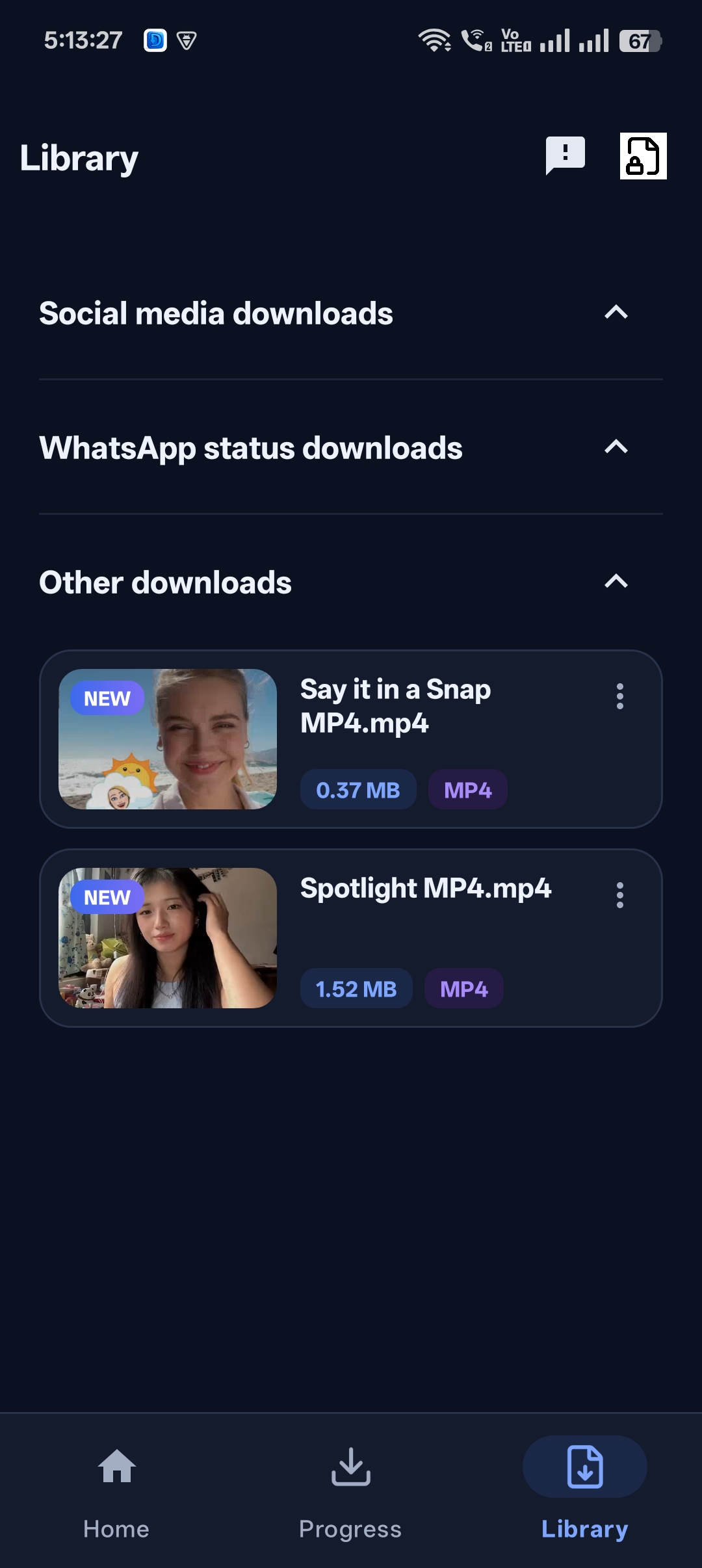
Step 4: Keep your Library tidy
Videos you don’t hide stay in your normal Library, sorted by type.

Get Universal Video Downloader
Download videos from 3786+ websites in HD and keep private ones in a PIN-locked folder. Free on Google Play.
Get it on Google PlayExtra privacy tips
- Don’t save private videos to the gallery — keep them only in the Locker.
- Turn off automatic cloud backup for any folder you don’t want synced.
- Lock your phone with a strong screen lock too.
Read how to hide downloaded videos on your phone for more options.
Keep it legal and fair
Universal Video Downloader works only with publicly available videos. Downloading for personal, offline viewing is generally fine, but re-uploading other people’s videos, removing credit or using them commercially without permission can break copyright law and platform rules.
Respect creators: only download content you own or have permission to use. This is general information, not legal advice.
Frequently asked questions
Will the video show in my gallery?
Not if you move it to the Private Locker. Locked videos are hidden from the gallery and other apps.
Does the app need my Instagram or Facebook login?
No, never.
Can someone open the Locker without my PIN?
No. The Locker requires your 4-digit PIN or the recovery answer.
Is it a separate hidden app?
No. It’s a normal video downloader with a built-in private folder.
Conclusion
You don’t need a shady “secret” app. Universal Video Downloader from Google Play gives you private downloading with no logins and a PIN-locked folder.
Related guides
Universal Video Downloader TeamWe build tools that make saving and enjoying online videos simple. Questions? Email help@universalvideodownloader.com.