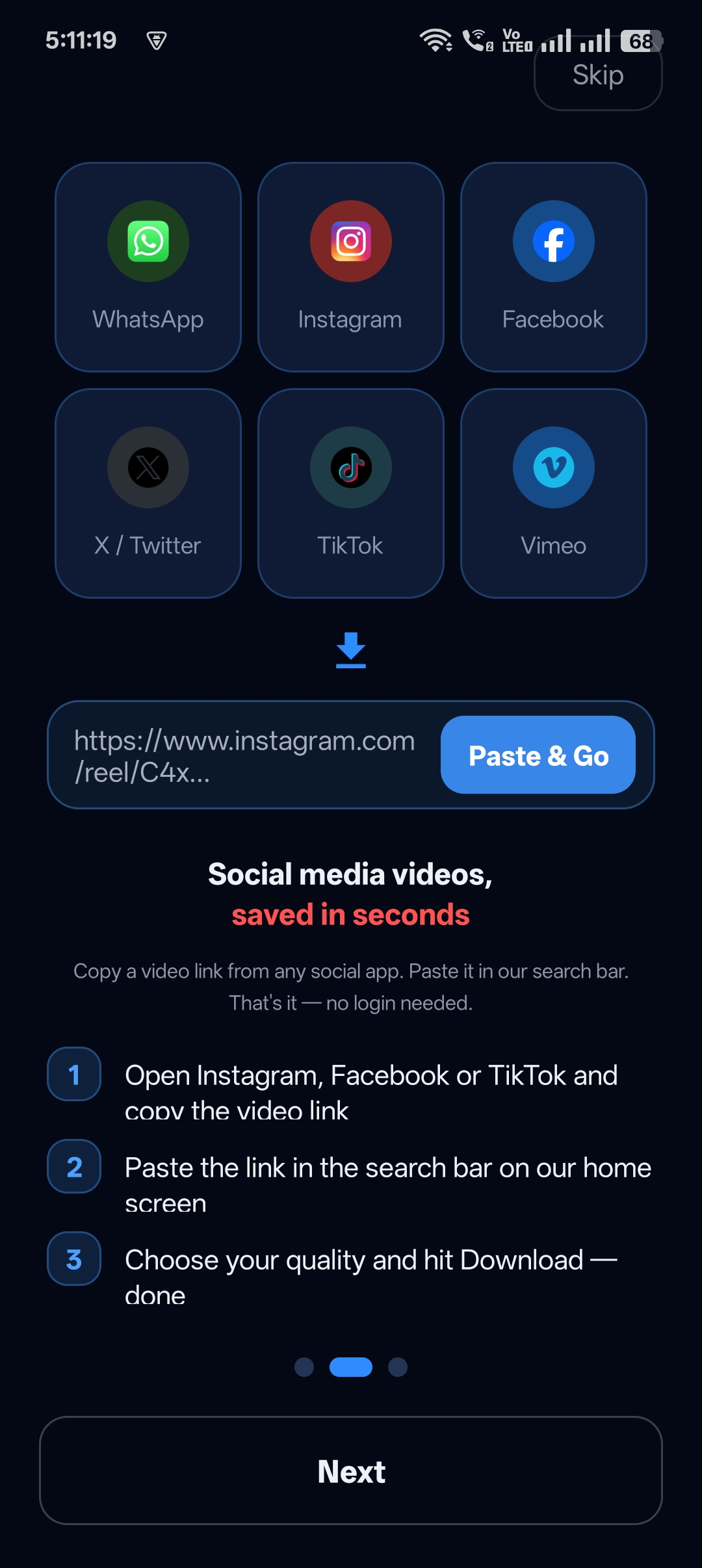
Most video downloaders work with a handful of popular sites and fail everywhere else.
Universal Video Downloader is an HD video downloader for all websites: it supports 3786+ sites and saves videos in the best quality the source provides.
Quick answer: Paste any video link into Universal Video Downloader, or open the site in the built-in browser and tap the glowing download button. The video is saved in the best available quality.
What kinds of websites are supported?
| Category | Examples |
|---|---|
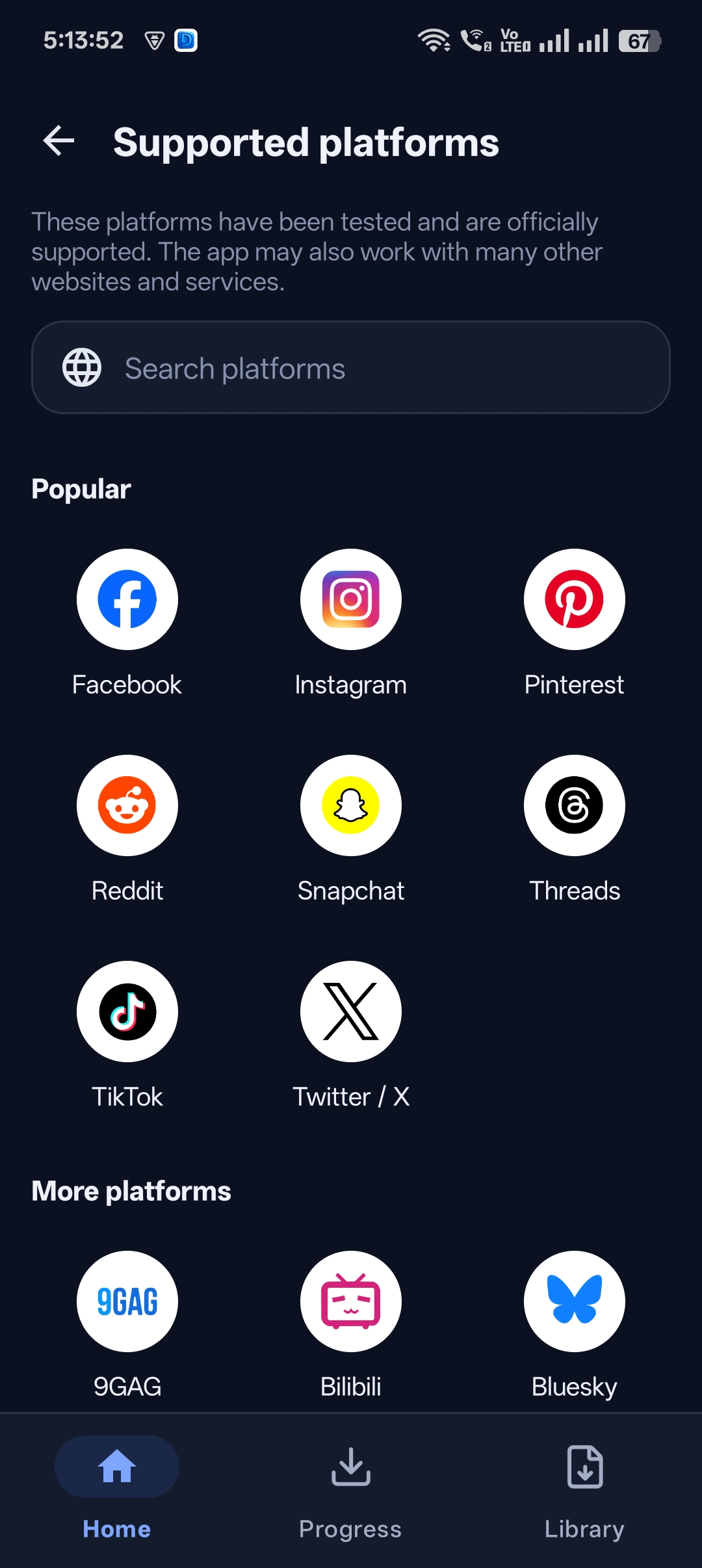
| Social media | Instagram, Facebook, TikTok, X, Threads, Snapchat, Bluesky |
| Communities | Reddit, 9GAG, Pinterest |
| Video platforms | Vimeo, Dailymotion, Bilibili |
| News & blogs | Embedded videos on article pages |
Check the full list in the app under Supported platforms → See all.
About HD quality
The app downloads the best quality the website makes available. If a video was uploaded in HD, you get HD. If the creator uploaded in low resolution, no downloader can add detail that isn’t there.
How to download HD video from any website
Step 1: Check the site is supported
Open Supported platforms in the app. The app may also work with many sites not listed.
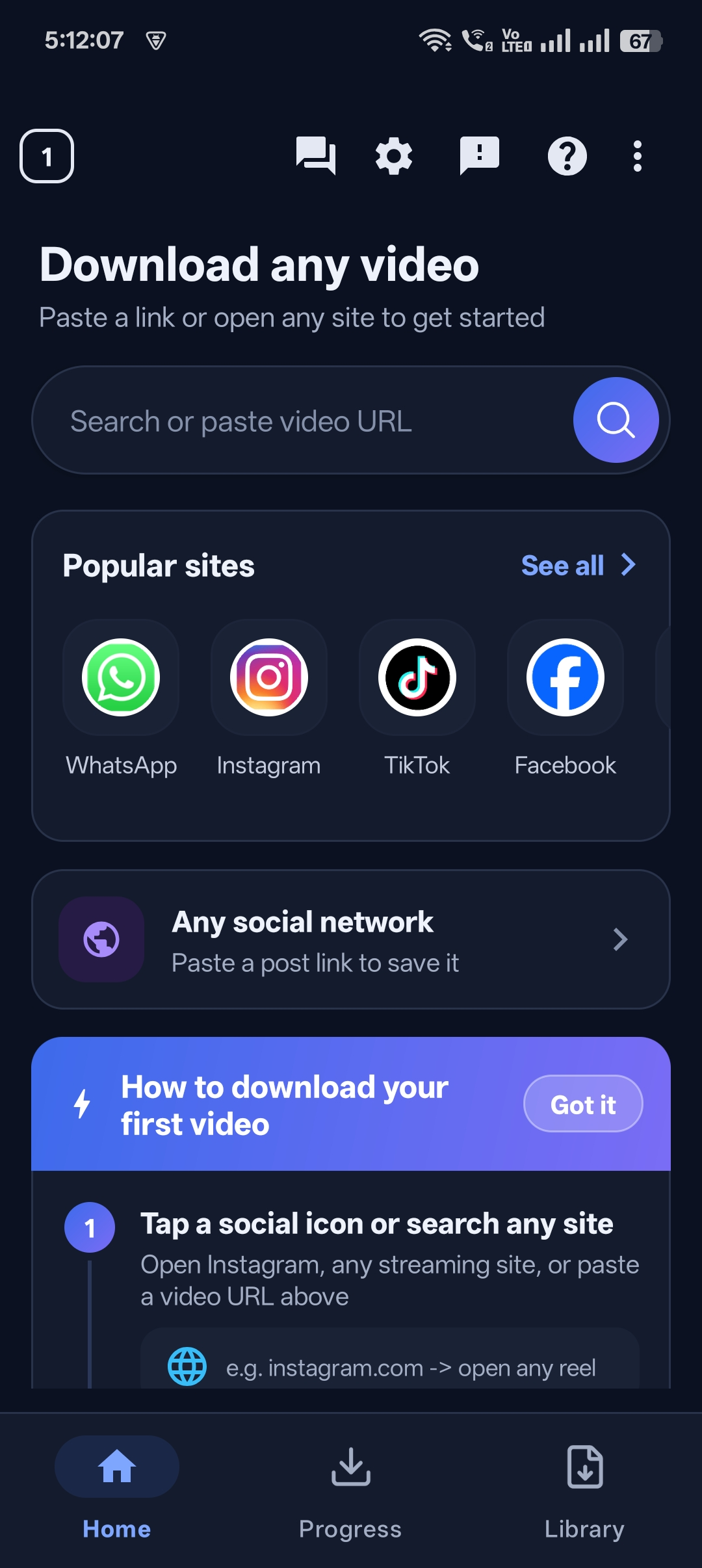
Step 2: Open the video in the browser or paste its link
Use the built-in browser for sites without a share button.
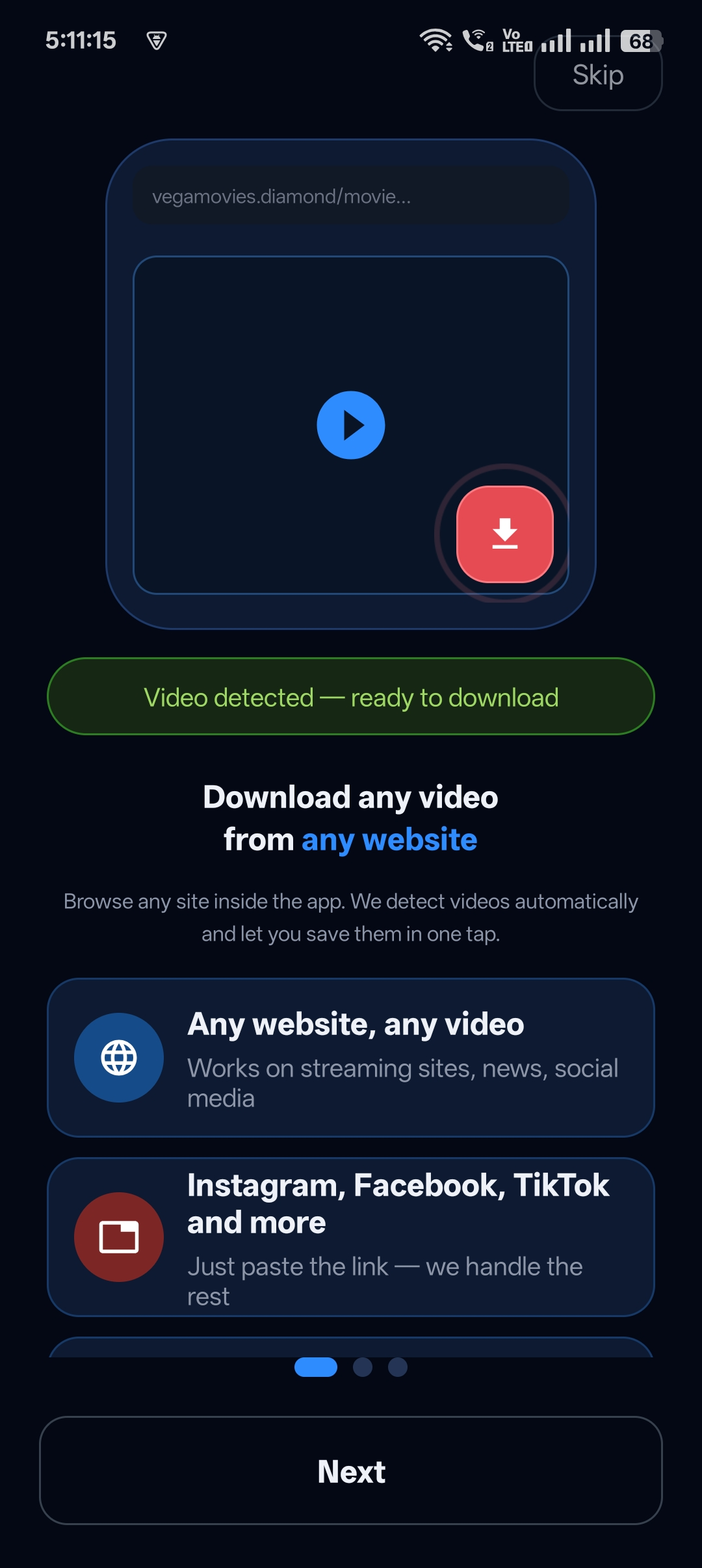
Step 3: Tap download
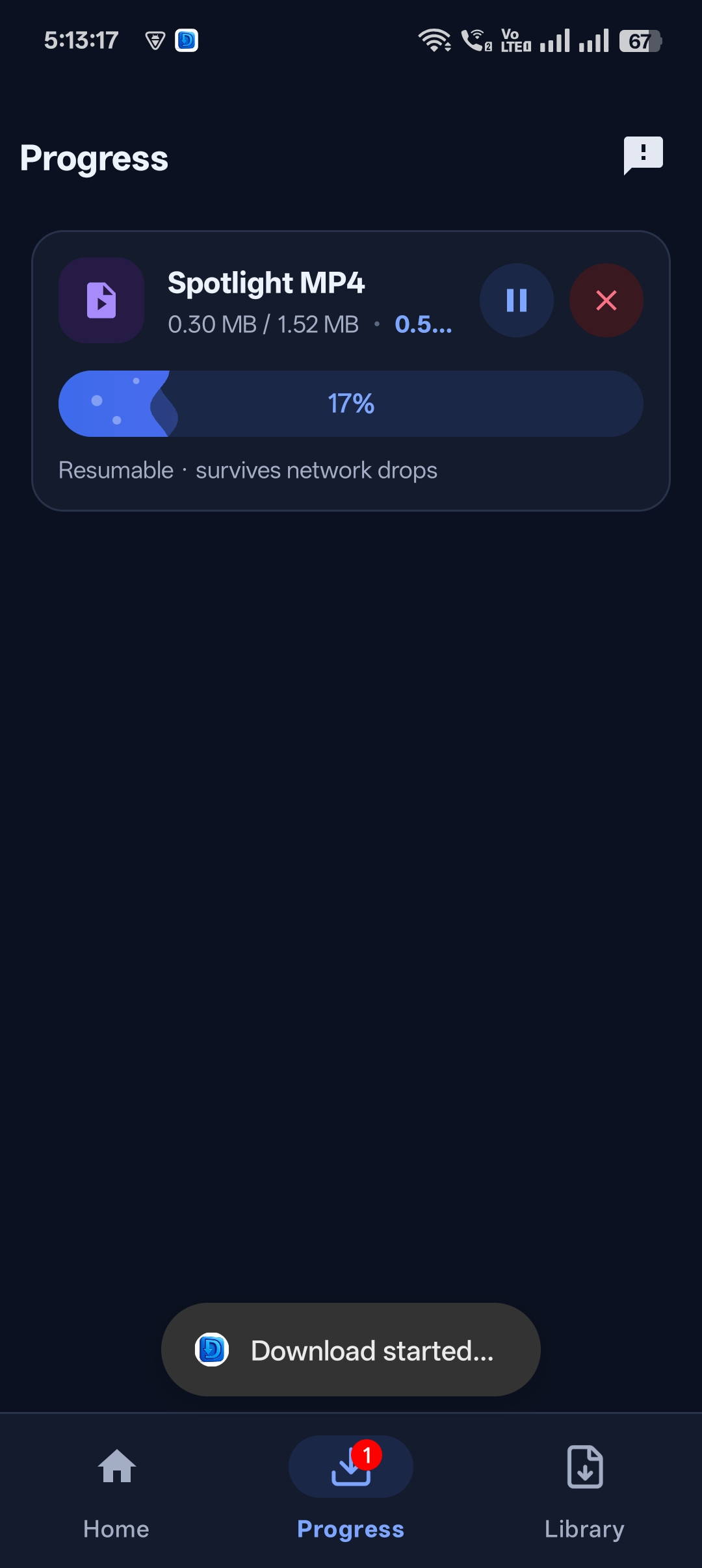
When the video is detected, tap the download button.
Step 4: Enjoy in HD
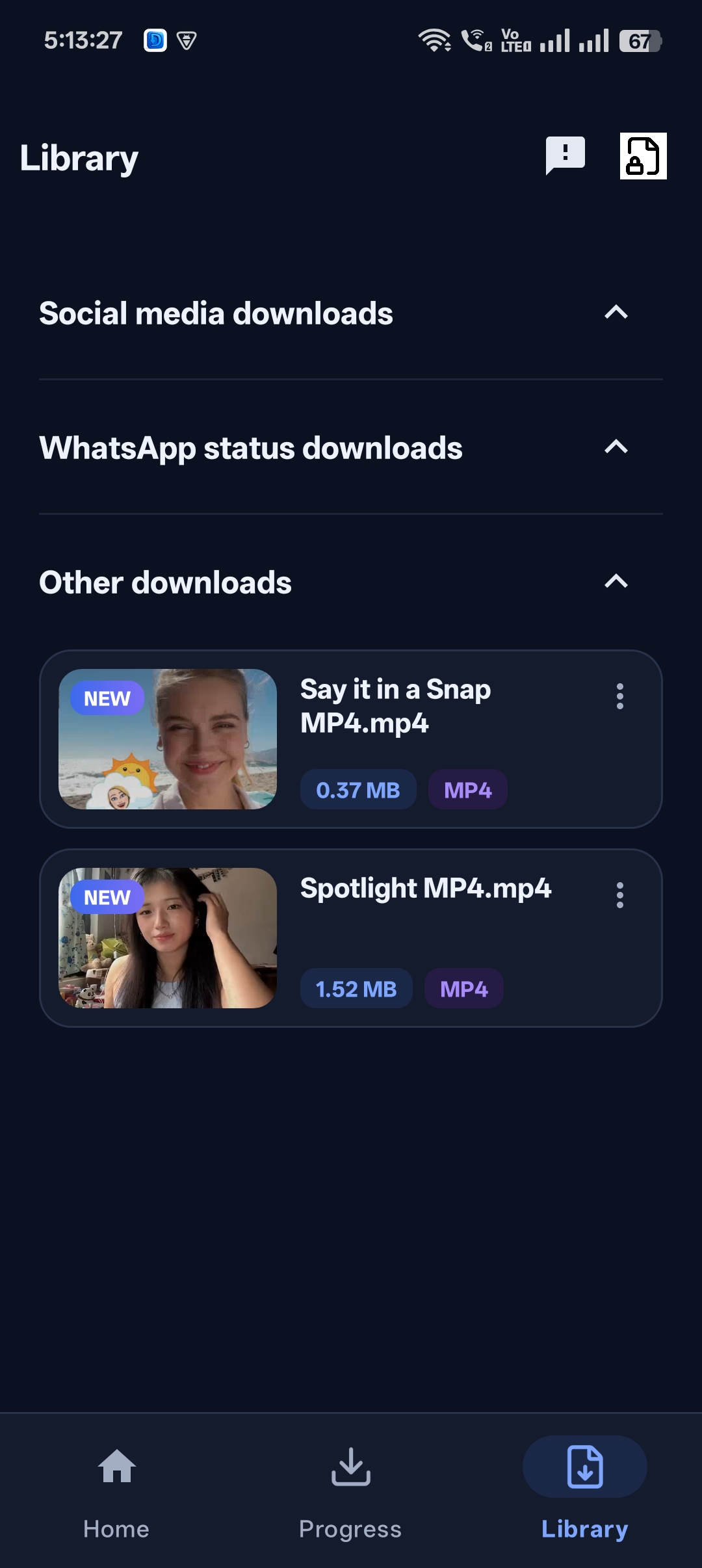
The completed video is saved in your Library.


Get Universal Video Downloader
Download videos from 3786+ websites in HD and keep private ones in a PIN-locked folder. Free on Google Play.
Get it on Google PlayTips for the best quality
- Always copy the link from the original upload.
- Use Wi-Fi for large HD files.
- Keep at least 1 GB free storage for long videos.
Sites that can’t be downloaded
Paid streaming services that use DRM (encrypted video) can’t be downloaded by any legitimate app. Use their official offline download feature instead.
Download responsibly
Universal Video Downloader works only with publicly available videos. Downloading for personal, offline viewing is generally fine, but re-uploading other people’s videos, removing credit or using them commercially without permission can break copyright law and platform rules.
Respect creators: only download content you own or have permission to use. This is general information, not legal advice.
Frequently asked questions
Does it really work on all websites?
It supports 3786+ websites and also works with many others. DRM-protected streaming services are not supported.
Will videos always be in HD?
You get the best quality the website offers. HD uploads download in HD.
What if my site isn’t listed?
Try the built-in browser — the app can often detect videos on unlisted sites.
Can I request a new site?
Yes, email help@universalvideodownloader.com with the website name.
Conclusion
One HD video downloader for nearly every website — that’s Universal Video Downloader.
Related guides
Universal Video Downloader TeamWe build tools that make saving and enjoying online videos simple. Questions? Email help@universalvideodownloader.com.