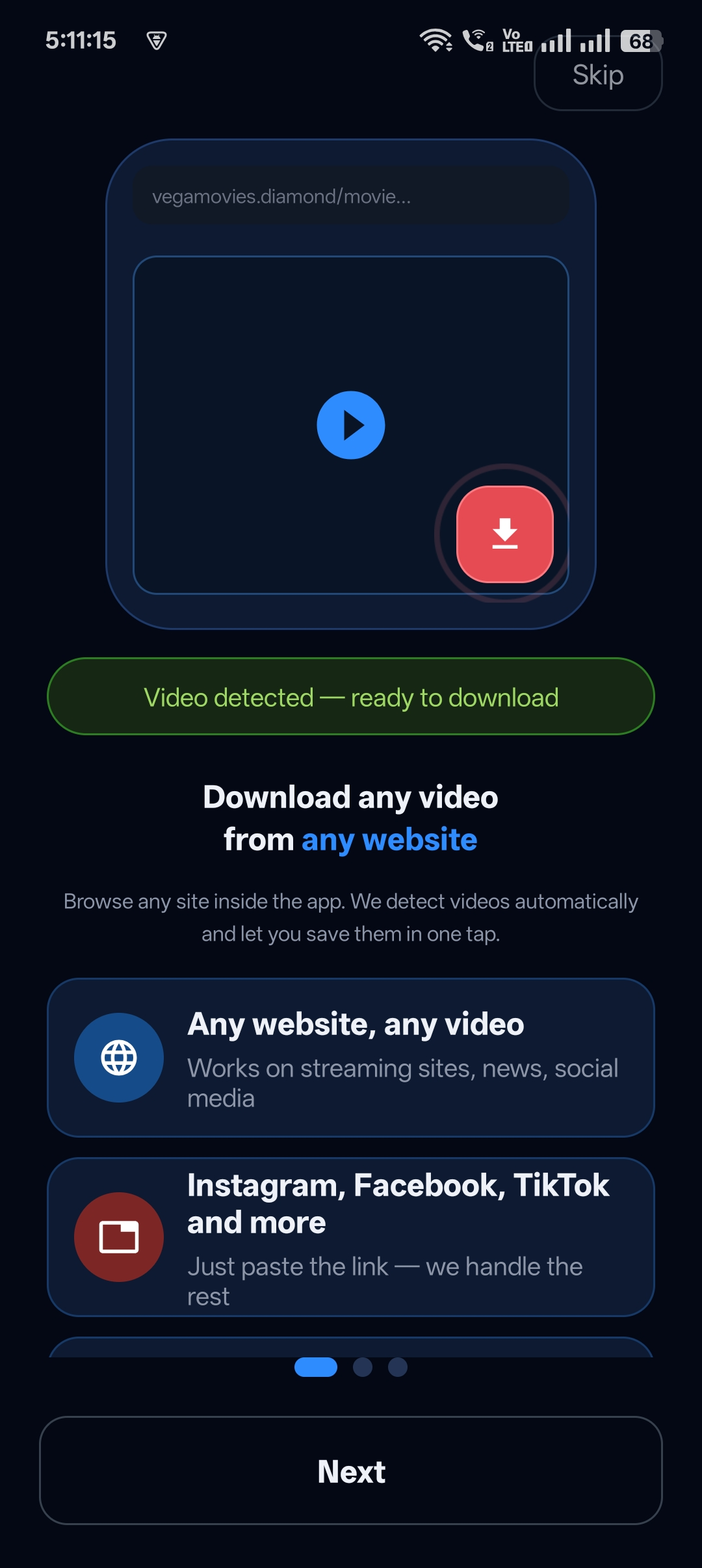
Your favourite videos are spread across Instagram, Facebook, TikTok, X, Snapchat and more. Installing a different downloader for each one is a mess.
Universal Video Downloader is a social media video downloader app that works with all of them. Copy a link from any social app, paste it in, and the video is saved to a neatly organised Library.
Quick answer: In any social app tap Share → Copy link, open Universal Video Downloader, paste the link and tap search. The video is saved under Social media downloads in your Library.
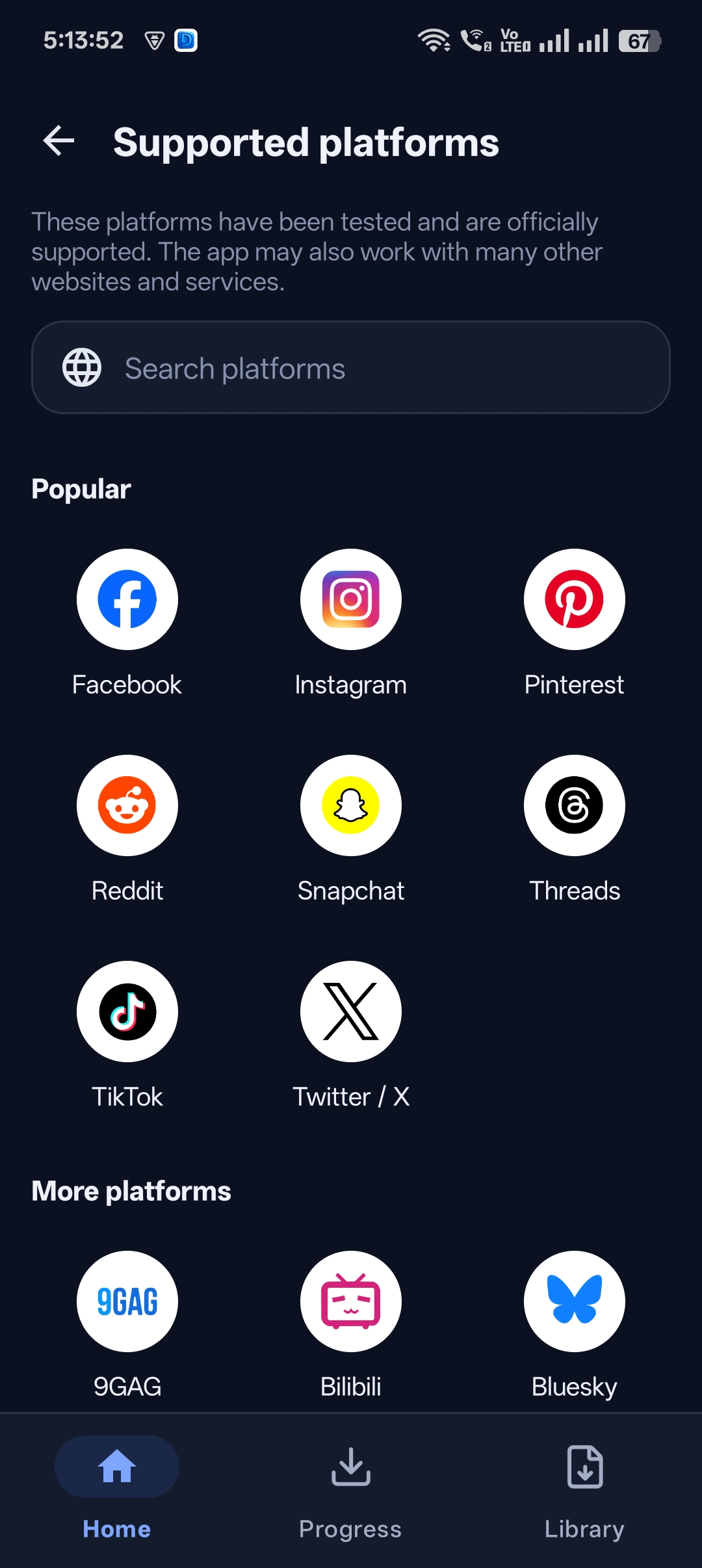
Supported social media platforms
| Platform | What you can download |
|---|---|
| Reels, video posts, public Stories | |
| Reels, Watch videos, Page videos | |
| TikTok | Videos from public accounts |
| X (Twitter) | Videos and GIFs in posts |
| Snapchat | Public Spotlight videos |
| Threads, Pinterest, Reddit, Bluesky | Public video posts |
Plus WhatsApp Status downloads, and 3786+ websites in total.
How to download social media videos: step by step
Step 1: Copy the video link
Open Instagram, Facebook, TikTok, X or any other app or website, find the video and tap Share → Copy link.
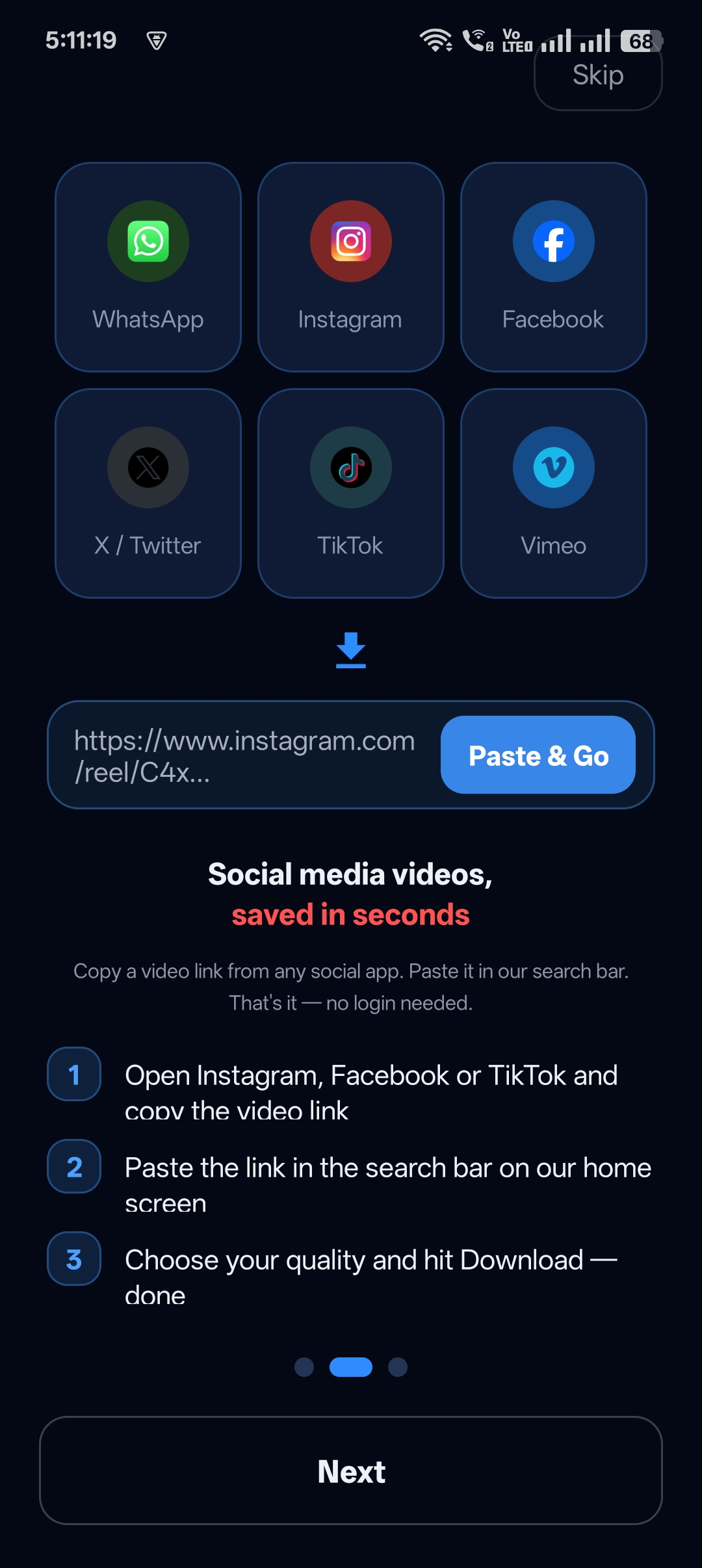
Step 2: Paste the link into Universal Video Downloader
Open the app. Paste the link into the Search or paste video URL box on the home screen and tap the search button.
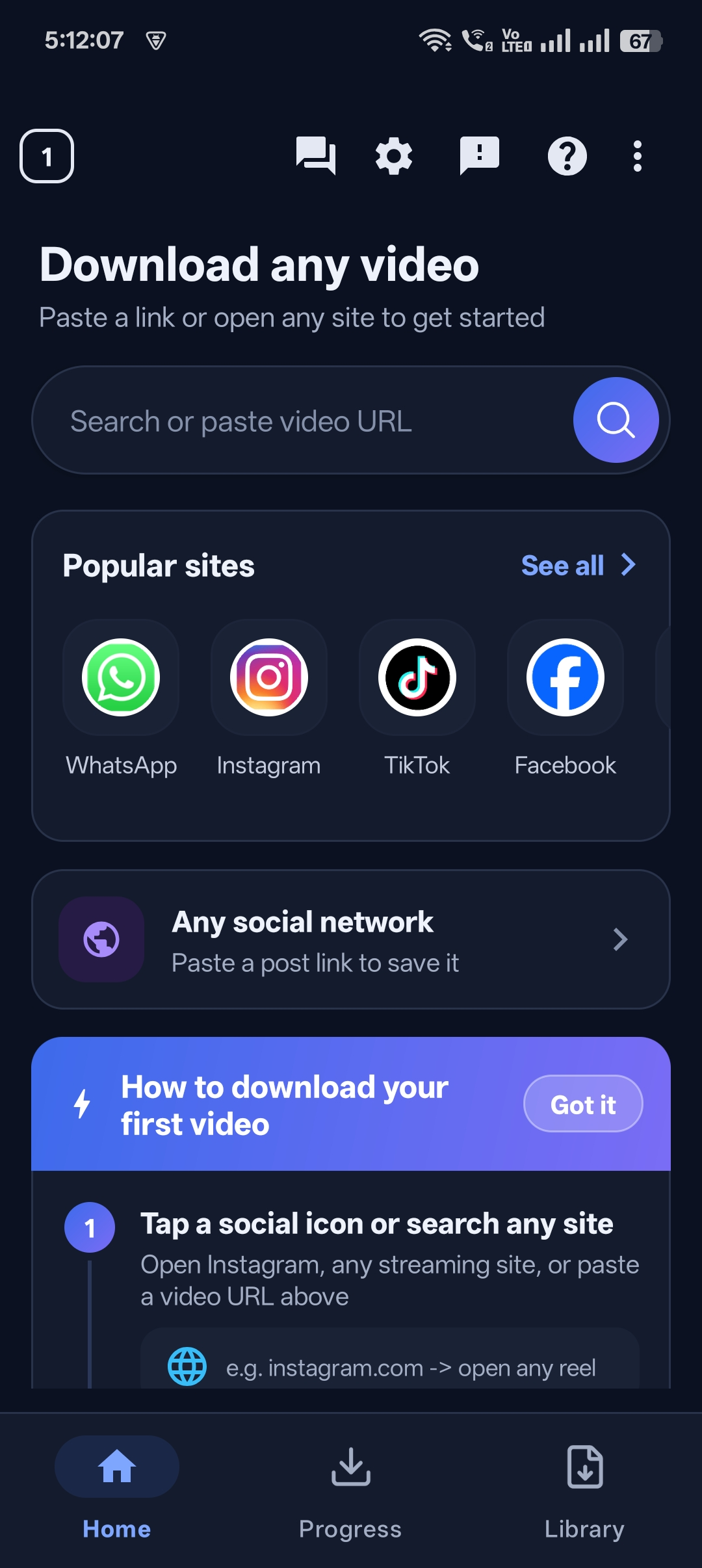
Step 3: Let the download run
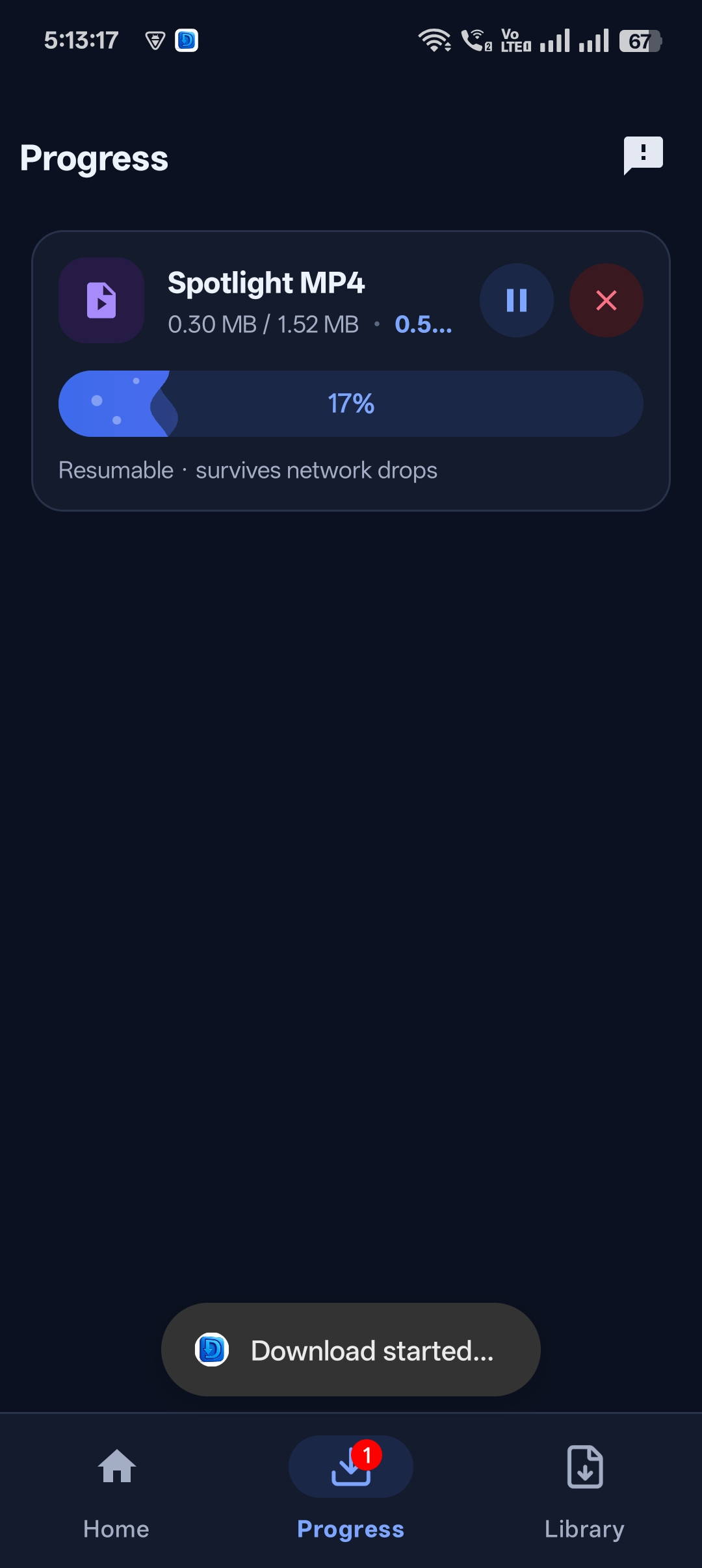
The video starts downloading straight away. The Progress tab shows the speed and size, and downloads are resumable, so a weak connection won’t make you start over.
Step 4: Find it in your Library
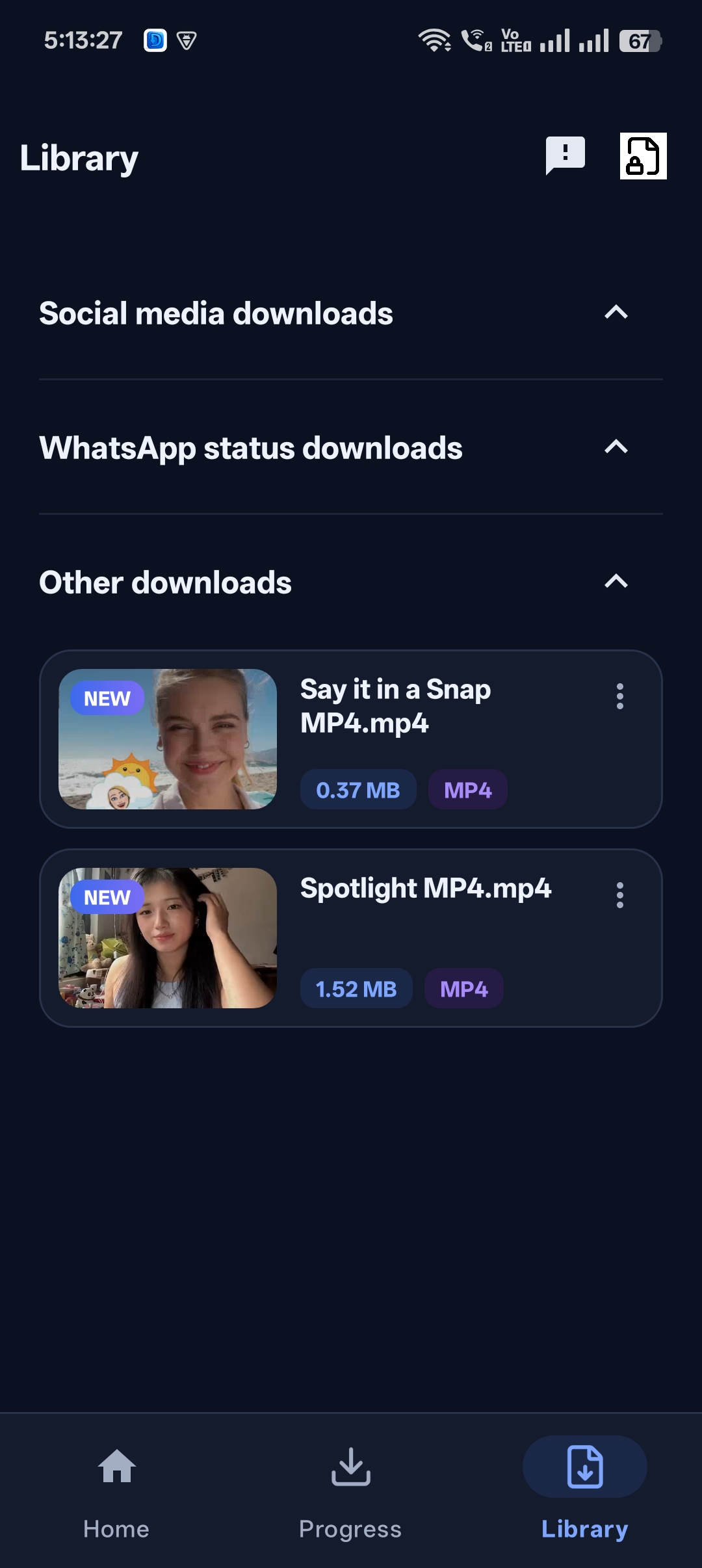
Every download is sorted in the Library into Social media downloads, WhatsApp status downloads and Other downloads, ready to watch offline.

Get Universal Video Downloader
Download videos from 3786+ websites in HD and keep private ones in a PIN-locked folder. Free on Google Play.
Get it on Google PlayPlatform tips
Tap the paper-plane icon → Copy link. Full guide: download Instagram Reels.
Tap Share → Copy link. fb.watch short links work too. Full guide: download Facebook Reels.
TikTok
Tap the Share arrow → Copy link. Full guide: download TikTok videos.
Snapchat
Open Snapchat inside the app’s built-in browser, play the Spotlight video and tap the download button.
Everything organised automatically
Downloads from social apps are grouped under Social media downloads, WhatsApp statuses under WhatsApp status downloads, and everything else under Other downloads.
Respect creators
Universal Video Downloader works only with publicly available videos. Downloading for personal, offline viewing is generally fine, but re-uploading other people’s videos, removing credit or using them commercially without permission can break copyright law and platform rules.
Respect creators: only download content you own or have permission to use. This is general information, not legal advice.
Frequently asked questions
Which social media apps are supported?
Instagram, Facebook, TikTok, X (Twitter), Snapchat, Threads, Pinterest, Reddit, Bluesky and many more — 3786+ websites in total.
Can I download WhatsApp Status videos?
Yes. WhatsApp status downloads have their own section in the Library.
Do I need to log in to Instagram or Facebook?
No. Universal Video Downloader never asks for your social media password.
Can I download from private accounts?
No. Only public content can be downloaded.
Conclusion
One app, every social network. Install Universal Video Downloader and stop juggling separate downloaders for each platform.
Related guides
Universal Video Downloader TeamWe build tools that make saving and enjoying online videos simple. Questions? Email help@universalvideodownloader.com.