A URL video downloader takes the web address of a page that contains a video and saves the video file itself.
This guide explains how video URLs work, which formats Universal Video Downloader accepts, and how to fix the most common URL problems.
Quick answer: Copy the page URL (starting with https://), paste it into the Search or paste video URL box in Universal Video Downloader and tap search.
What is a video URL?
A video URL is the address of the page where a video is posted, like https://www.instagram.com/reel/…. The app reads that page, finds the video stream and downloads it. You don’t need a direct .mp4 link — the normal page link is enough.
Supported URL formats
| Type | Example |
|---|---|
| Full page URL | https://www.tiktok.com/@user/video/123… |
| Short share link | https://vm.tiktok.com/ZM…, https://fb.watch/… |
| Mobile URL | https://m.facebook.com/… |
| Direct video file | https://example.com/video.mp4 |
How to download a video by URL
Step 1: Copy the URL
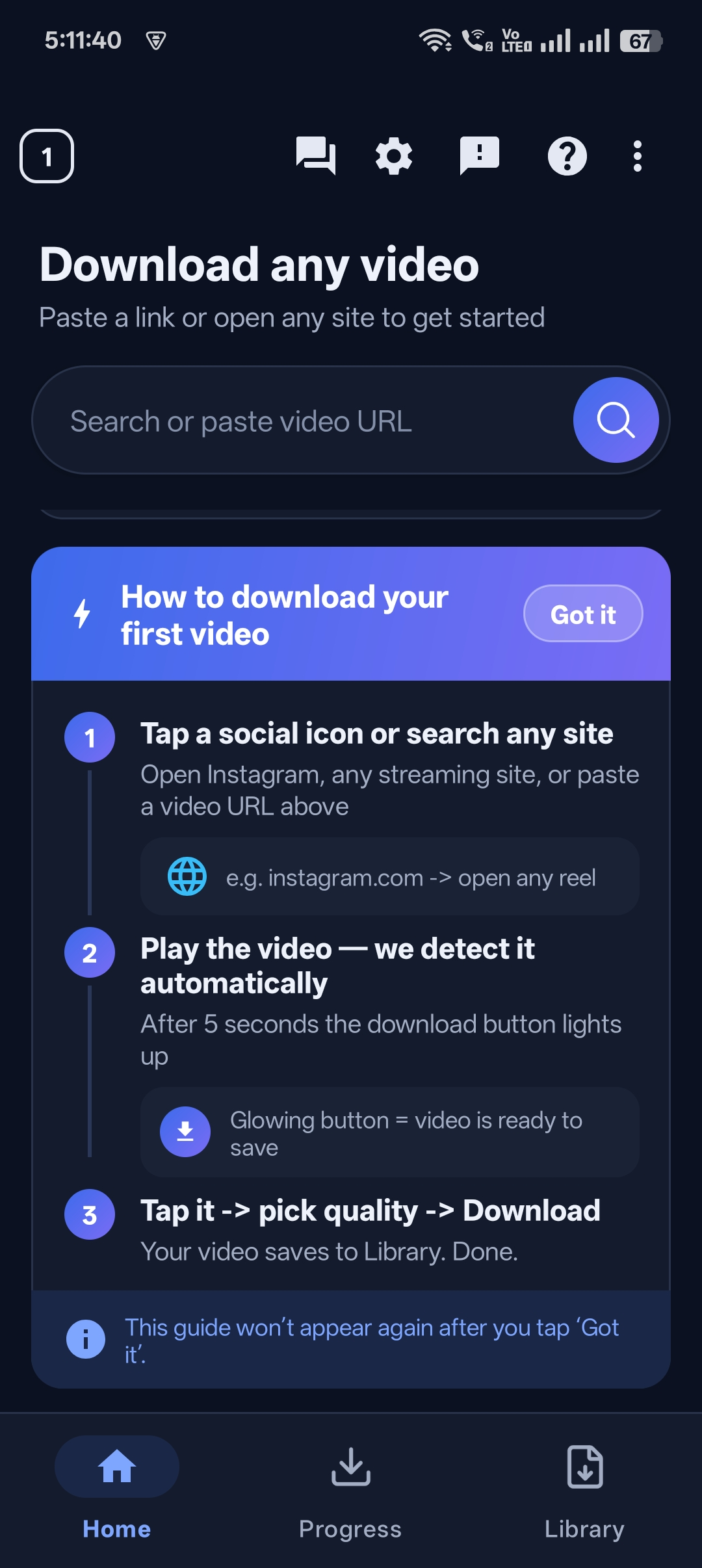
Copy it from the Share menu or your browser’s address bar.
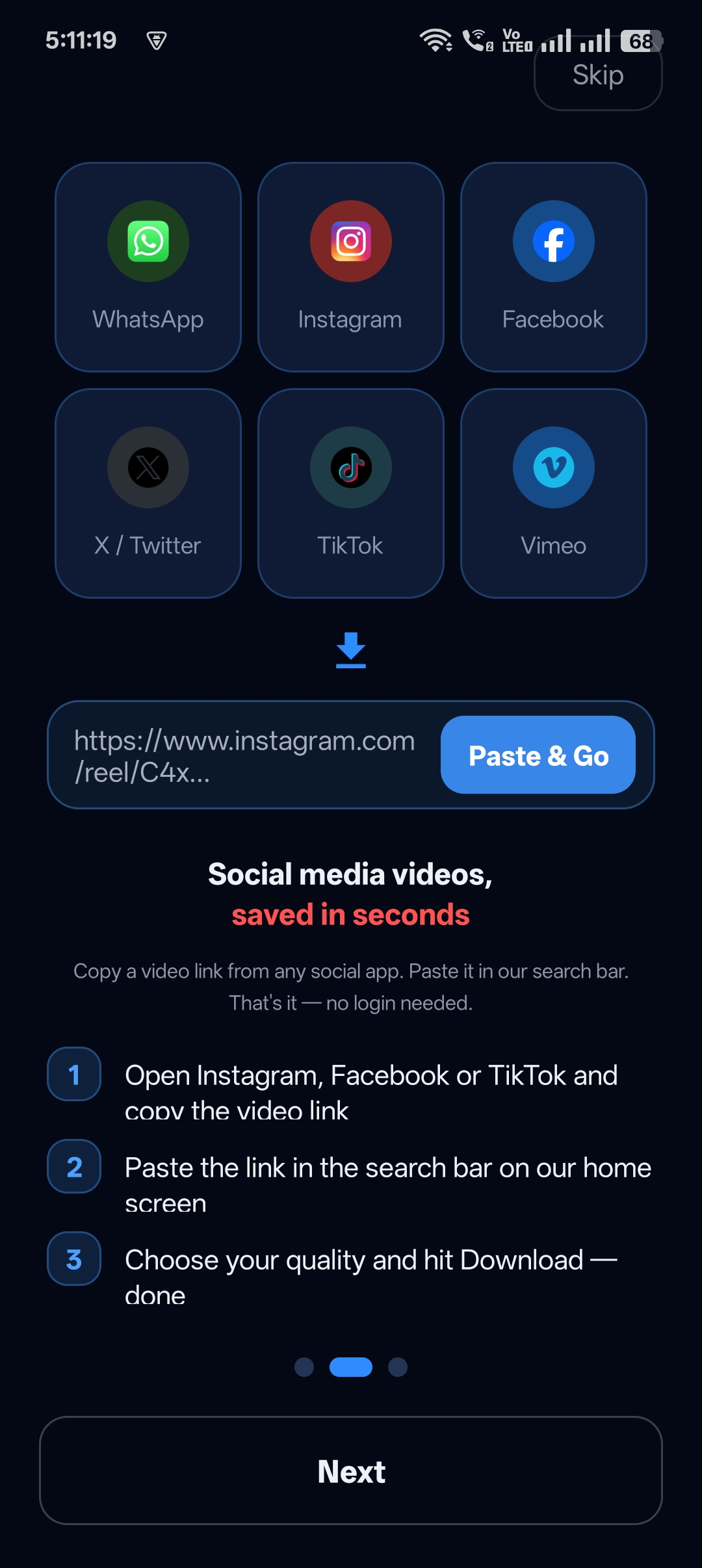
Step 2: Paste the link into Universal Video Downloader
Open the app. Paste the link into the Search or paste video URL box on the home screen and tap the search button.
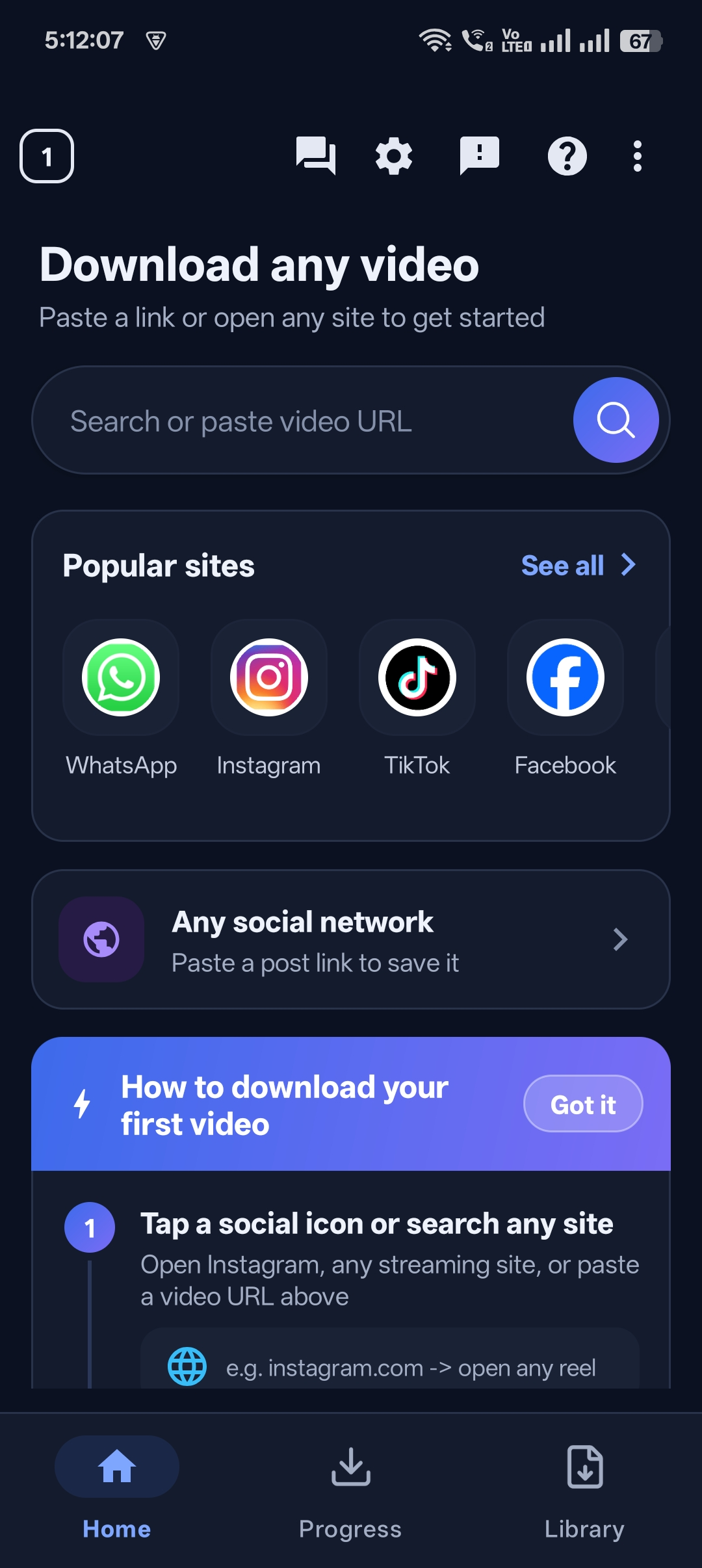
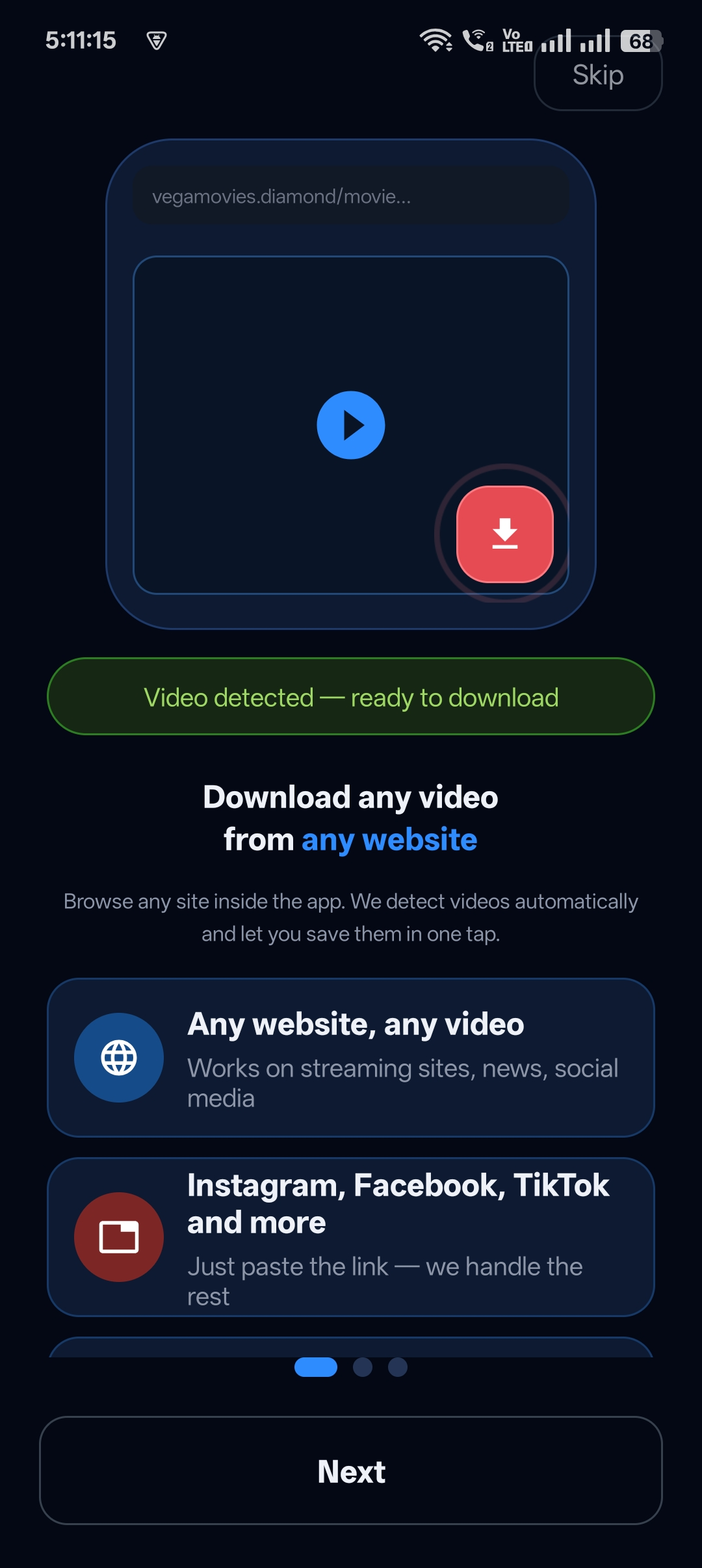
Step 3: Video detected
The app finds the video on the page and prepares the download.
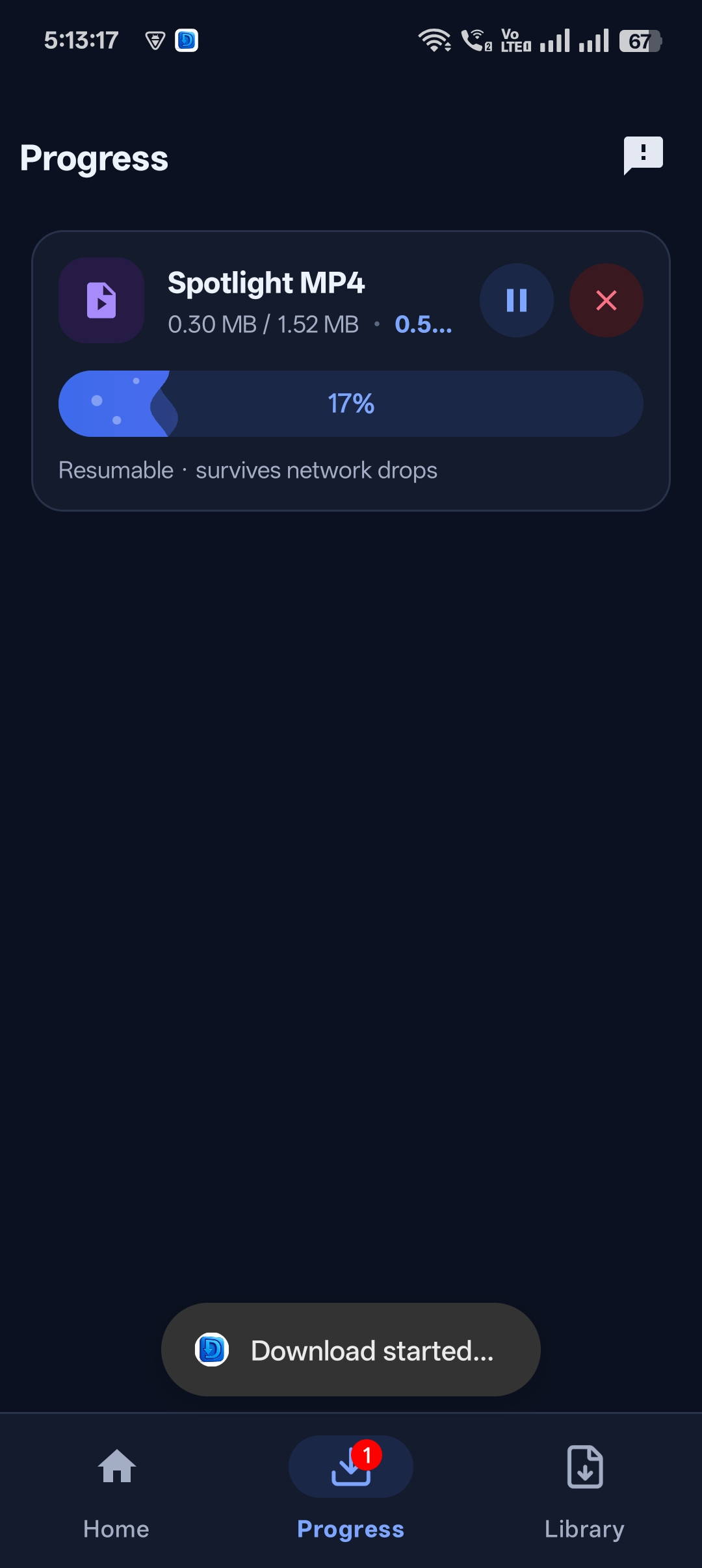
Step 4: Download runs
Track progress in the Progress tab.

Get Universal Video Downloader
Download videos from 3786+ websites in HD and keep private ones in a PIN-locked folder. Free on Google Play.
Get it on Google PlayHow to clean a messy URL
- Delete any text before
https://(e.g. “Check this out!”). - Tracking parameters after
?are fine — you don’t need to remove them. - Make sure there are no spaces inside the URL.
Common URL errors and fixes
| Error | Fix |
|---|---|
| Invalid URL | Make sure it starts with http:// or https:// |
| Video not found | The post is private, deleted or region-restricted. |
| Page has several videos | Use the built-in browser and play the one you want. |
Download responsibly
Universal Video Downloader works only with publicly available videos. Downloading for personal, offline viewing is generally fine, but re-uploading other people’s videos, removing credit or using them commercially without permission can break copyright law and platform rules.
Respect creators: only download content you own or have permission to use. This is general information, not legal advice.
Frequently asked questions
Do I need the direct .mp4 link?
No. The normal page URL works — the app finds the video for you.
Do short links work?
Yes, short links like vm.tiktok.com and fb.watch are supported.
Can I paste a URL from any website?
From 3786+ supported websites and many others. DRM-protected services are not supported.
What if a URL contains multiple videos?
Open it in the built-in browser and play the video you want to download.
Conclusion
Any public video URL, one paste, one tap. That’s how a URL video downloader should work.
Related guides
Universal Video Downloader TeamWe build tools that make saving and enjoying online videos simple. Questions? Email help@universalvideodownloader.com.