You found a great video online and want it in your gallery next to your photos, so you can watch it, edit it or share it like any other clip.
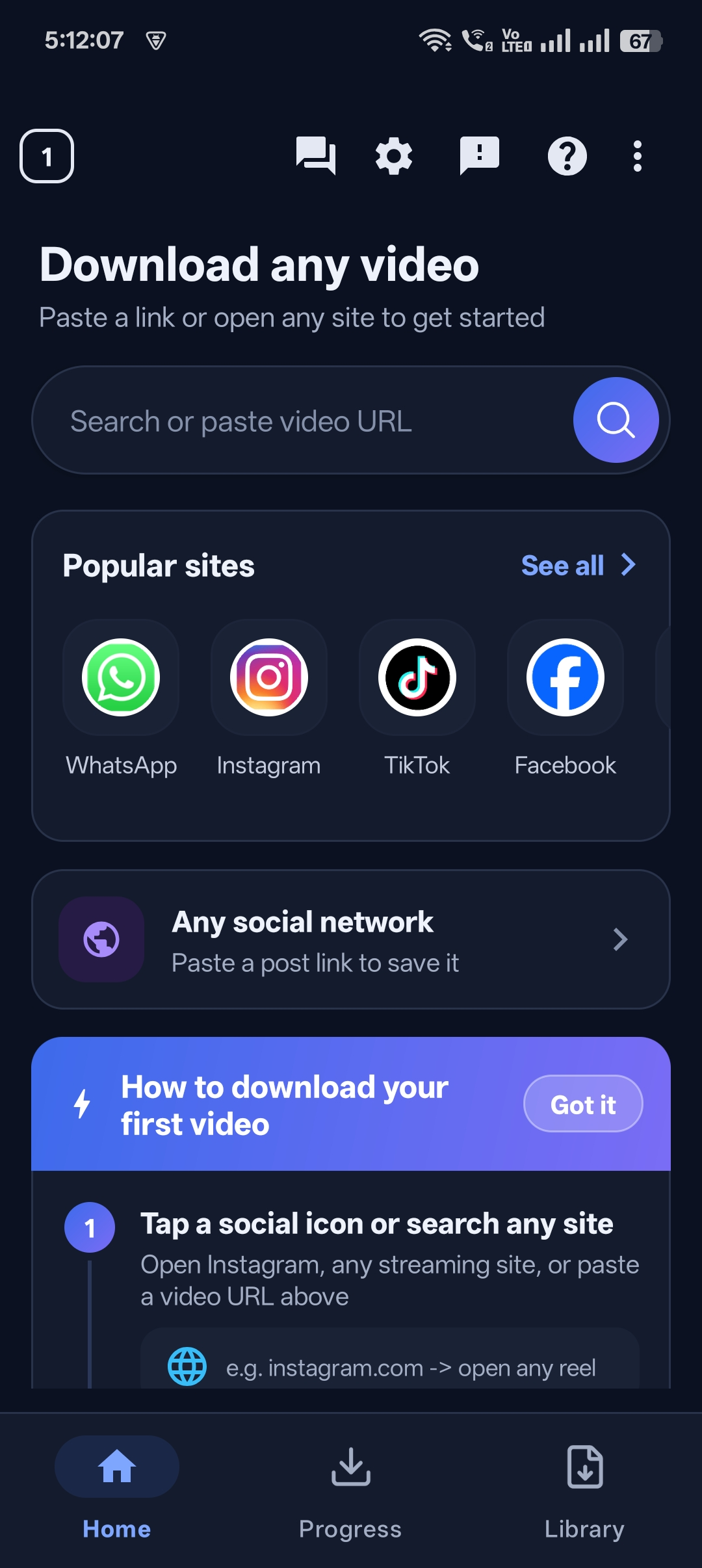
Universal Video Downloader is a free app to save online videos to your gallery. Download the video, tap Save to gallery, and it’s there.
Quick answer: Download the video → open the Library → tap the three dots next to it → Save to gallery.
Why save videos to the gallery?
- Watch them in your normal photos app.
- Edit them with your favourite video editor.
- Share them easily to any app.
- Back them up with your photos.
How to save an online video to your gallery
Step 1: Download the video
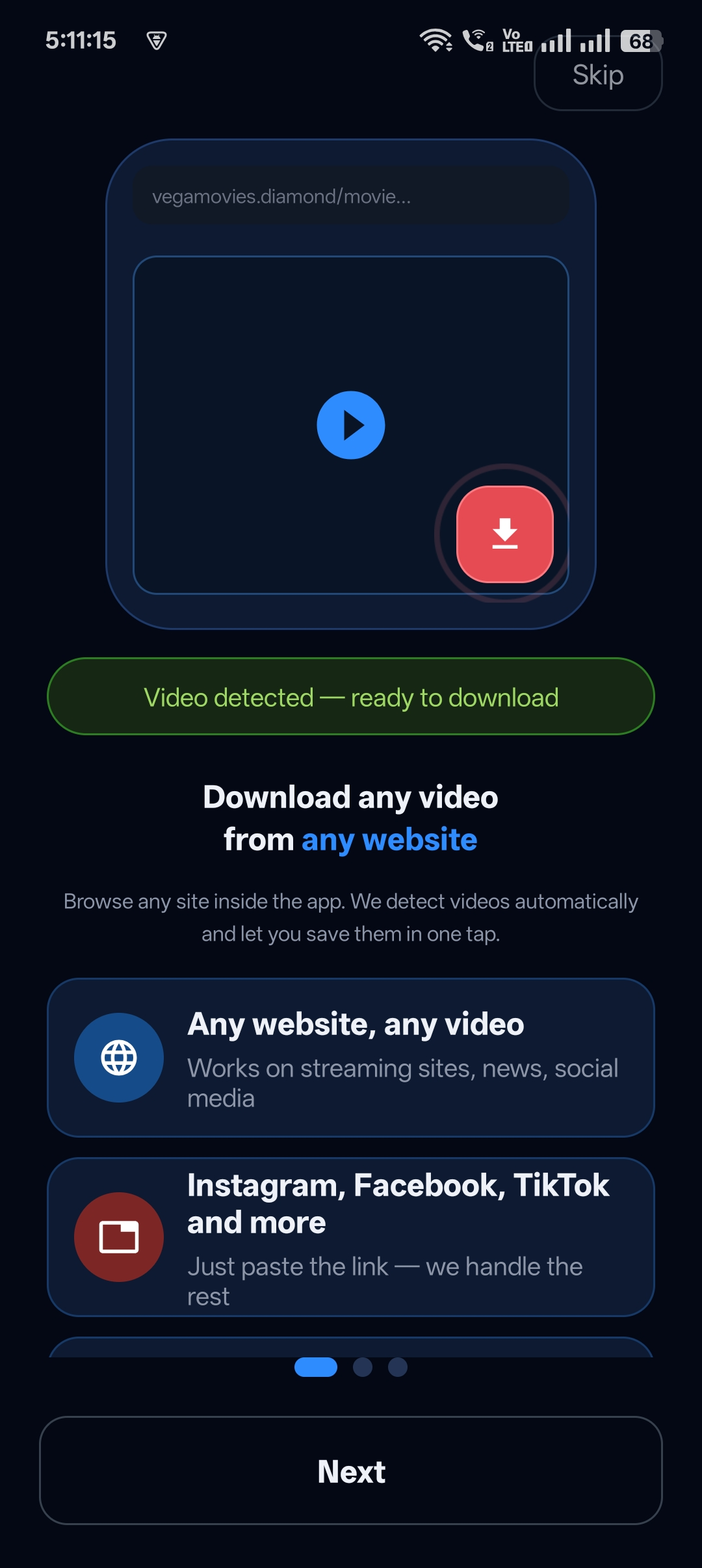
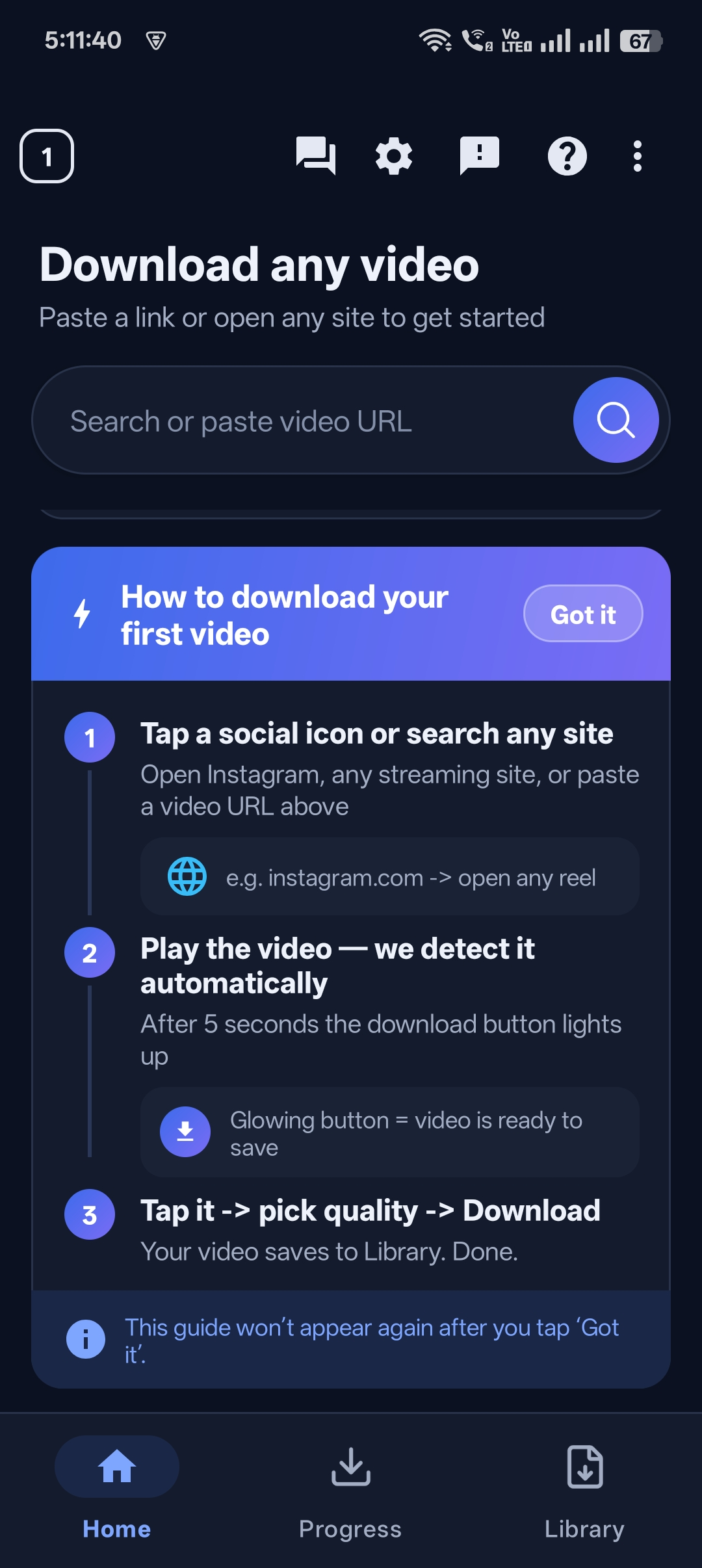
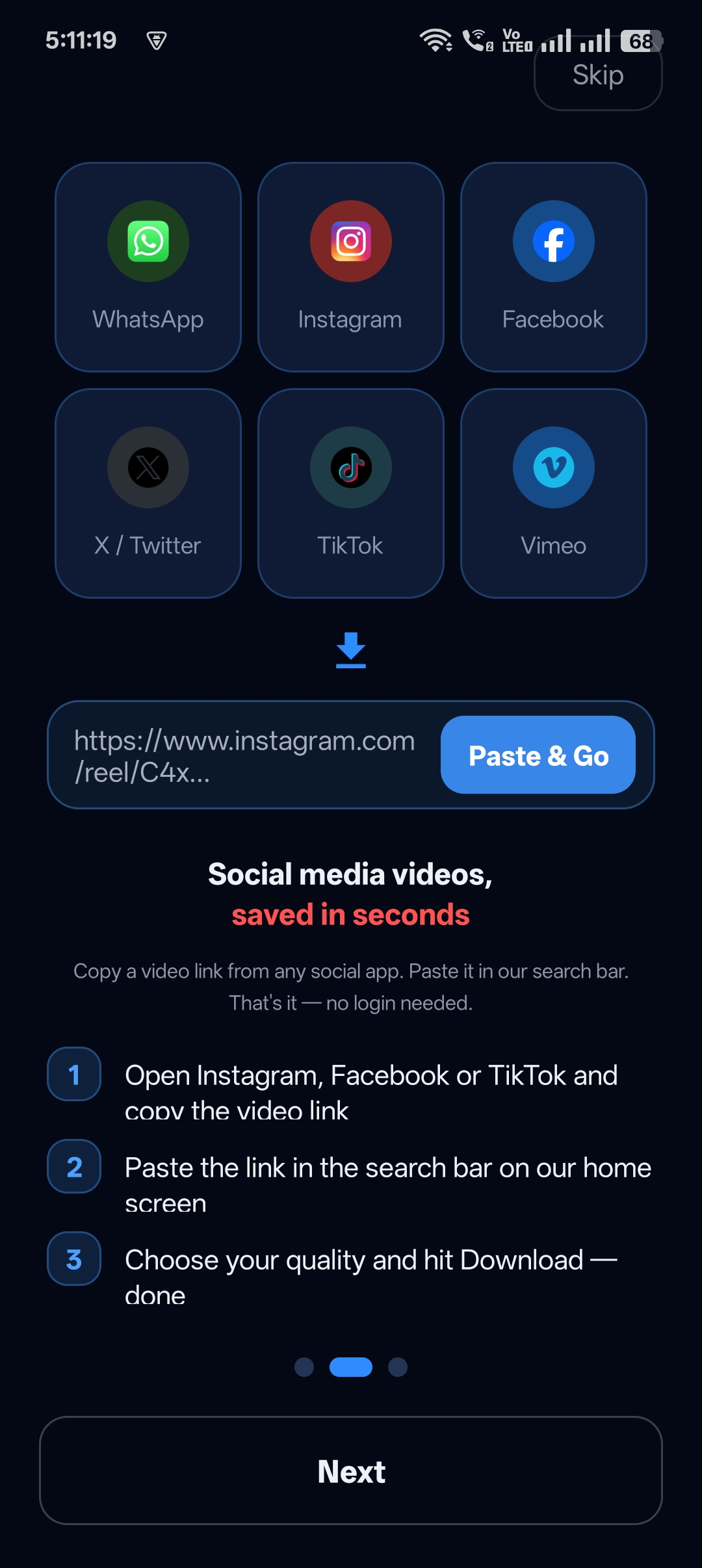
Paste the link or use the built-in browser. Wait for Download Complete!

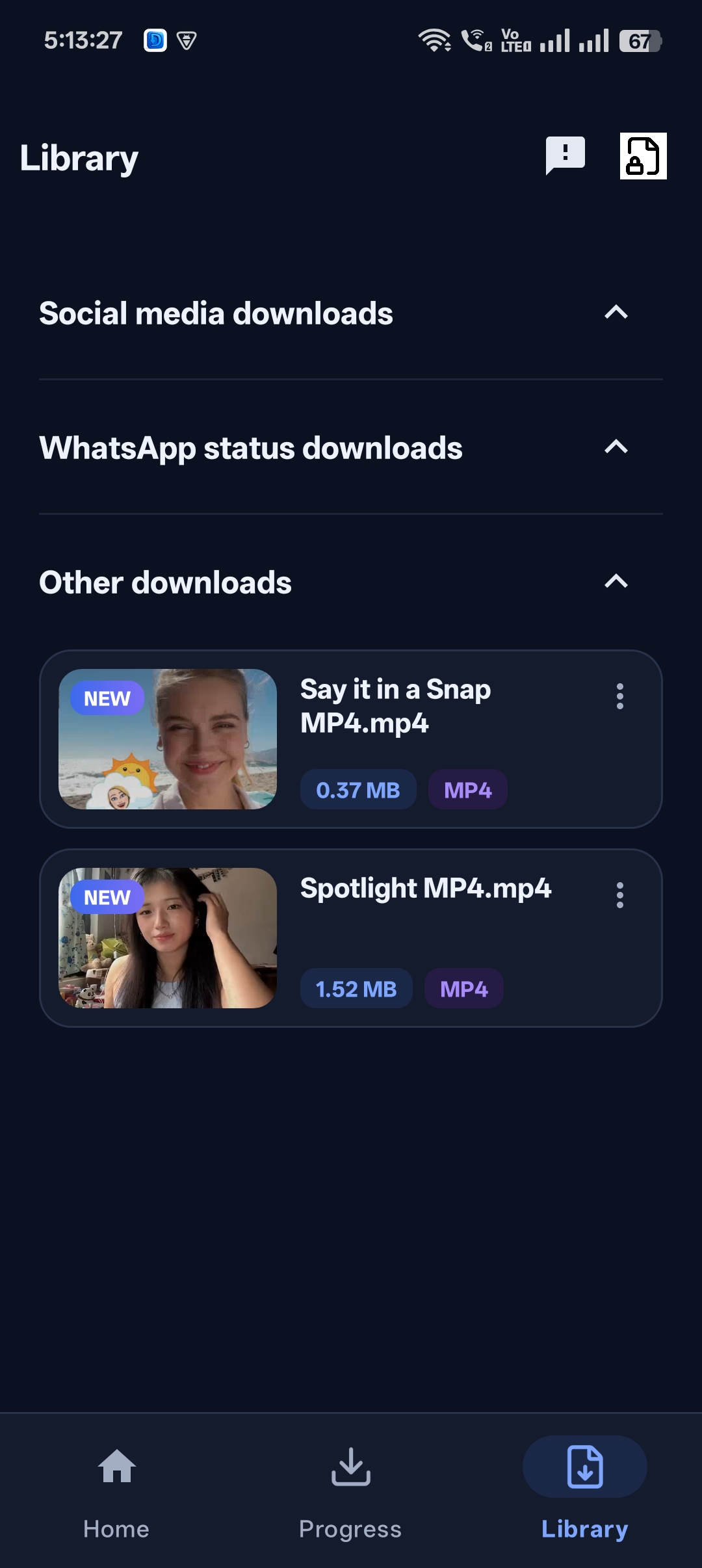
Step 2: Open the video menu
In the Library, tap the three dots next to the video.
Step 3: Tap Save to gallery
The video is copied to your phone’s gallery.
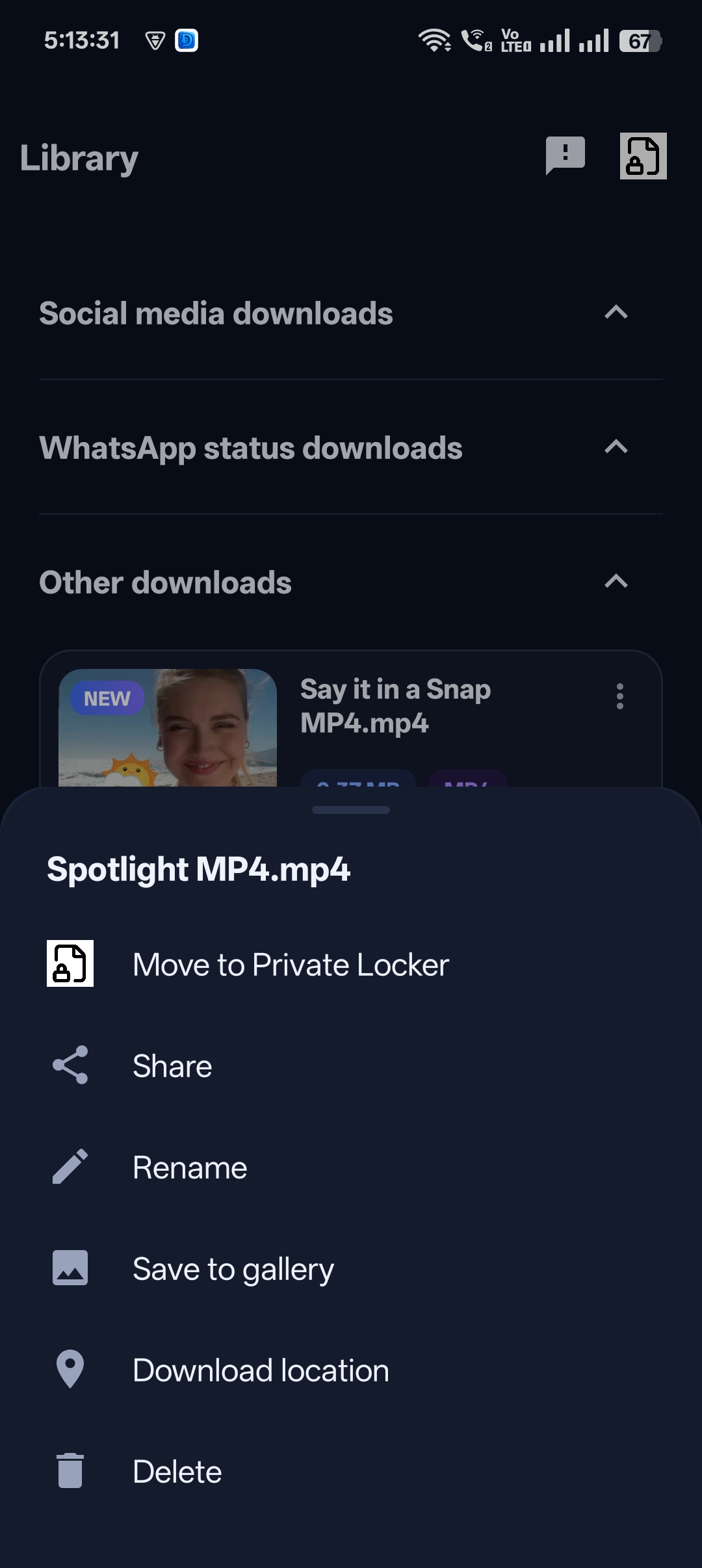
Step 4: Change the download location (optional)
Use Download location in the same menu to see or change where files are stored.

Get Universal Video Downloader
Download videos from 3786+ websites in HD and keep private ones in a PIN-locked folder. Free on Google Play.
Get it on Google PlayVideo not showing in gallery?
- Give the app permission to access photos and videos in your phone settings.
- Wait a few seconds and refresh the gallery.
- Check the Download location in the video menu.
Want some videos NOT in the gallery?
Use the Private Locker instead. See how to hide downloaded videos on your phone.
Download responsibly
Universal Video Downloader works only with publicly available videos. Downloading for personal, offline viewing is generally fine, but re-uploading other people’s videos, removing credit or using them commercially without permission can break copyright law and platform rules.
Respect creators: only download content you own or have permission to use. This is general information, not legal advice.
Frequently asked questions
Is the app free?
Yes, Universal Video Downloader is free to download from Google Play.
Does every download go to the gallery automatically?
Downloads go to the app’s Library. Use Save to gallery for the ones you want in your gallery.
Can I save to a specific folder?
Check the Download location option in the video menu.
Why can’t I find the video in Google Photos?
Make sure the app has media permission, then refresh Google Photos.
Conclusion
Download, tap Save to gallery, done. It’s the simplest free way to save online videos to your phone.
Related guides
Universal Video Downloader TeamWe build tools that make saving and enjoying online videos simple. Questions? Email help@universalvideodownloader.com.