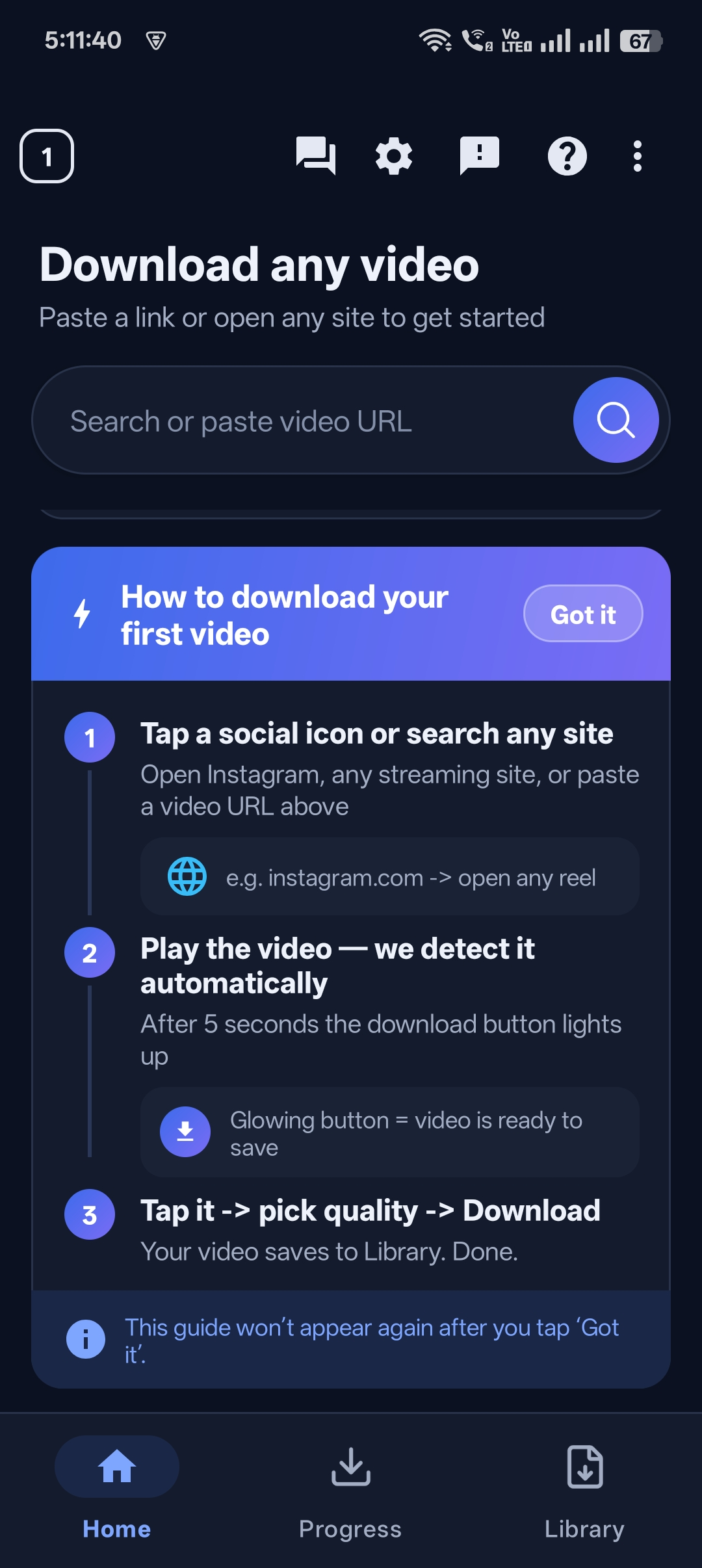
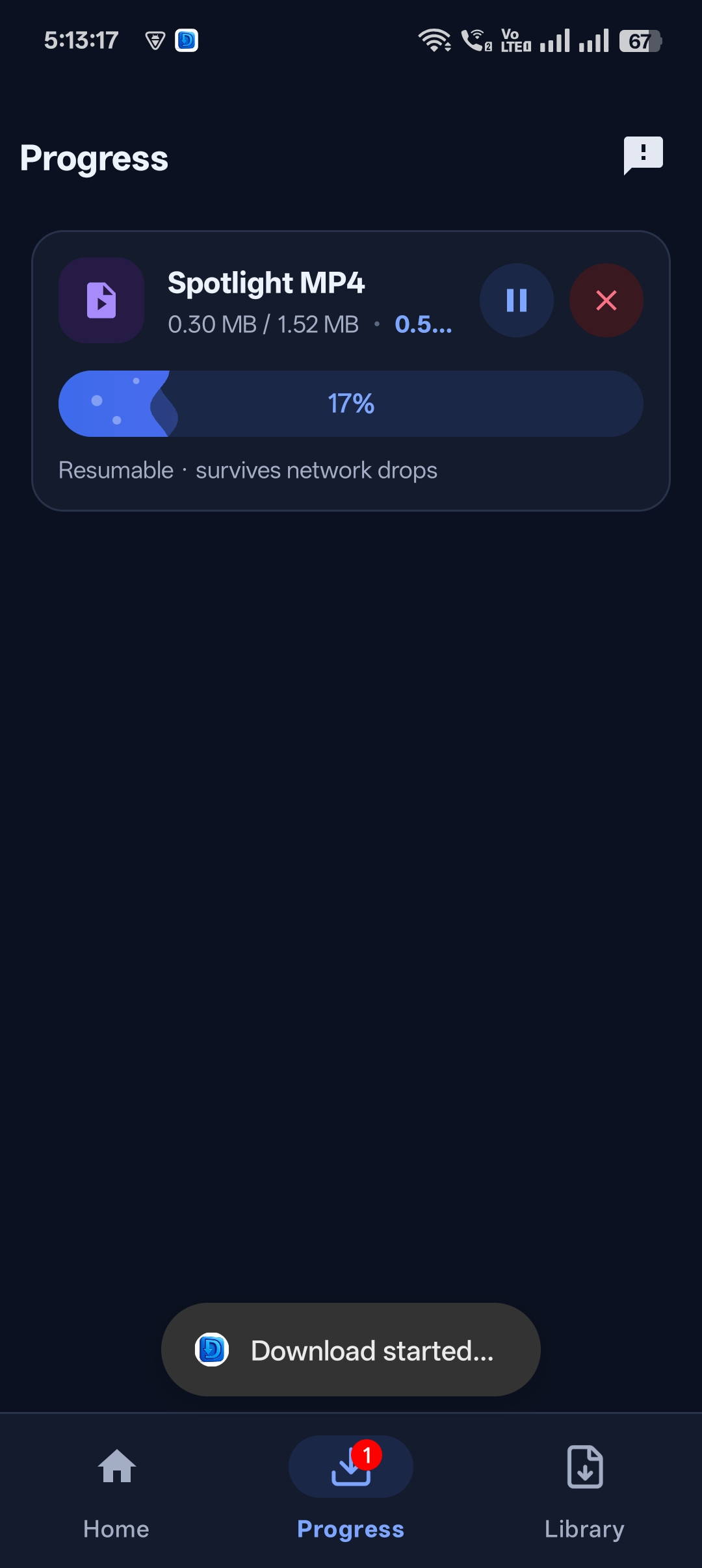
“How do I download a private video from a link?” is one of the most searched video questions. The honest answer depends on what “private” means.
This guide explains how to download private videos using a link the right way: which kinds of links Universal Video Downloader can download, which it can’t (and why), and how to keep the videos you save completely private on your phone.
Quick answer: If the link opens the video for anyone without logging in (public or link-shared), paste it into Universal Video Downloader. Videos from private accounts or closed groups can’t be downloaded. To keep any download private, move it to the PIN-protected Private Locker.
What does “private video” actually mean?
| Type of video | Can it be downloaded? |
|---|---|
| Public post on a public account | Yes |
| Video shared with a link that opens without login | Usually yes |
| Your own uploaded video | Yes, while it is public or link-accessible |
| Post from a private account | No |
| Private / closed Facebook group | No |
| Paid, subscription or DRM-protected video | No |
Why private-account videos can’t be downloaded
Private accounts and closed groups are only visible to approved followers or members. Universal Video Downloader doesn’t log in to your accounts and respects those privacy settings — so the video isn’t accessible to download. Tools that claim to bypass this are usually scams or malware.
Never enter your social media password into a “private video downloader” website. It’s one of the most common ways accounts get stolen.
How to download a link-shared video and keep it private
Step 1: Test the link
Open the link in a browser while logged out. If the video plays, it can be downloaded.
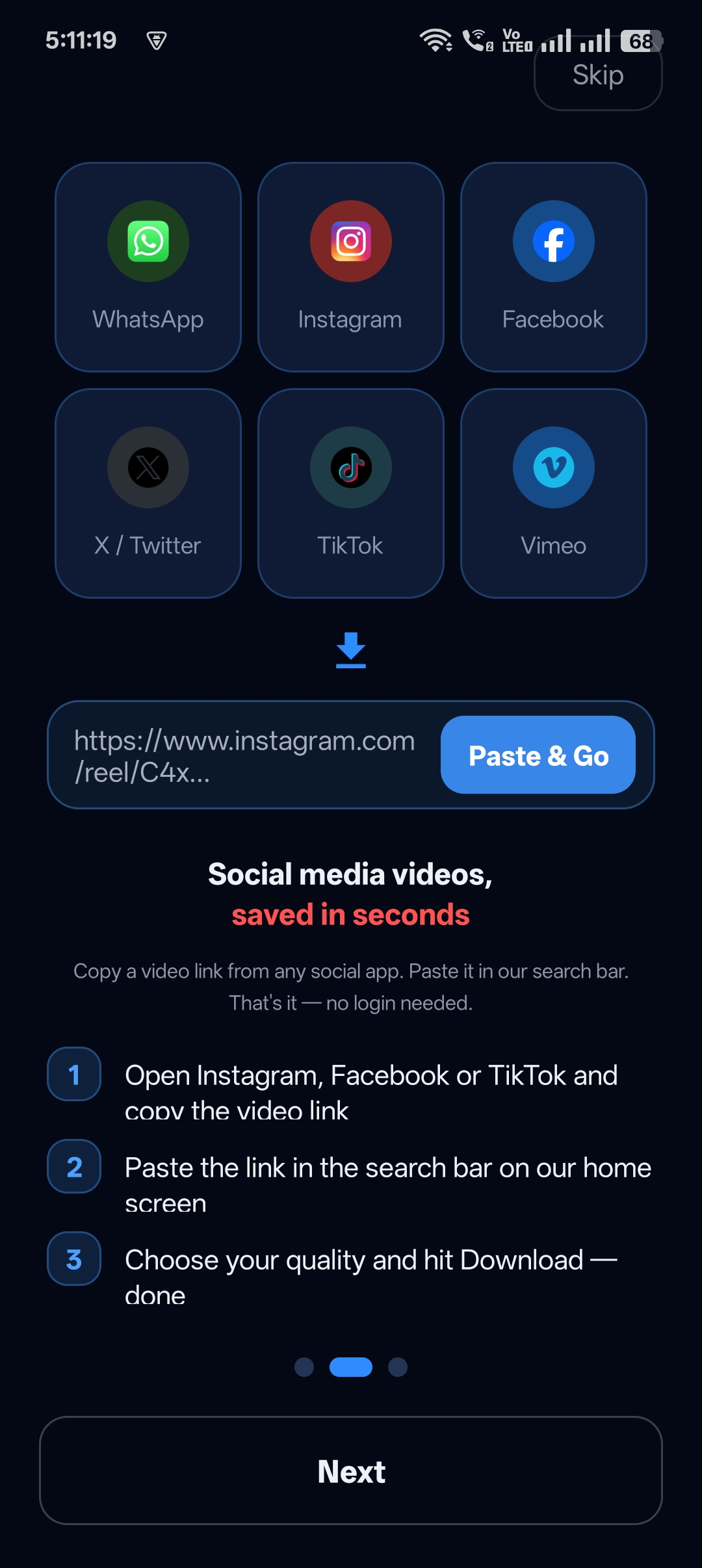
Step 2: Paste it into the app
Open Universal Video Downloader and paste the link into the search box.
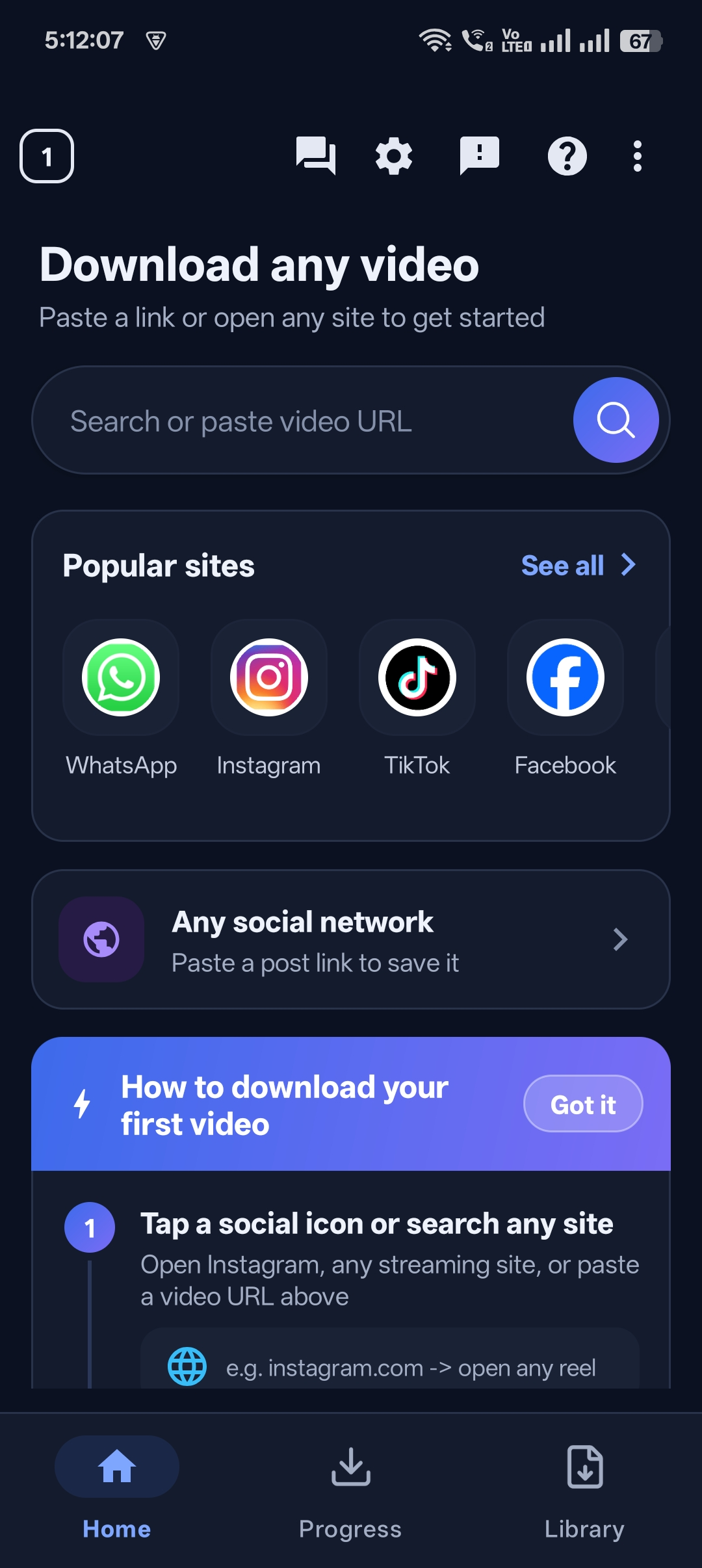
Step 3: Download the video
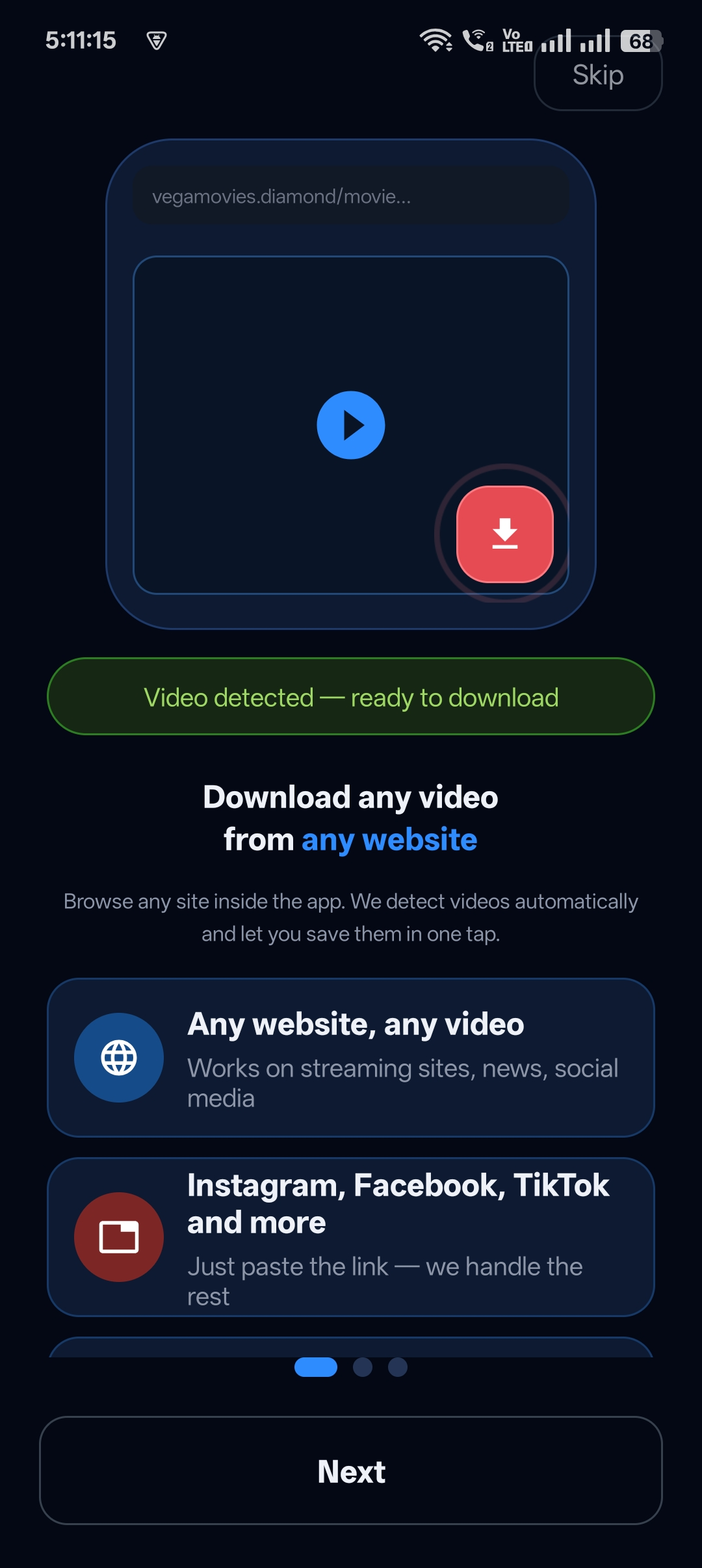
The app detects the video and downloads it to your Library.
Step 4: Move it to the Private Locker
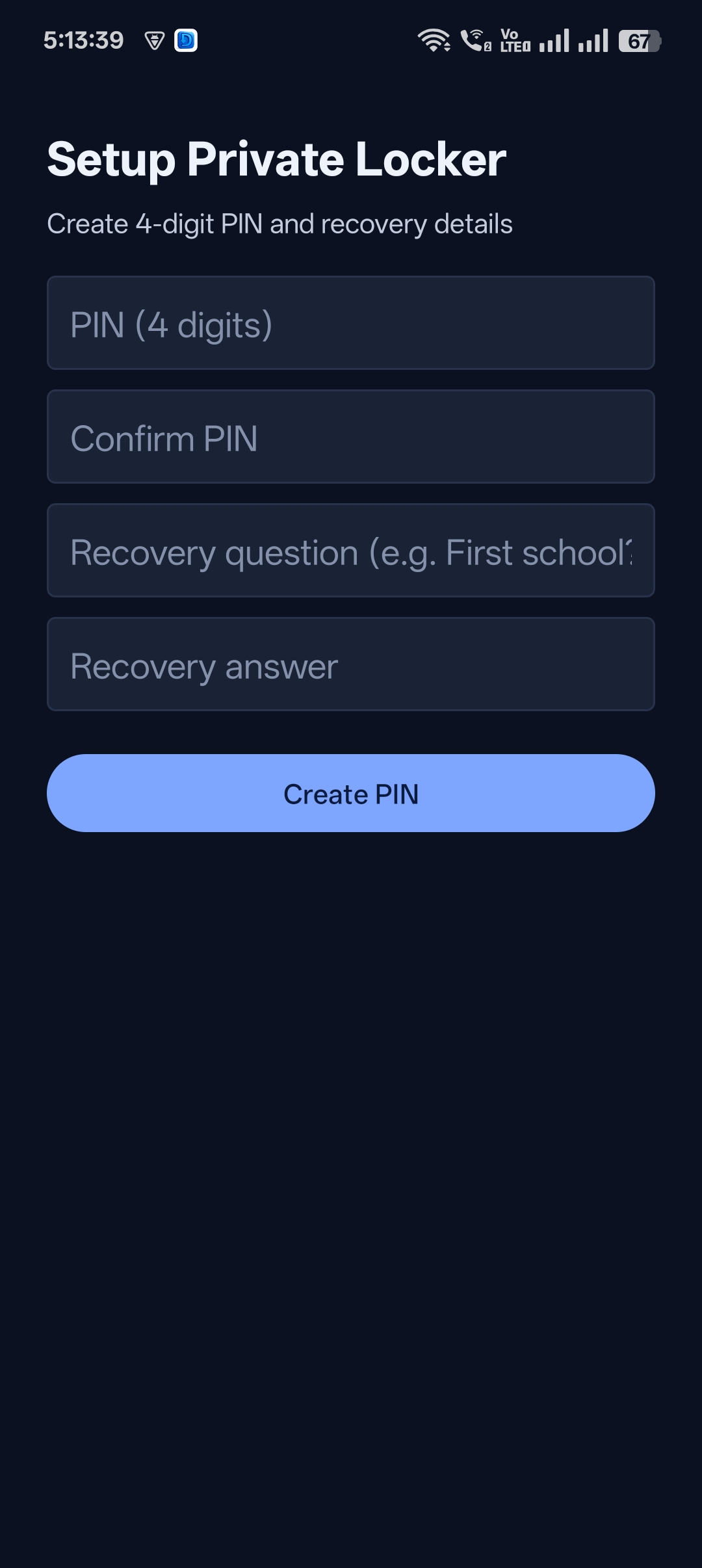
Tap Move to Locker and protect it with your PIN so it stays private on your phone.

Get Universal Video Downloader
Download videos from 3786+ websites in HD and keep private ones in a PIN-locked folder. Free on Google Play.
Get it on Google PlayDownloading your own private videos
Want a copy of a video you posted on a private account? Most platforms let you download your own data: Instagram and Facebook have Download your information in Accounts Center, and TikTok lets you save your own videos from the app. Use those official tools for content on private accounts.
Respect other people’s privacy
If someone made their account private, they chose who can see their videos. Ask them for the file instead of trying to work around their settings.
Universal Video Downloader works only with publicly available videos. Downloading for personal, offline viewing is generally fine, but re-uploading other people’s videos, removing credit or using them commercially without permission can break copyright law and platform rules.
Respect creators: only download content you own or have permission to use. This is general information, not legal advice.
Frequently asked questions
Can I download a video from a private Instagram account?
No. Only approved followers can see private-account content, and Universal Video Downloader works only with public videos.
Can I download an unlisted video with a link?
If the link opens the video for anyone without signing in, you can usually download it.
Are “private video downloader” websites safe?
Many ask for your login or are full of malware. Never share your password with a downloader.
How do I keep downloaded videos private?
Move them to the PIN-protected Private Locker in Universal Video Downloader so they’re hidden from your gallery.
Conclusion
You can download any video whose link works without logging in — and keep it private with the Private Locker. Videos from private accounts are protected by design, and that’s a good thing.
Next: set up your private folder.
Related guides
Universal Video Downloader TeamWe build tools that make saving and enjoying online videos simple. Questions? Email help@universalvideodownloader.com.