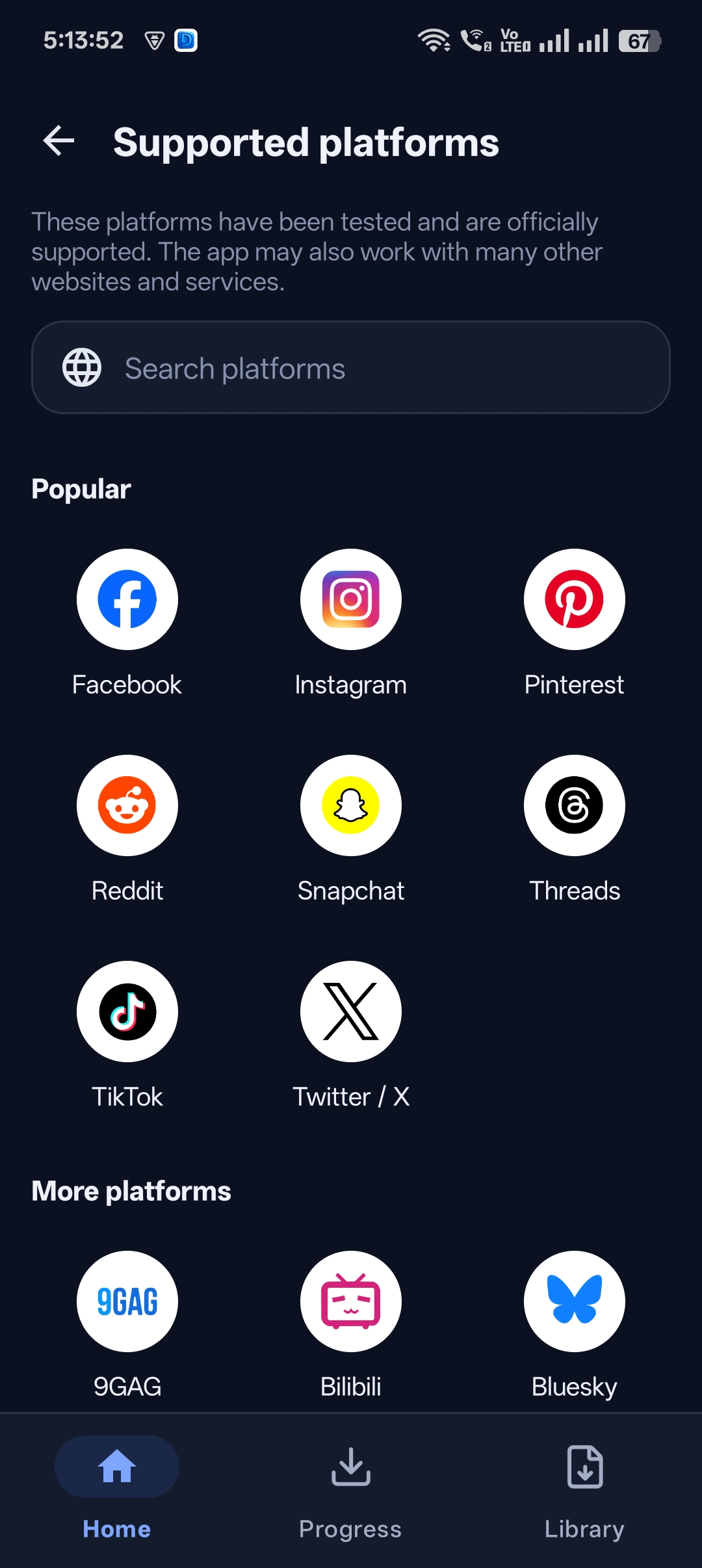
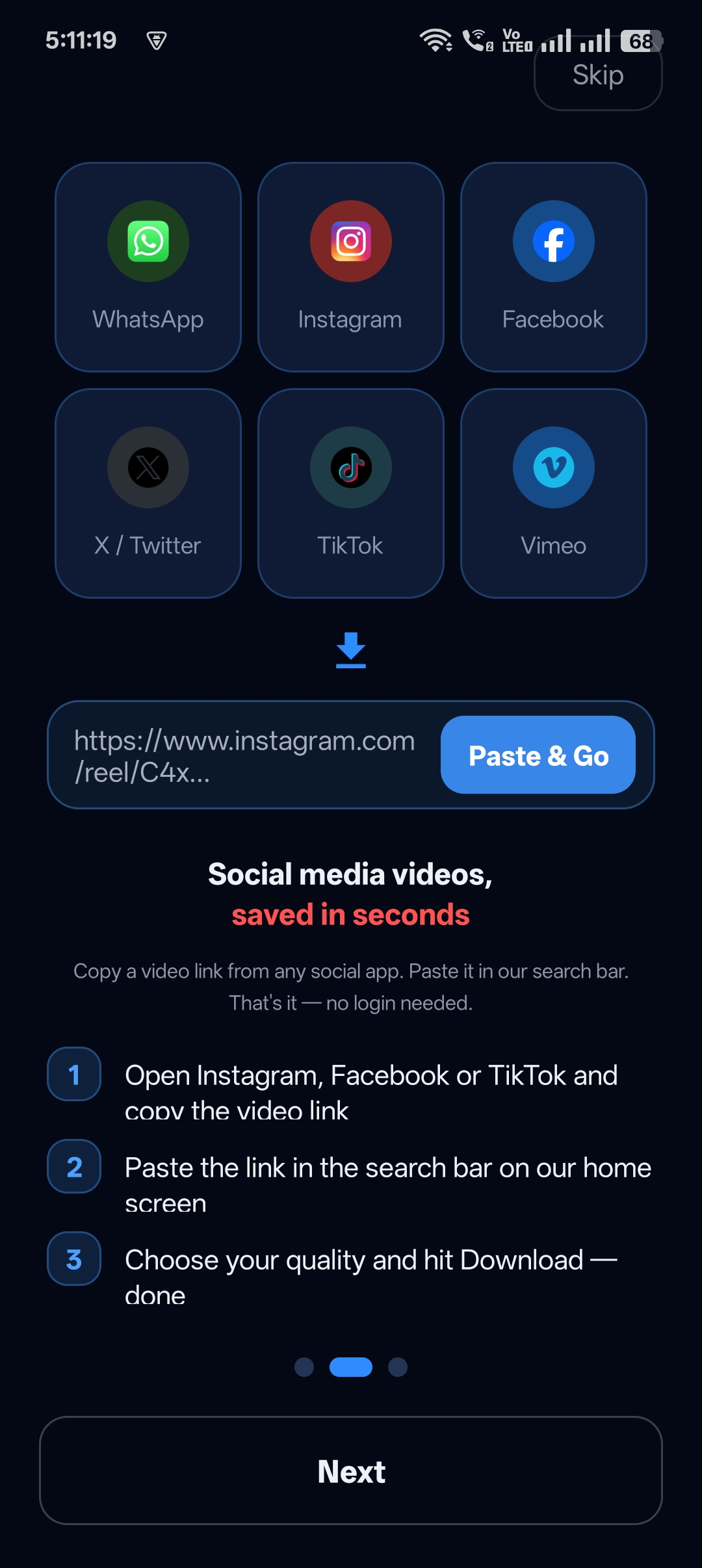
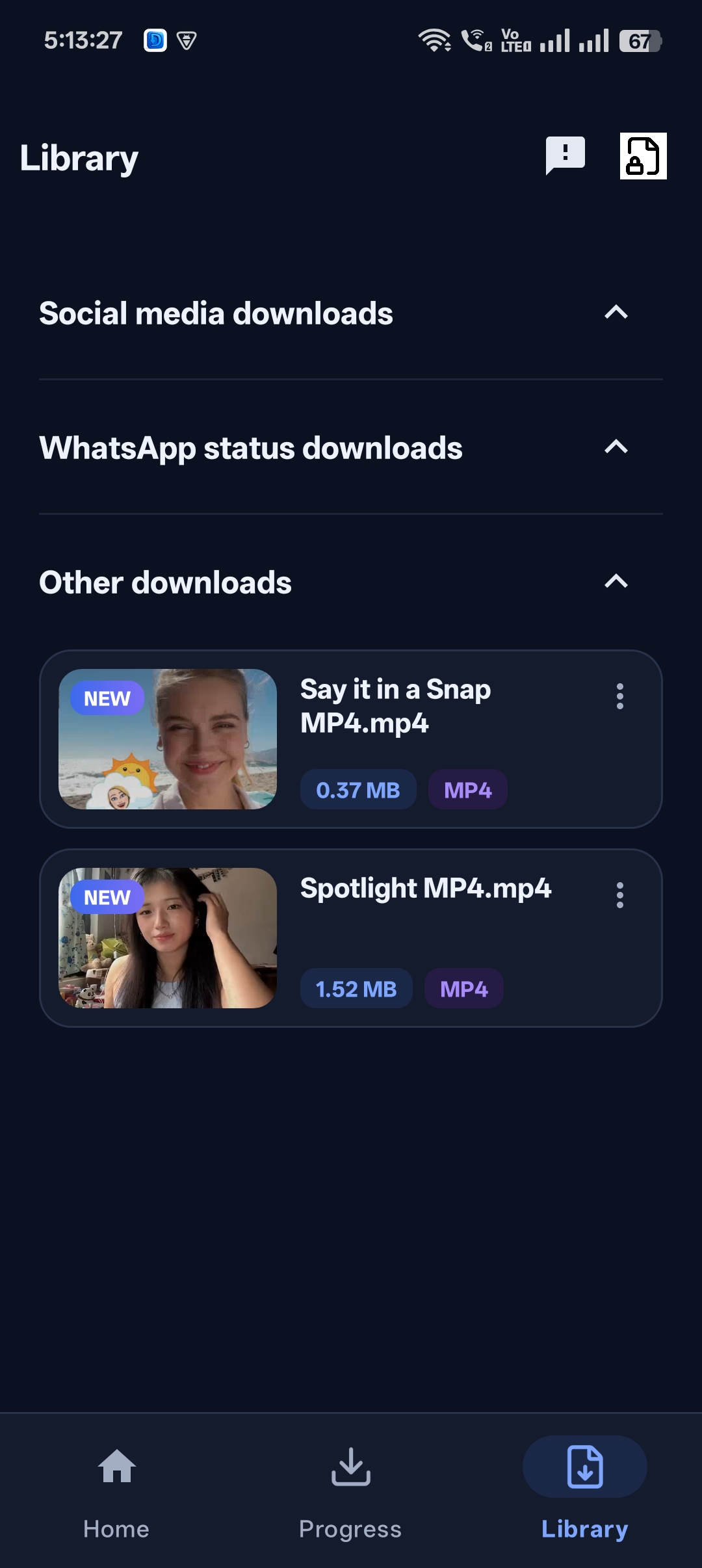
Nothing’s worse than a download that hits 90% and fails when your signal drops.
Universal Video Downloader is a fast video downloader built for mobile networks. Downloads are resumable — they survive network drops and continue where they stopped.
Quick answer: Install Universal Video Downloader from Google Play (Android). The iOS version is coming soon to the App Store. Paste a link and watch the speed in the Progress tab.
Android and iOS availability
| Platform | Status |
|---|---|
| Android | Available now on Google Play |
| iPhone / iPad (iOS) | Coming soon to the App Store |
What makes it fast
- Instant start — downloads begin as soon as the video is found.
- Resumable — survives network drops.
- Live progress — see size and speed in the Progress tab.
- Multiple downloads — queue several at once.
How to download videos fast
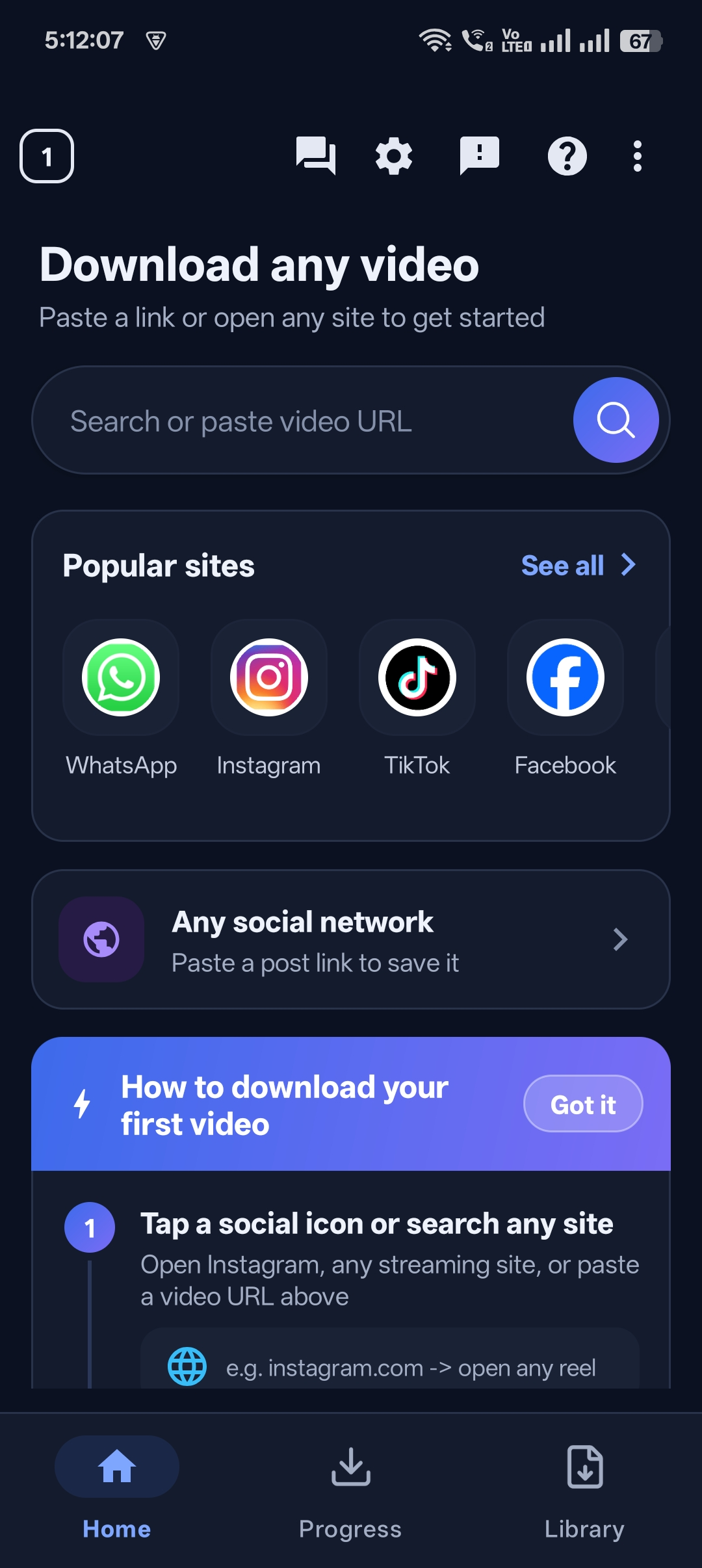
Step 1: Paste the link into Universal Video Downloader
Open the app. Paste the link into the Search or paste video URL box on the home screen and tap the search button.
Step 2: Watch the progress
Open the Progress tab to see the download speed and size. You can pause and resume.
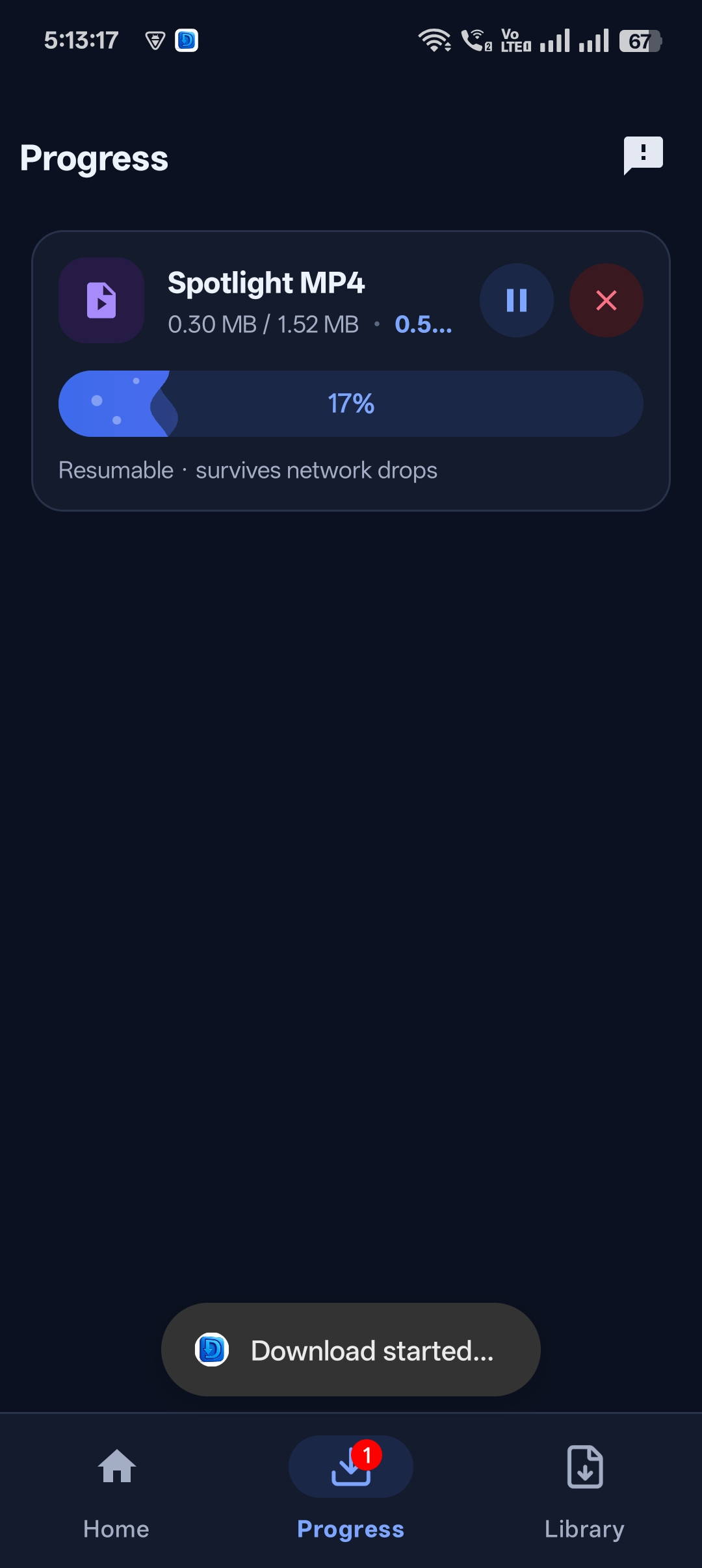
Step 3: Done in seconds
Short clips usually finish in a few seconds on a good connection.


Get Universal Video Downloader
Download videos from 3786+ websites in HD and keep private ones in a PIN-locked folder. Free on Google Play.
Get it on Google Play7 tips to download even faster
- Use Wi-Fi or 5G when possible.
- Close other apps that are streaming or downloading.
- Download one large video at a time.
- Keep enough free storage.
- Keep the app updated.
- Don’t switch off the screen during very large downloads.
- If a download stalls, pause and resume it.
Download responsibly
Universal Video Downloader works only with publicly available videos. Downloading for personal, offline viewing is generally fine, but re-uploading other people’s videos, removing credit or using them commercially without permission can break copyright law and platform rules.
Respect creators: only download content you own or have permission to use. This is general information, not legal advice.
Frequently asked questions
Is there an iOS version?
It’s coming soon to the App Store. Android is available now on Google Play.
What happens if my internet drops?
Downloads are resumable and continue when the connection returns.
Can I download multiple videos at once?
Yes. Each download appears in the Progress tab.
Why is my download slow?
Speed depends on your connection and the website’s server. Try Wi-Fi and fewer simultaneous downloads.
Conclusion
Fast, resumable and simple. Get Universal Video Downloader for Android today — the iOS version is on its way.
Related guides
Universal Video Downloader TeamWe build tools that make saving and enjoying online videos simple. Questions? Email help@universalvideodownloader.com.